
This article explores a fascinating historical aspect of Windows 95, specifically the behavior of its restart function when the Shift key was held down. It delves into the underlying technical architecture that made this unique quick-restart capability possible, showcasing Microsoft's ingenious design choices for a system that balanced legacy 16-bit applications with emerging 32-bit capabilities.
Unveiling the Ingenuity: Windows 95's Quick Restart Mechanism
The Fabled Shortcut of the Nineties: A Misunderstood Mastery
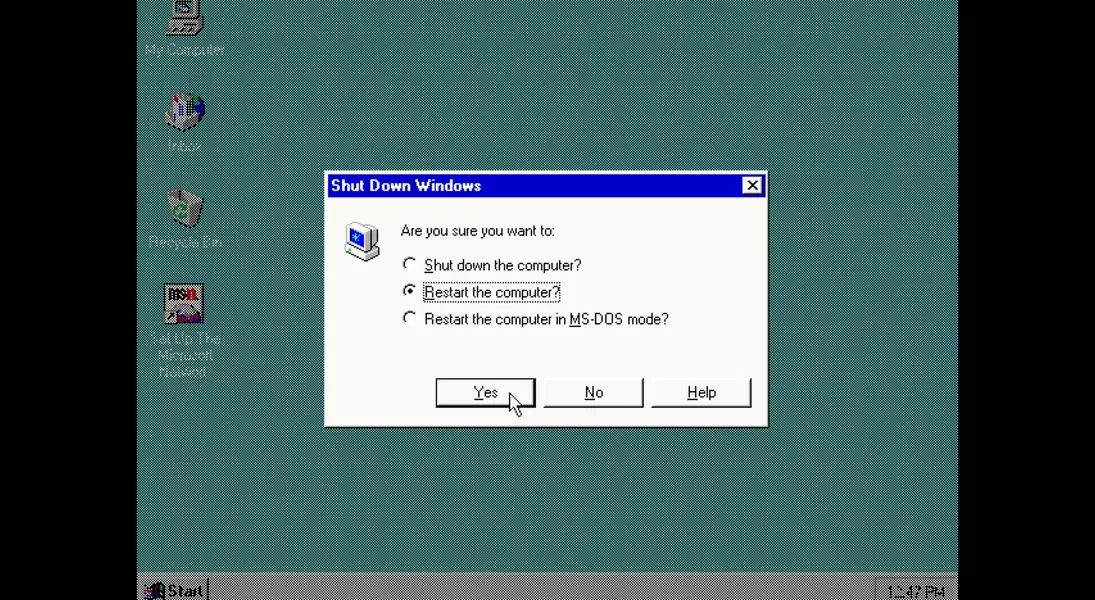
In the 1990s, many early computer users believed they had discovered a hidden secret within Windows 95: pressing the Shift key while initiating a restart would seemingly only refresh the operating system, rather than performing a complete system reboot. This article reveals that this was not merely a fortunate coincidence or a user-initiated "hack," but a deliberately engineered feature by Microsoft's software developers.
Beyond the Mystique: The Technical Foundation of Windows 95's Restart Logic
While some might have once attributed this quick restart to magical incantations, the reality was a sophisticated, purposeful design. Unlike a standard reboot in Windows 95, which would entirely power down and then restart the machine's hardware and clear all running processes, the Shift key variant offered a more targeted system refresh. Raymond Chen, through his "Old New Thing" blog, shed light on the intricate mechanisms driving this functionality.
The Dual-Mode Dance: How the Operating System Orchestrated a Soft Reboot
Chen detailed how holding the Shift key bypassed a full hardware reset. Instead, it triggered a sequence where the 16-bit Windows kernel would gracefully shut down, followed by the 32-bit virtual memory manager. The CPU would then revert to its "real mode," a basic 16-bit operational state. From this point, control was handed back to 'win.com' with a specific directive to re-launch the protected mode of Windows.
Reconstructing the Environment: The Internal Process of a Speedy Startup
The 'win.com' component then assumed responsibility. It would display the familiar "Please wait while Windows restarts…" message. Its task was to restore the system to a state akin to a fresh launch of 'win.com.' If all checks were successful, it would then jump to the code that re-initiated protected mode Windows. This process involved rebuilding the virtual machine manager and subsequently loading the graphical user interface, presenting the user with a seemingly seamless Windows restart without the need for a full hardware cycle.
The Evolution of Computing: From 16-bit Constraints to Modern Efficiency
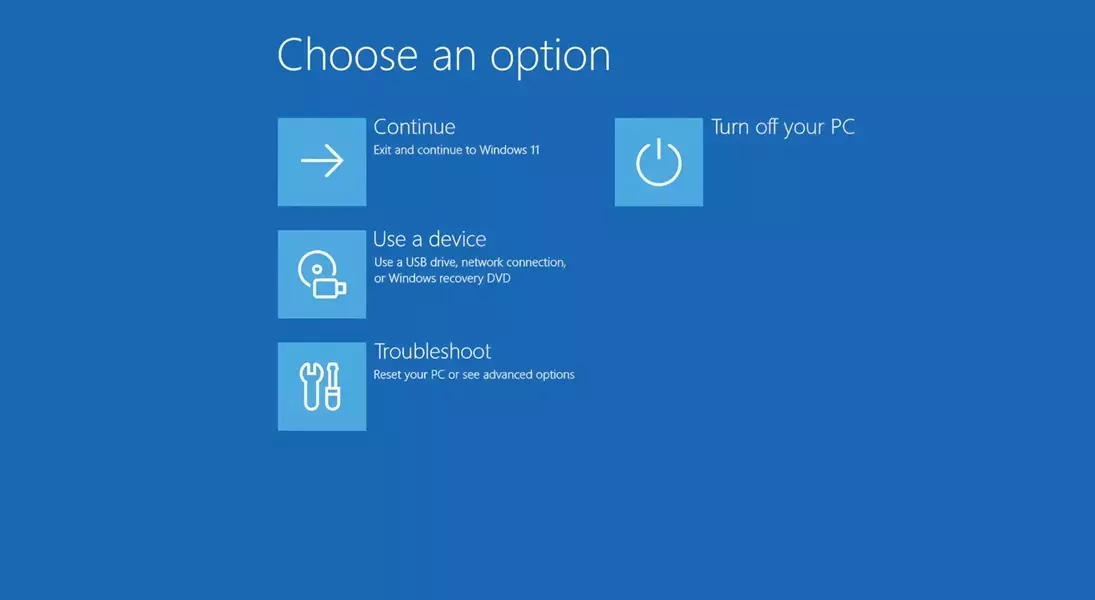
The distinction between real mode and protected mode was crucial in the Windows 95 era. Real mode provided fundamental 16-bit functionality, necessary for compatibility with older applications and hardware. Protected mode, in contrast, offered enhanced security and expanded memory management, becoming the standard operational state for modern Windows. The quick restart was a clever compromise, allowing for rapid system recovery while accommodating the transitional nature of computing at the time. Although not always flawless, often due to problematic device drivers of that period, this feature showcased innovative engineering. Today, with significantly faster hardware, such shortcuts are less impactful, but the legacy of ingenious design lives on in modern system utilities like the Windows Recovery Environment, accessed by holding Shift during a restart in Windows 10 or 11.
