Microsoft is introducing exciting new features to the Windows 11 Start menu and search functionality, offering users greater control and a more streamlined experience. This update includes a cleaner interface, improved result prioritization, and the much-anticipated option to disable web results, addressing long-standing user feedback.
Empowering Your Digital Workspace: A Fresh Perspective on Windows Search
A Refined User Interface for Enhanced Navigation
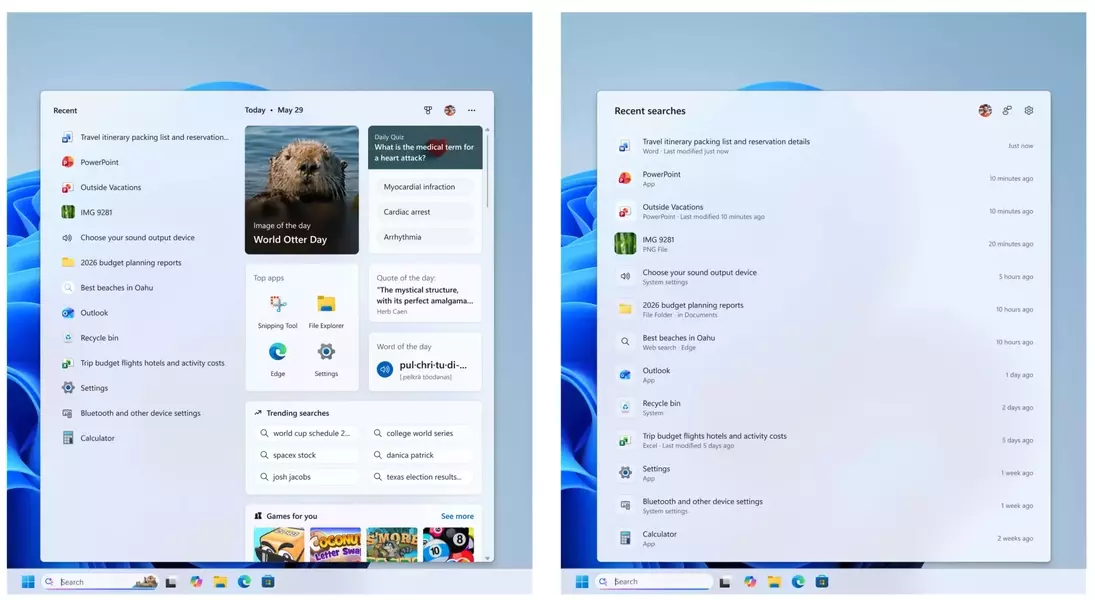
The latest enhancements to the Windows 11 Start menu search promise a more tranquil and intuitive experience. Users will notice a decluttered home screen and results that are presented with greater clarity, making it easier to find what you're looking for without unnecessary distractions.
Unveiling Precision: Improved Search Results
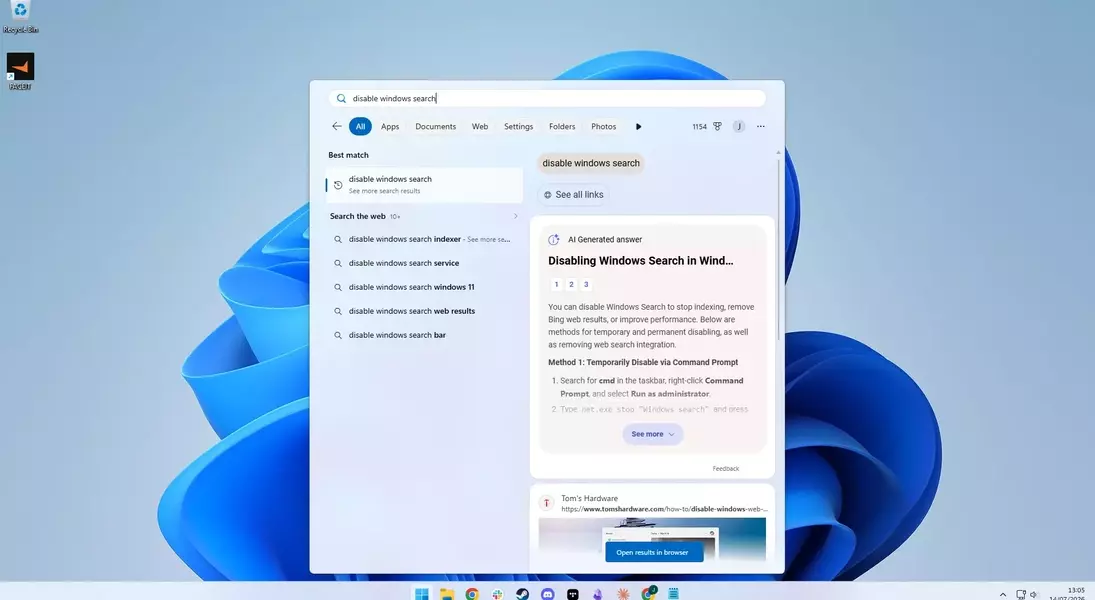
A core focus of this update is the improvement of search accuracy. Microsoft has implemented changes to ensure that local files and settings are given precedence when they are the most relevant match. Additionally, the system will actively avoid displaying promotional web content, providing a more focused search environment. Users will also gain the ability to choose whether web and Microsoft Store suggestions appear, giving them ultimate control over their search experience.
Boosting Efficiency: Reliable Performance and File Management
Beyond the visual and control-based improvements, the update also brings significant under-the-hood enhancements. General reliability is set to improve, leading to fewer issues and crashes. The system will be better at identifying and presenting the correct files, and a welcome change for many is the visibility of file extensions, offering more comprehensive file information at a glance.
Empowering Choice: Disabling Unwanted Web Results
Perhaps one of the most anticipated features is the option to disable web and app store results within the Start menu search. This addresses a common frustration for users who primarily use the Start menu for local searches and found web results to be an intrusive and often irrelevant addition. This new level of customization means users can tailor their search experience to their exact needs, without resorting to complex registry modifications.
A Glimpse into a User-Centric Future
These thoughtful improvements signal a positive direction for Windows 11. By prioritizing user control, streamlining the interface, and enhancing core functionalities like search, Microsoft is demonstrating a commitment to creating a more enjoyable and efficient operating system. As these updates become more widely available, they are poised to significantly improve the daily computing experience for many Windows users.