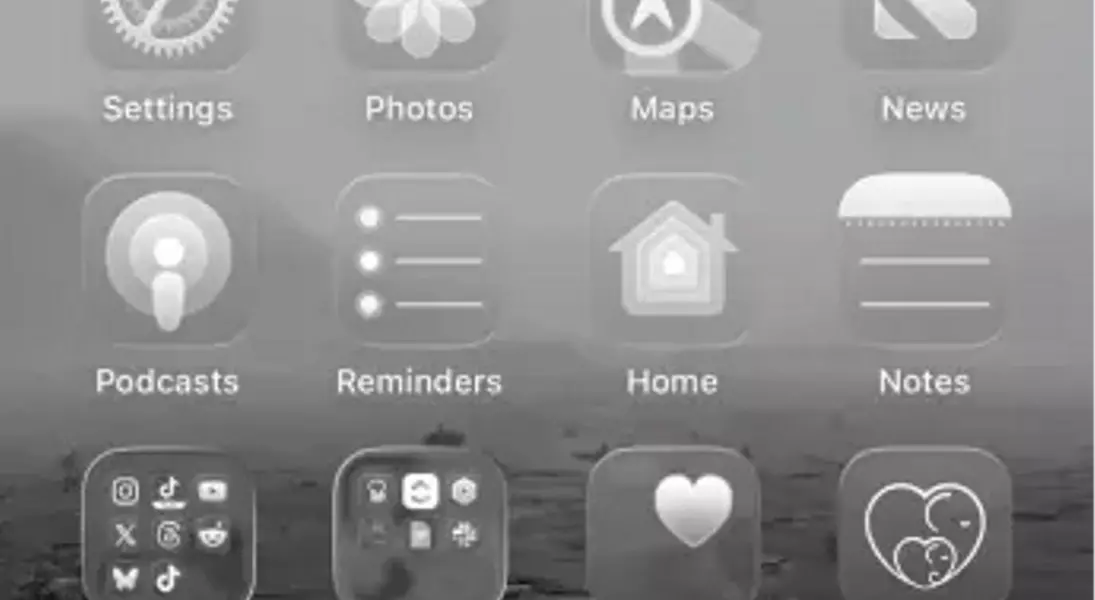
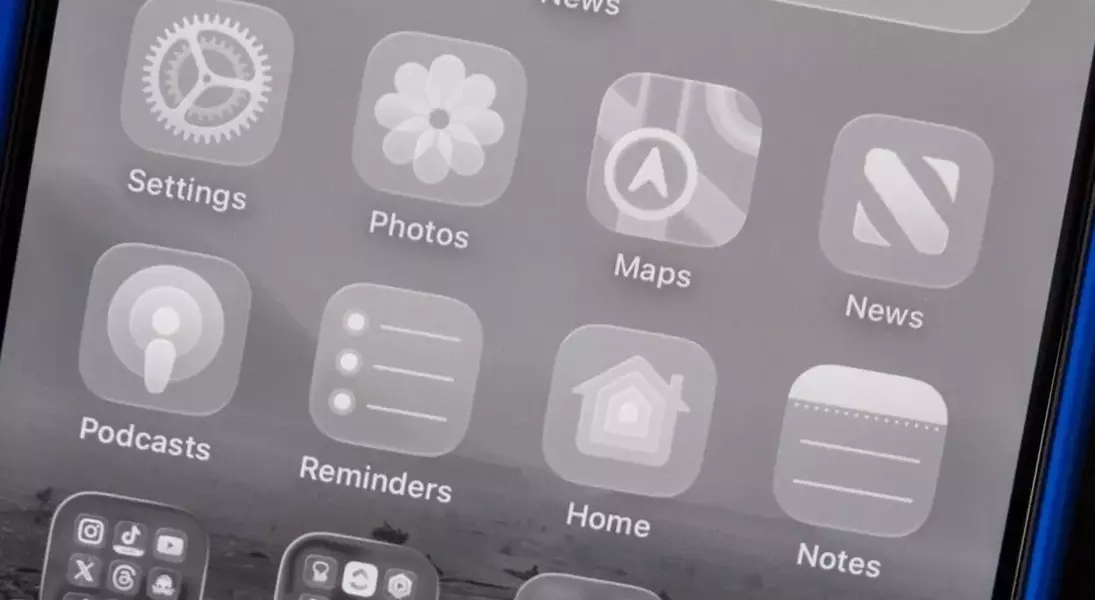


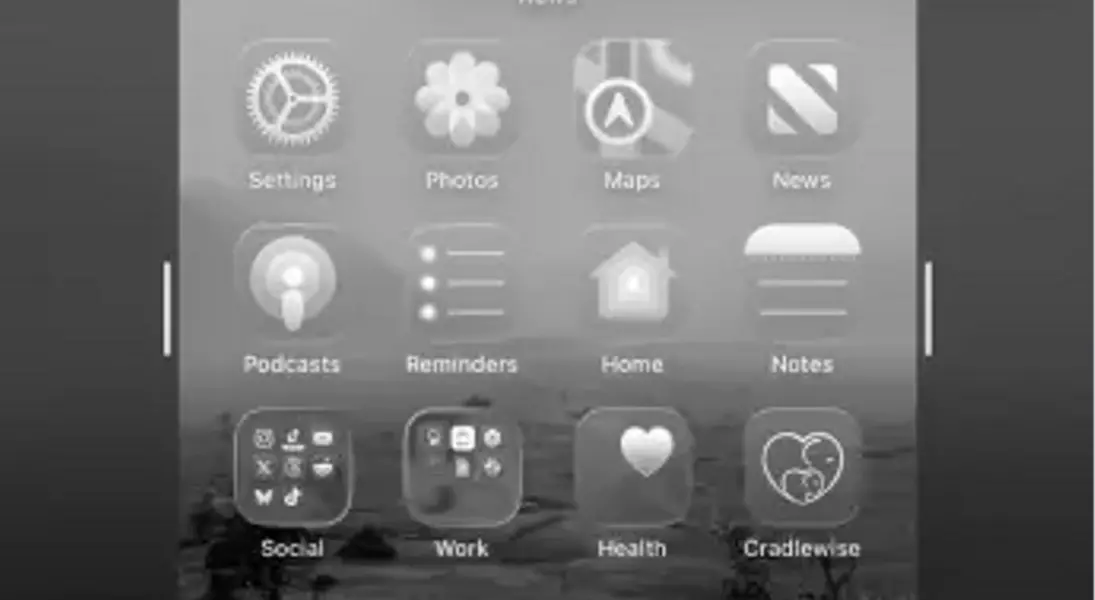
Apple is introducing a significant visual overhaul to its operating systems this fall with the impending release of iOS 26, marking a new chapter in its design philosophy. Termed “Liquid Glass,” this innovative approach aims to redefine the look and feel of iOS, macOS Tahoe, iPadOS, tvOS, and watchOS. The core concept behind Liquid Glass is to move beyond flat, minimalist designs by embracing visible layers and transparency. This means that interface elements, such as buttons and controls, are rendered with glass-like properties, allowing users to perceive what lies beneath them, much like looking through actual glass that bends and refracts light. This emphasis on depth and visual realism represents a notable evolution from Apple’s previous design iterations, even though the company has always incorporated subtle transparency effects. The public beta of iOS 26 is now available, offering a glimpse into this futuristic interface.
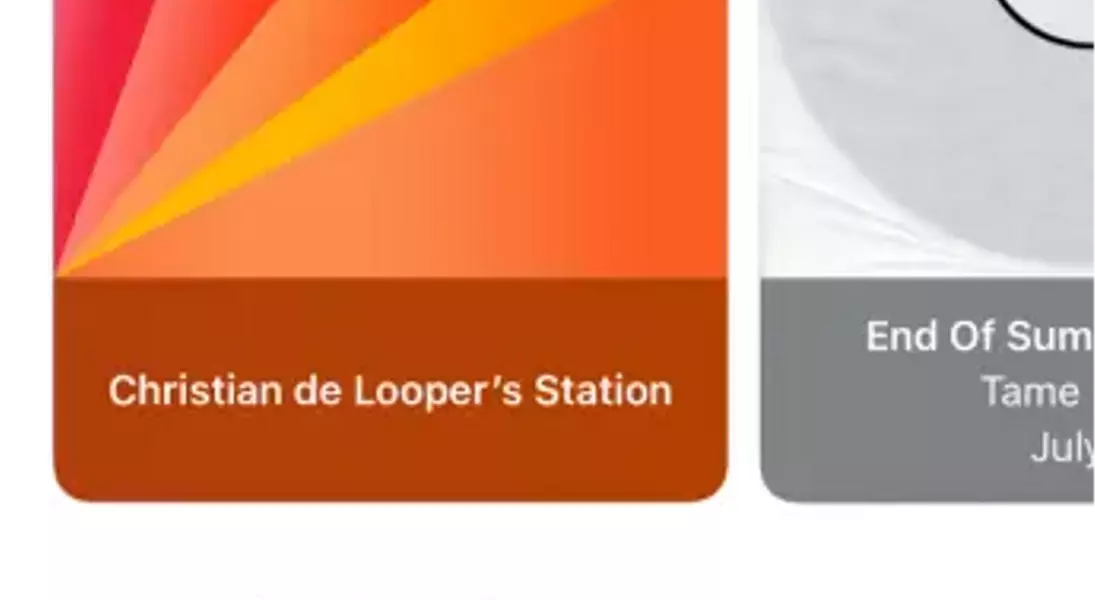
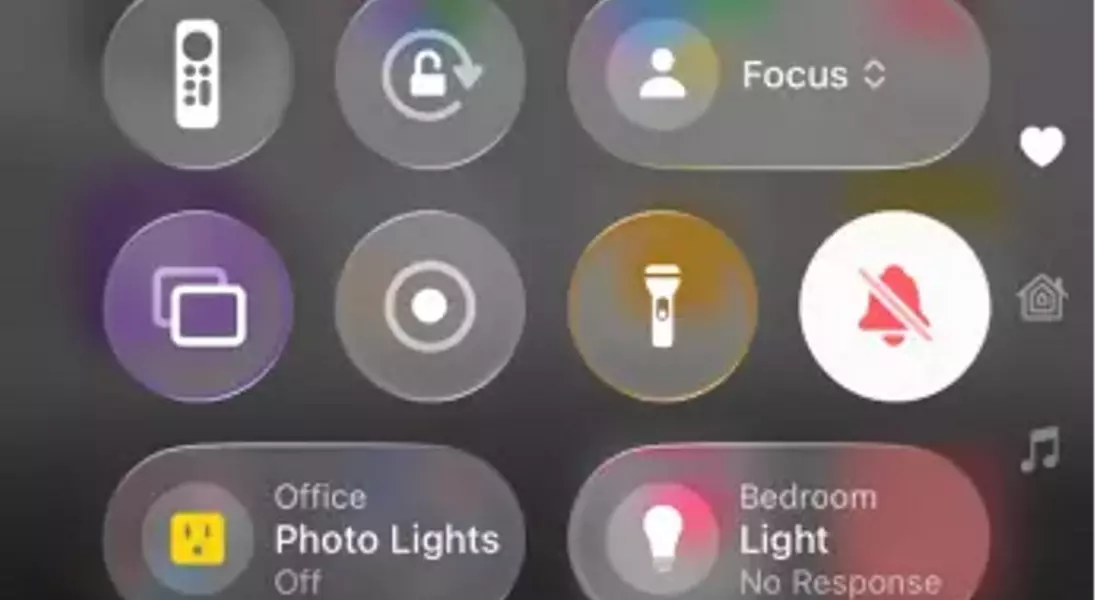
This new design manifests across various aspects of the user interface, notably in the redesign of common application controls. For instance, in native applications like Music and News, the traditional bottom-screen controls are transformed into a streamlined, pill-shaped element that dynamically minimizes as users scroll, maximizing screen real estate. The visual effect of items behind these controls appearing to bend and refract adds a sense of realism and sophistication. Another prominent example is the Control Center, which now showcases the home screen in the background through transparent layers, enhancing immersion across Apple’s diverse ecosystem. While the initial developer betas faced some criticism regarding visibility, particularly with Control Center elements, subsequent updates, including the public beta, have addressed these concerns by improving clarity. However, some users might still find issues with text readability against complex wallpapers, highlighting the ongoing refinement process. Apple’s commitment to personalization in iOS 26 allows users to adjust transparency levels within the Accessibility settings, ensuring a comfortable visual experience for everyone.
Beyond its aesthetic appeal, Liquid Glass also introduces a more efficient and adaptive interface. Many in-app controls, such as those found in Messages and News, are now designed to minimize or consolidate into single icons when not actively in use, thereby decluttering the screen and focusing attention on content. While this streamlining generally enhances usability, some users might find it leads to a slight learning curve, as certain functionalities, like advanced camera modes, become less immediately discoverable. The overall visual aspect of Liquid Glass is compelling, signaling a return to a design ethos where digital objects mimic physical ones, contributing to a smooth and intuitive user experience. Apple’s continuous refinement during the beta phase suggests that the final release of iOS 26 will offer a balanced and polished implementation of this ambitious design language, allowing users to customize the experience to their preferences and marking a forward-thinking step in mobile interface design.
Embracing innovation and forward progress, Apple's introduction of "Liquid Glass" in iOS 26 exemplifies the continuous pursuit of excellence in technology. This design evolution not only enhances user interaction with digital interfaces but also encourages us to envision a future where technology is seamlessly integrated into our lives, making complex systems feel intuitive and visually engaging. By allowing personalization, Apple empowers users to tailor their experience, fostering a sense of control and adaptability that reflects a positive and user-centric approach to technological advancement. This spirit of refinement and responsiveness to feedback, evident in the beta testing phase, underscores the importance of collaboration and iterative improvement in driving human progress through technology.
