In an era where digital content increasingly dominates, the future of purchased digital games remains a significant concern for many players. This guide offers insights into how leading gaming companies are addressing this challenge, providing pathways for users to retain access to their beloved virtual libraries across older console generations.
Your Digital Library Endures: Reclaiming Your Classic Game Collection
Revisiting Your Nintendo 3DS and DS Digital Collection
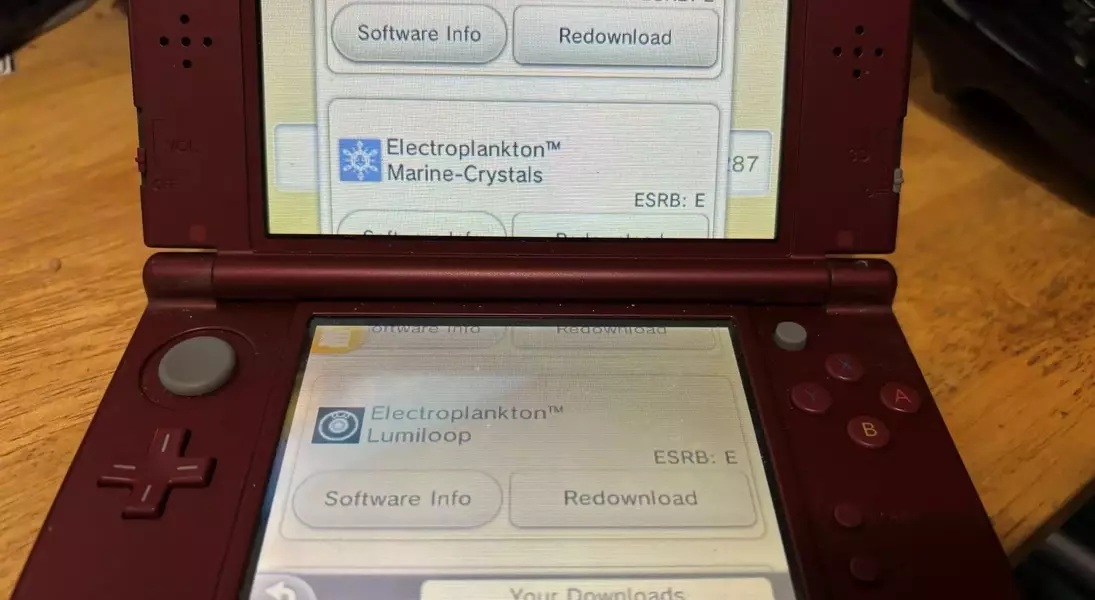
Despite the cessation of Nintendo 3DS production in 2020 and the closure of its eShop, owners of these handheld consoles can still access and re-download their previously acquired digital titles. This includes a vast array of full retail releases and exclusive indie games. To retrieve these games, users need to navigate to the Nintendo eShop, select 'Settings / Other', proceed to the 'Functions' menu, and finally, under the 'History' section, choose 'Redownloadable Software'. This process lists both 3DS and original DS games, though it requires individual selection, which can be time-consuming for extensive collections.
Managing Your Wii U Digital Downloads
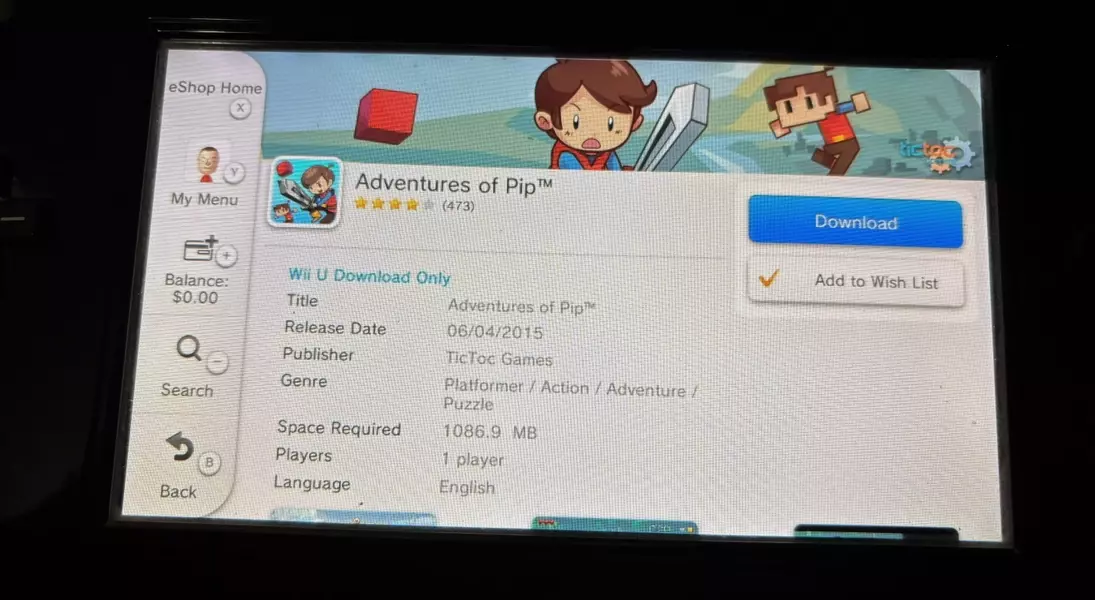
The Nintendo Wii U platform also allows for the re-downloading of digital games, with a slightly different procedure compared to the 3DS. From the Wii U's home screen, users should access the Nintendo eShop, then tap 'My Menu' or press 'Y', and select 'Your Downloads'. From there, choosing 'Downloaded Software' will reveal a list of titles available for re-download. A crucial point for Wii U owners is the 300-game limit per device; users with larger libraries may need to utilize multiple external hard drives and maintain an organized system to manage their extensive game collections effectively.
Accessing Your Original Wii Games Through the Wii U
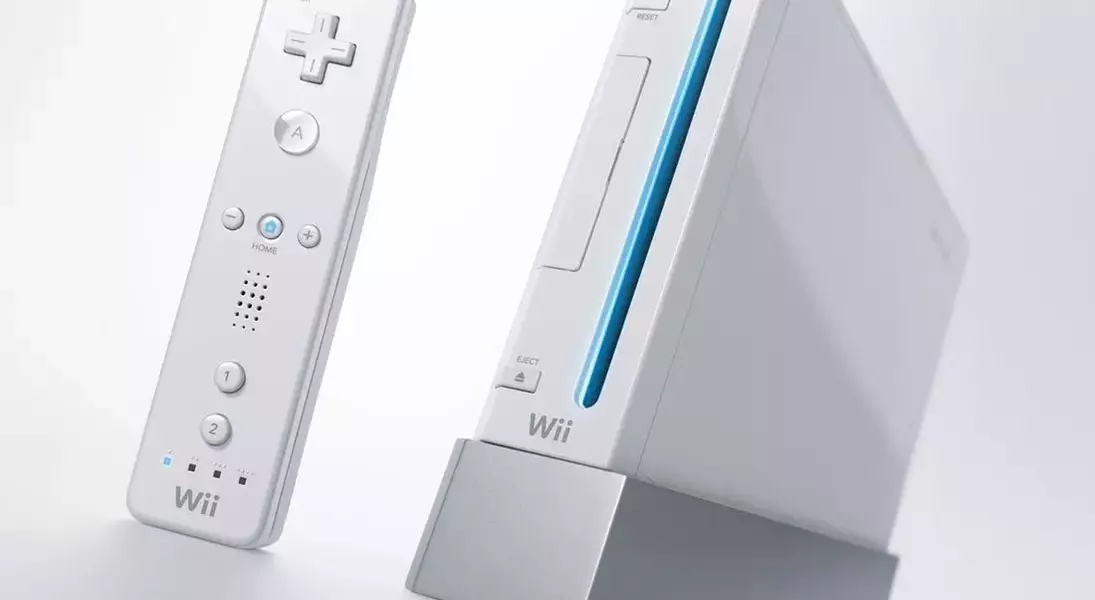
For those looking to retrieve their original Wii digital games, the Wii U serves as the gateway. These games can be installed onto an SD card inserted into the Wii U. The process involves entering the Wii Menu via the Wii U, selecting the 'Wii Shop Channel', choosing 'Start Shopping', and then navigating to 'Titles You’ve Downloaded'. Users might face connectivity challenges with newer router configurations, as the Wii firmware supports specific older security protocols. Adjusting router settings or using a wired connection might be necessary to overcome these technical hurdles.
Downloading Xbox 360 Titles on Modern and Classic Consoles
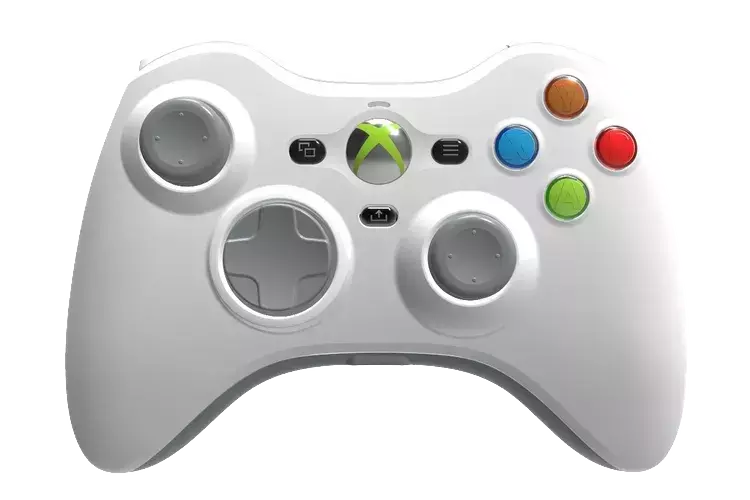
Many Xbox 360 digital titles, with the exception of the now-delisted Xbox Live Indie Games, are still accessible on both Xbox Series X and the original Xbox 360 hardware. To play these games, users must sign into the Xbox Live account associated with their purchases. Connection issues with newer routers can sometimes affect signing into Xbox Live; a wired connection or refreshing the Xbox Live account profile might resolve these problems. Once logged in, users can go to 'Settings', select 'Account', and then 'Download History' to view and re-download all purchased content, including older Xbox Live Indie Games.
The Enduring Legacy of Digital Game Ownership
The gaming industry is steadily moving towards a digital-first future, a shift that has sparked concerns among players about game ownership and accessibility. Despite these anxieties, major platform holders like Sony, Nintendo, and Microsoft have demonstrated a commitment to ensuring that players can continue to access their previously purchased digital content, even as older storefronts close or physical media phases out. While the processes for re-downloading games may vary and sometimes present technical inconveniences, the ability to recover these digital assets underscores a foundational principle of consumer rights in the evolving landscape of digital entertainment. This commitment, for now, offers a silver lining for collectors and casual players alike, allowing them to preserve and enjoy their cherished game libraries.
