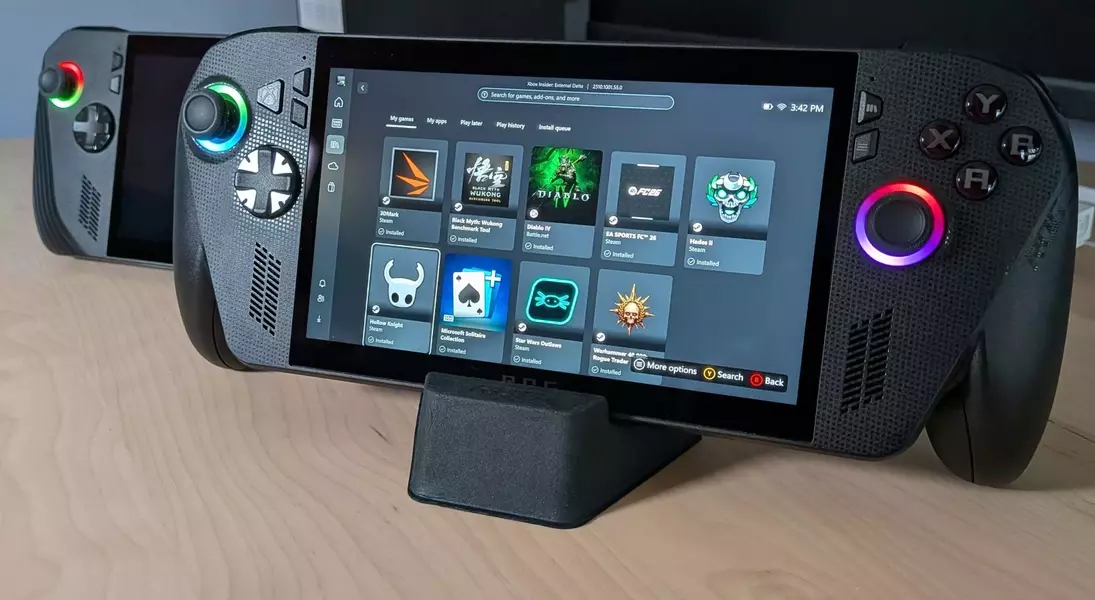
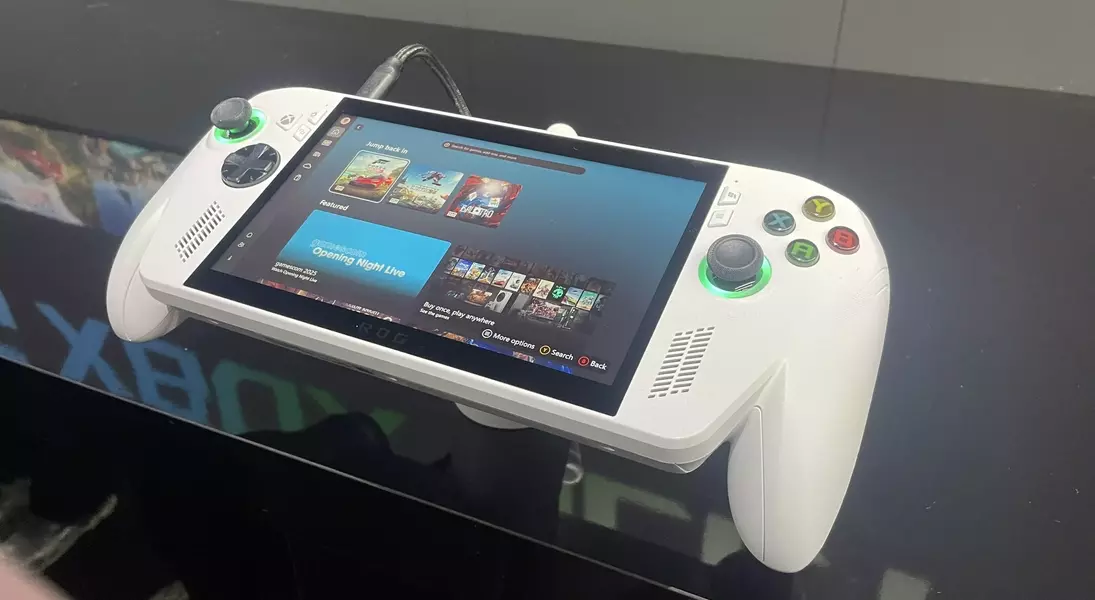
Microsoft's Full Screen Experience (FSE), originally conceived for specific portable gaming systems, is now making its way to a broader spectrum of Windows 11 computers. This expansion includes standard laptops, desktops, and tablets, promising a more integrated, console-like gaming environment tailored for PC users.
Elevating PC Gaming: A Console-Inspired Interface for All Windows 11 Devices
From Handhelds to Desktops: The Evolution of Xbox Full Screen Experience
Initially launched for handheld gaming devices like the ROG Ally series, the Xbox Full Screen Experience aimed to provide a seamless, controller-centric user interface. Its debut on the ROG Ally X garnered positive feedback for its fluid navigation and ability to aggregate games from diverse digital storefronts, offering a departure from the conventional Windows desktop. This success prompted Microsoft to consider a wider deployment of the feature.
Activating the Immersive Interface on Your PC
For Windows Insider Preview participants running Build 26220.7271, the Full Screen Experience can be activated by pressing Win + F11, then selecting the Xbox FSE option via the Task View icon or Win + Tab shortcut. This essentially creates a dedicated virtual desktop for gaming, mirroring its functionality on handheld devices. However, the rollout is gradual, meaning not all eligible users will receive it simultaneously.
Challenges with Early Adoption and Compatibility
Attempts to implement FSE on non-officially supported devices, such as the Legion Go S or other tablets and laptops, have met with mixed results. Issues like misconfigured controls have been reported, suggesting that unofficial workarounds may not provide a fully optimized experience. Despite these hurdles, MSI has confirmed official support for Xbox FSE across its Claw device lineup, offering a more reliable integration for those specific models.
Considering the Broader Impact: FSE for Non-Handheld Devices
The true benefit of Xbox FSE for traditional PC setups is still being evaluated. While it offers a controller-friendly, immersive interface, particularly appealing for couch gaming scenarios when a PC is connected to a television, its practical value for desk-bound gamers using a mouse and keyboard is less clear. Microsoft emphasizes its controller-first design, enabling effortless browsing and launching of games from various libraries with quick transitions between applications.
A Step Towards Unified Gaming: Microsoft's Vision for PC and Console Integration
Despite questions about its universal appeal, the Xbox Full Screen Experience represents a significant step in Microsoft's strategy to unify gaming across different platforms. By bringing a console-like UI to Windows, Microsoft appears to be taking cues from successful initiatives like SteamOS, aiming to enhance the overall gaming experience for a diverse user base. The ongoing gradual rollout suggests a cautious but determined effort to refine and expand this feature.
