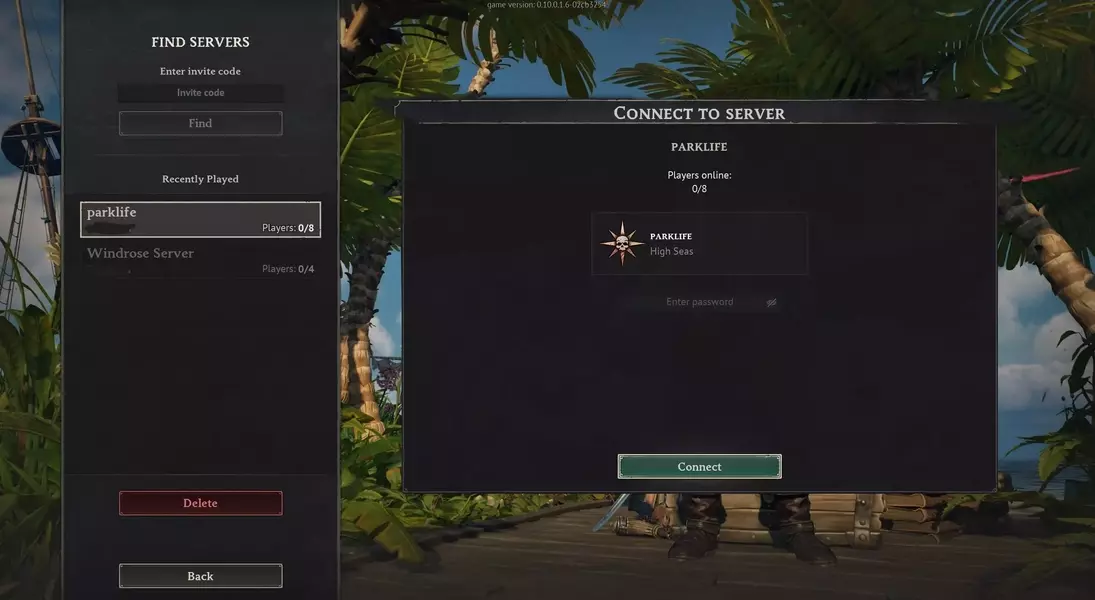

Embarking on an extensive piratical journey in Windrose, especially with companions, necessitates a continuously operational server to ensure uninterrupted gameplay and shared experiences. This setup allows players to construct their ideal pirate strongholds, outfit their vessels, and advance through the game's expansive skill system at their leisure. Establishing a dedicated server is key to this persistent world, where customization through administrator controls would typically play a crucial role.
Currently, the early access version of Windrose does not offer in-game administrator commands, which somewhat restricts direct server management. Despite this limitation, enthusiasts can still host their own servers without incurring costs from official providers like Nitrado by utilizing their personal computers or Network Attached Storage (NAS) devices. However, this option comes with its own set of challenges, including the server's Windows-only compatibility necessitating workarounds for Linux users, frequent startup failures, unclear instructions for client-server connections, and high CPU usage even when no players are active. These technical hurdles indicate that comprehensive troubleshooting may be required for those choosing self-hosting.
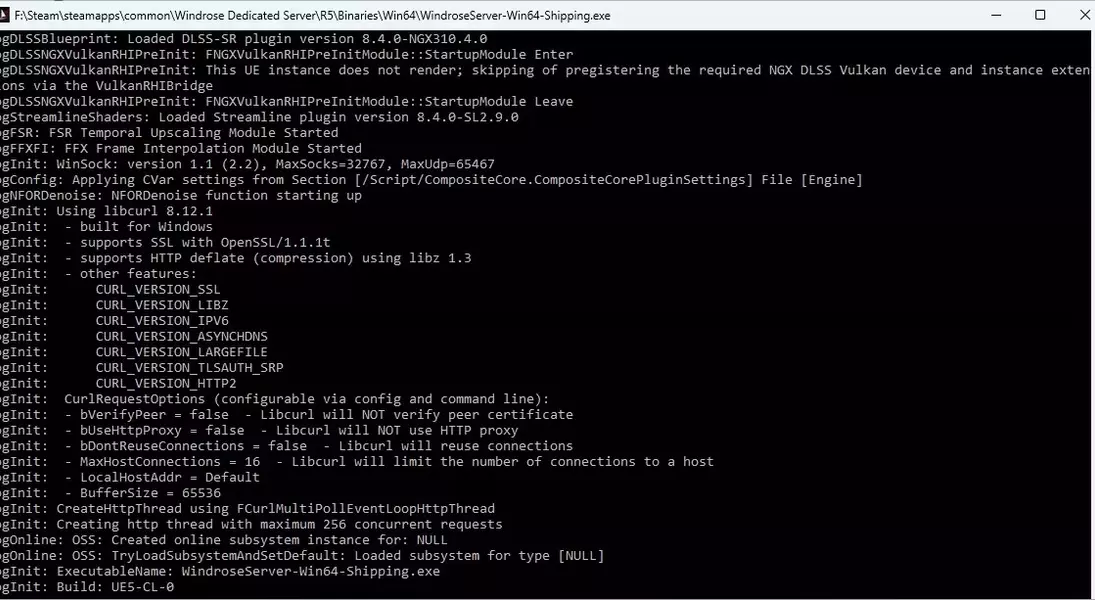
To navigate these issues and configure a Windrose dedicated server, players should begin by installing the "Windrose Dedicated Server" tool from their Steam library. After a preliminary launch using 'StartServerForeground.bat' to generate essential files and view diagnostic logs, server settings can be modified. Key configuration adjustments are made within 'ServerDescription.json' and 'WorldDescription.json' files. In 'ServerDescription.json', players can define an invite code, establish password protection, set a custom server name, and specify the maximum player capacity. The 'WorldDescription.json' file allows for naming the world and adjusting difficulty presets or individual game parameters such as enemy health, damage, and boarding difficulty, alongside cooperative play settings. These manual configurations are vital for tailoring the gameplay experience until more integrated administrative tools become available in future early access updates.
Embracing the spirit of innovation and adaptability, the gaming community often finds creative ways to enhance their experiences even when official tools are still in development. Overcoming technical challenges not only deepens understanding of the game's mechanics but also fosters a stronger, more engaged community. As Windrose continues its early access journey, the proactive engagement of players in configuring their game worlds contributes significantly to its evolution, paving the way for a more robust and feature-rich experience for all future buccaneers.
