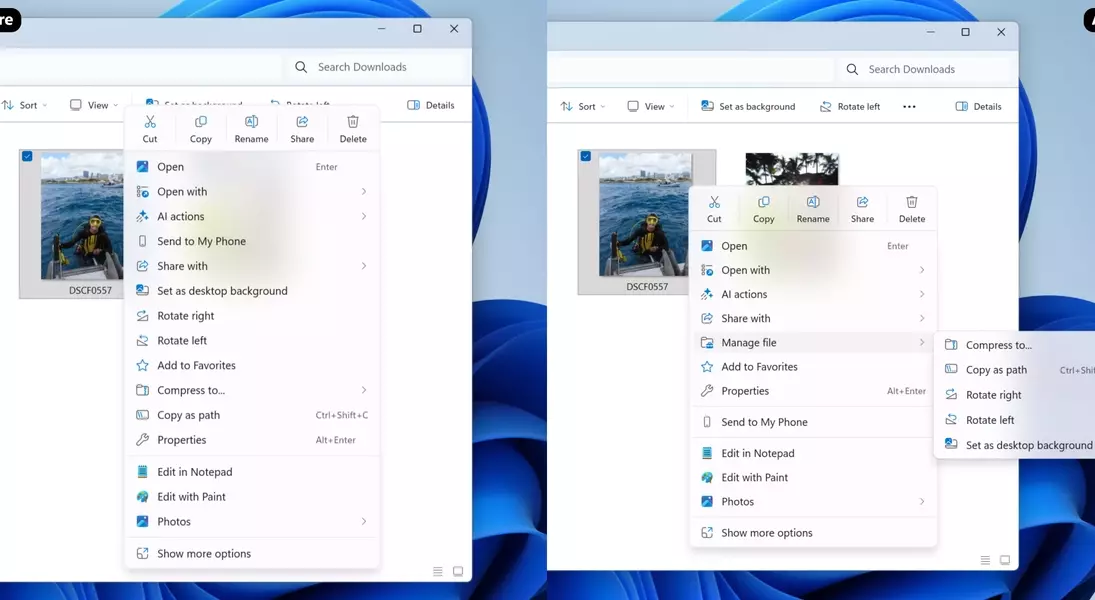

Microsoft's latest Windows Insider beta update, released on November 21st, brought with it a series of new features and fixes. Among these, the introduction of a full-screen Xbox experience for laptops and desktops stood out, but it was the changes to File Explorer that truly captured attention. Microsoft's decision to preload File Explorer in the background to enhance its launch performance has sparked a debate among users and critics alike. This article delves into the implications of this change and explores the growing trend of Windows users seeking more efficient and feature-rich alternative file management solutions.
Microsoft's official blog post explained the rationale behind preloading File Explorer, stating it was intended to improve launch performance without being noticeable to the user, apart from a quicker start. This feature can be disabled by users who prefer not to have it running in the background. This approach echoes a similar strategy adopted earlier this year for Microsoft Office, where a 'Startup Boost' feature was implemented to preload components of applications like Word for faster access. While the intent is to enhance speed, some observers, including technology writer Tom Warren from The Verge, have expressed skepticism, questioning why core applications like Word and File Explorer have become so resource-intensive that they necessitate background preloading. This development inadvertently highlights a broader concern among the tech community regarding the increasing 'bloat' of Windows applications and has contributed to the rising popularity of 'debloating' Windows 11 as a common practice among developers.
For many years, the author has observed that while File Explorer's initial launch speed rarely presented an issue, its performance often faltered when dealing with tasks like loading thumbnails for folders containing numerous photos or videos. This bottleneck persisted even on high-performance systems equipped with modern CPUs and fast NVMe SSDs. The recent announcement from Microsoft, which focuses solely on improving the application's launch time without addressing general performance, has served as a catalyst for the author to finally transition away from the default File Explorer. This decision is driven by a desire to explore alternative file managers that promise a more fluid and efficient user experience, acknowledging that the native tool's limitations have long been a source of frustration.
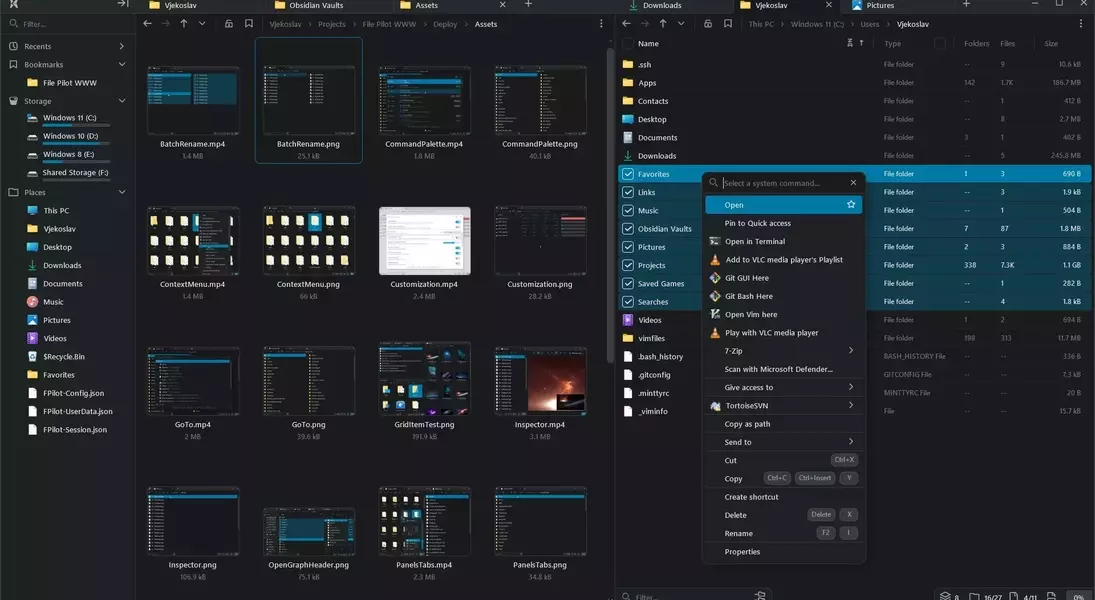
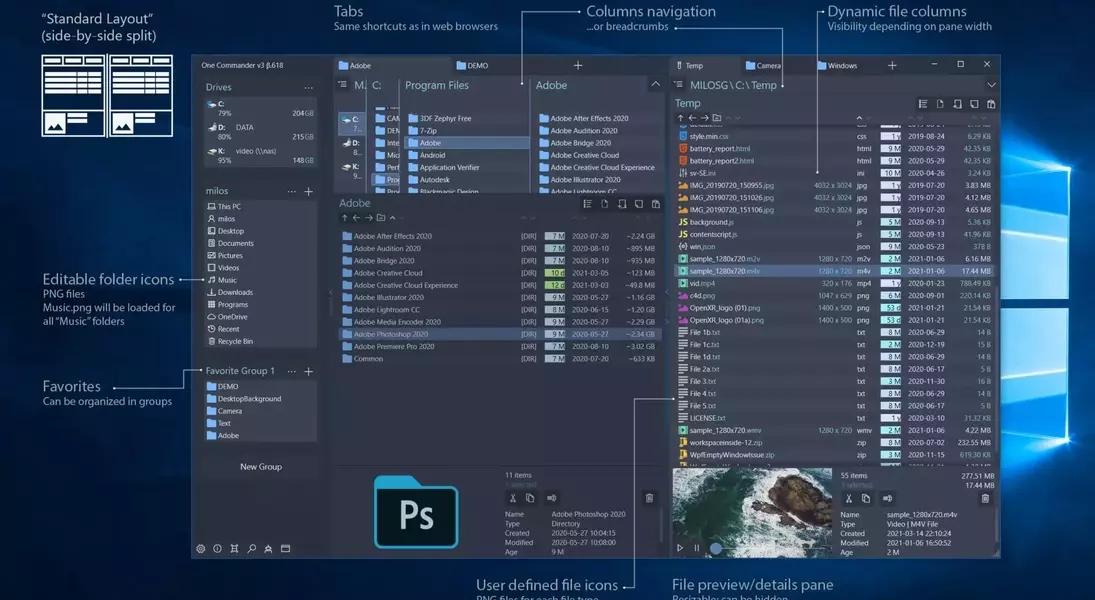
The current landscape of file management offers a diverse array of alternatives to Microsoft's native solution, each vying to deliver a superior user experience. Among the most prominent options being considered is 'Files,' a free and open-source application available on GitHub and the Microsoft Store. This alternative not only incorporates the tabbed browsing feature found in Windows 11's File Explorer but also introduces a host of advanced functionalities. These include file tagging, customizable themes, a dual-pane view for streamlined file operations, and integrated content previews. Although some users have reported performance issues with 'Files,' its continuous development and frequent updates suggest ongoing improvements. Another notable contender is 'OneCommander,' which provides a comprehensive suite of features comparable to 'Files,' alongside unique power-user capabilities such as automatic text file creation from copied text and direct video downloads from links. 'OneCommander' is available for free for personal use, with a commercial license offered at a one-time cost. Additionally, 'File Pilot,' currently in beta, is gaining traction for its promise of being lightweight and fast, despite offering many of the same advanced features as its counterparts. However, its pricing model, which charges for annual updates, makes it a less appealing option compared to the robust free alternatives available.
As Microsoft increasingly prioritizes flashy AI features, the everyday Windows user experience appears to be diverging from the preferences of many. This shift compels users to actively seek out alternative software solutions that offer a more tailored and efficient computing environment. The long-standing dissatisfaction with File Explorer, now exacerbated by Microsoft's latest updates, underscores the need for users to take initiative in finding superior tools. Fortunately, the market is rich with free and open-source options that often surpass the capabilities of proprietary software from multi-trillion-dollar corporations. This movement towards alternative software is not merely a search for different tools but a conscious effort to reclaim control over the computing experience, demonstrating a growing desire for performance, functionality, and user-centric design.
