Microsoft is revolutionizing the Windows 11 experience with a series of new artificial intelligence functionalities, designed to enhance user interaction and streamline daily computing tasks. This major update integrates advanced AI capabilities directly into the operating system, making your PC more intuitive and responsive than ever before.
Unlock the Future: Windows 11's AI Evolution Redefines Digital Interaction!
Revolutionary Screen Analysis with Copilot Vision: A New Era of Interaction
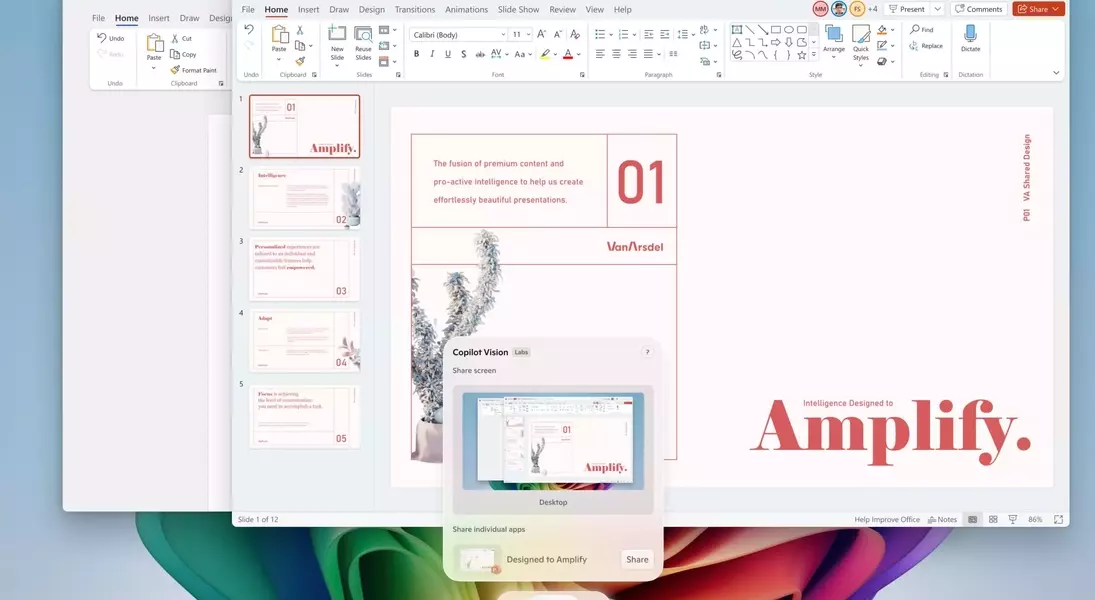
A groundbreaking feature arriving for all Windows 11 users is Copilot Vision, accessible through the Copilot application. This innovative tool leverages artificial intelligence to meticulously analyze the content displayed on your screen. Users can now engage in natural language conversations with Copilot, posing questions about open applications and webpages or seeking assistance with computer-based tasks, such as optimizing photo lighting. This marks a significant expansion of a feature that Microsoft initiated testing in a more restricted form during the previous year.
Enhanced AI Assistance for Copilot Plus PCs: Streamlined System Control
For individuals utilizing Snapdragon-powered Copilot Plus PCs, an advanced AI-driven assistant is now integrated directly into the Settings application. This intelligent agent empowers users to locate specific settings using conversational language, for instance, by inquiring about "enabling quiet hours" or "connecting a Bluetooth device." Should the assistant be capable of executing the requested action, it will promptly offer to complete it on behalf of the user, simplifying system management.
“Click to Do” Takes a Leap Forward: Boosted Productivity for Advanced Users
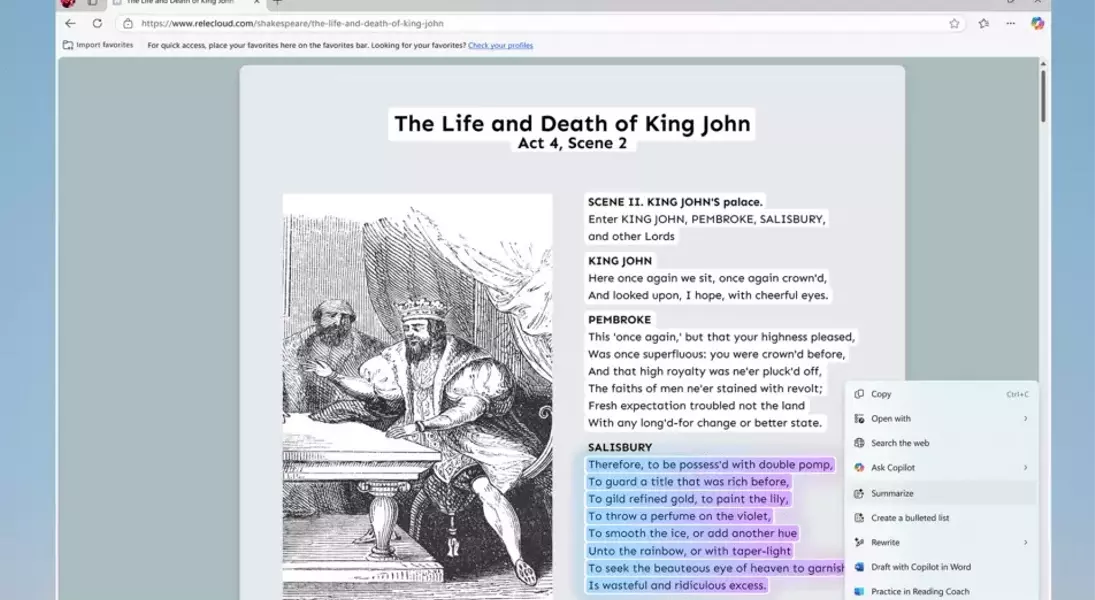
Microsoft is also significantly enhancing its AI-powered “Click to Do” preview on Copilot Plus PCs. This feature, activated by holding the Windows key and left-clicking on various on-screen elements like applications, text, or websites, is designed for rapid task completion. The update introduces a multitude of new actions that can be performed using “Click to Do,” including improving reading fluency with the Reading Coach, drafting documents in Microsoft Word using Copilot's assistance, and scheduling Microsoft Teams meetings seamlessly.
Advanced Creative and Utility Tools Exclusively for Copilot Plus PCs
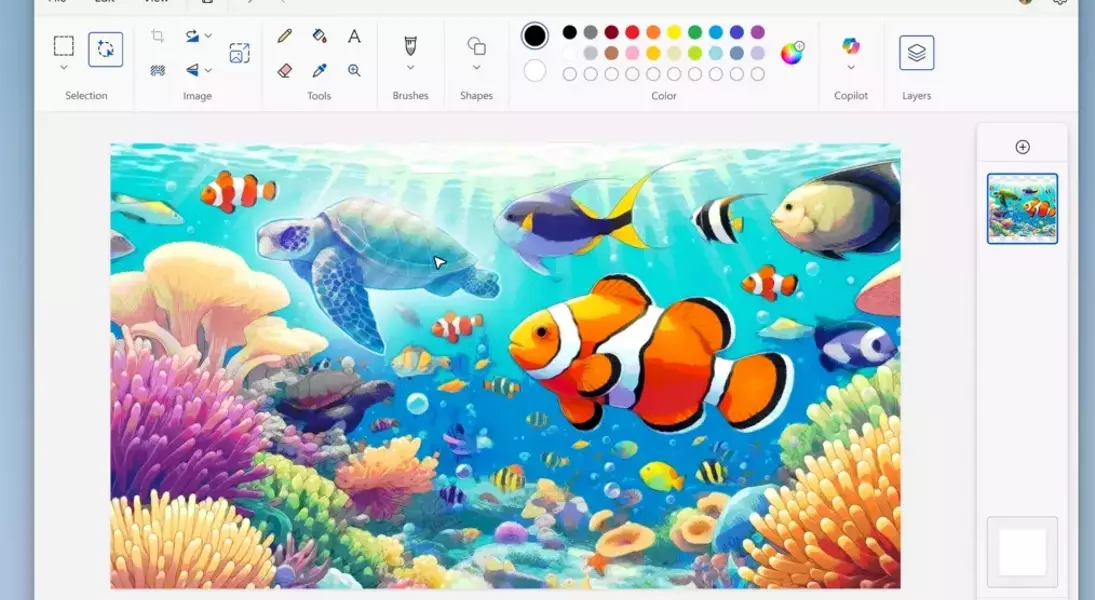
Further exclusive enhancements for Copilot Plus PC owners include a sophisticated AI-powered sticker generator within the Paint application, along with an object selection tool that allows for precise isolation and manipulation of specific image elements. The Photos app also gains a new AI lighting adjustment option for Snapdragon-equipped devices. Additionally, the Snipping Tool is upgraded with a “perfect screenshot” feature, employing AI to ensure precise content capture from the screen, offering unprecedented control and quality in image snipping.
Beyond AI: General System Improvements and Release Schedule
In addition to the extensive AI suite, Microsoft is rolling out other non-AI-related features to all Windows 11 PCs. These include a practical color picker integrated into the Snipping Tool and an innovative mechanism designed to automatically resolve issues causing unexpected system restarts. Microsoft has indicated that these features will be progressively released over the upcoming month, with some already available through Windows' latest non-security preview update and via downloads from the Microsoft Store.
