
Valve has initiated a beta test for a refreshed Steam store interface, a move that promises to refine the platform's aesthetic and functional aspects. This overhaul emphasizes a more integrated design, improved game discoverability, and the utilization of higher-resolution visuals. The changes are intended to enhance how users explore and engage with new games, presenting information in a clearer, more dynamic format. The beta program will determine the timeline for a public rollout, indicating Valve's commitment to user feedback in its development process.
Details of the Revamped Steam Storefront
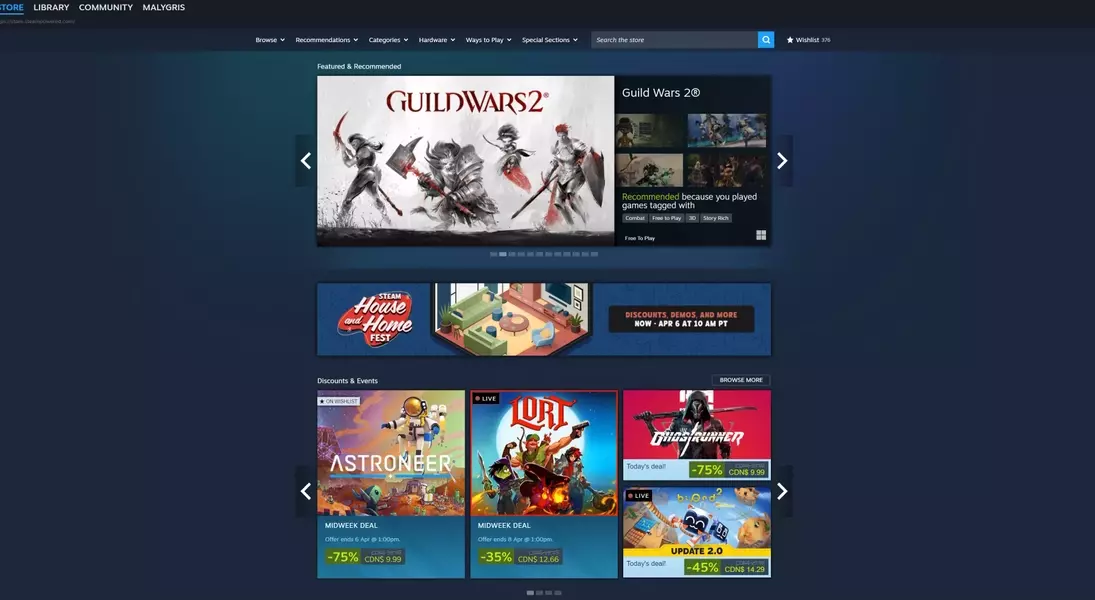
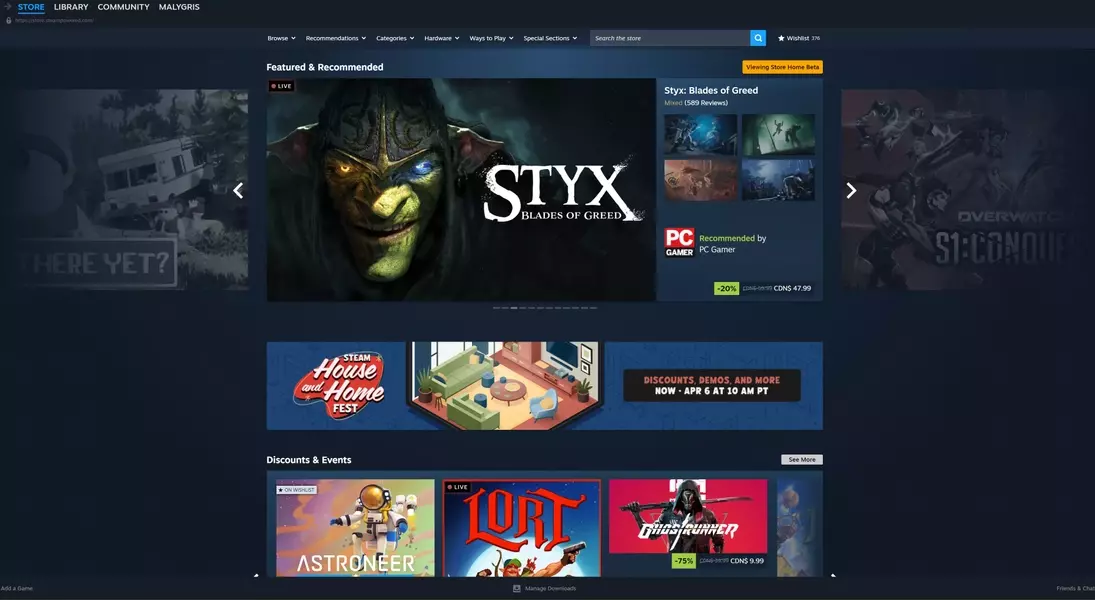
In a recent development, Valve has launched a beta version of its Steam store redesign, offering participants a glimpse into a more polished and intuitive browsing experience. This update, introduced on April Fool's Day, is not a prank but a genuine effort to enhance the platform. The primary objective is to facilitate easier discovery of new titles by showcasing a greater volume of content and information. A notable improvement is within the "Featured and Recommended" section, which now offers comprehensive details on why specific games are suggested, alongside a summary of user reviews. Additionally, a new feature allows micro-trailers to play automatically when a user hovers over game cover art, though this can be toggled off for those who prefer a static display.
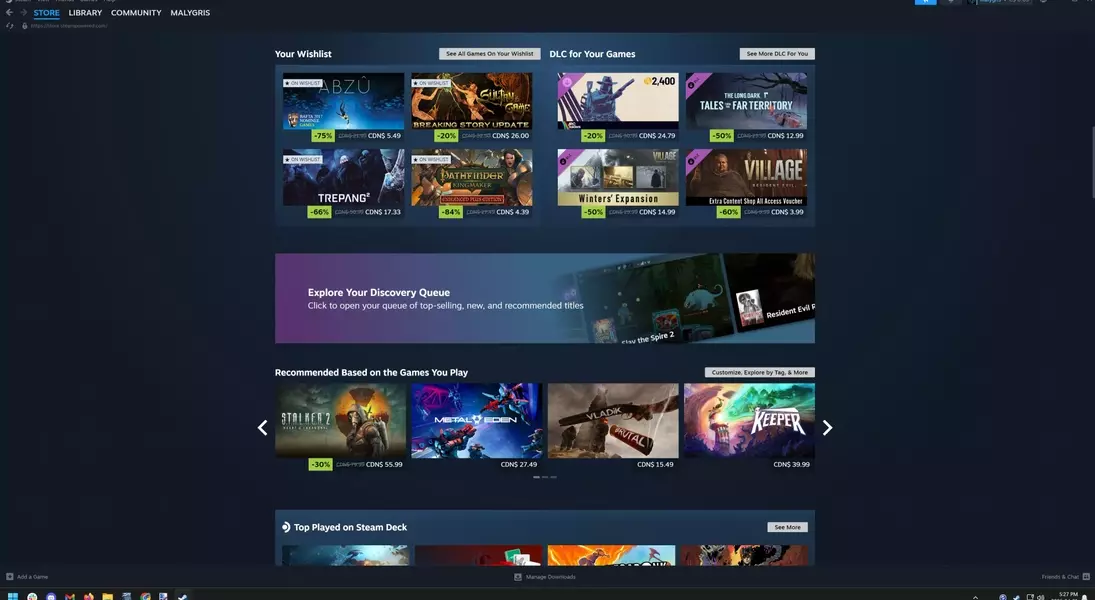
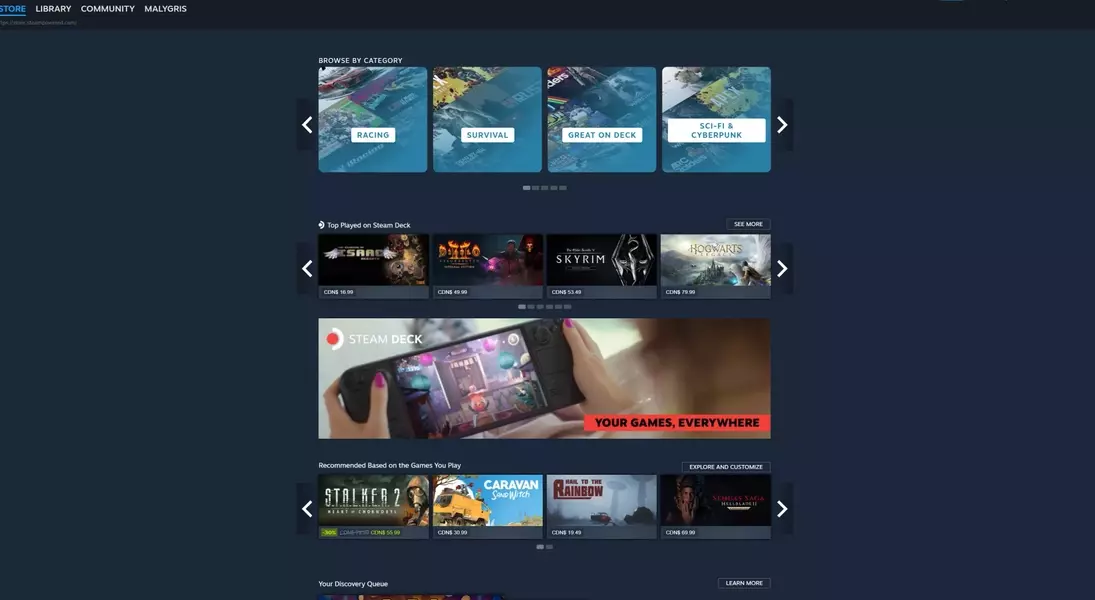
The "Discounts and Events" area now boasts larger, more prominent artwork. The Discovery Queue, a key feature for finding new games, has been upgraded to a transparent overlay that integrates seamlessly with the main page, making navigation quicker and more efficient. New dedicated sections for wishlisted games and downloadable content (DLC) for owned titles have also been incorporated. While the implementation of infinite scrolling may not appeal to all users, the overall interface has been optimized for higher-resolution monitors, offering a wider and more responsive layout. This translates to a significantly improved visual experience, particularly noticeable when comparing the old and new storefront designs side-by-side. The updated interface provides a more effective use of screen real estate, presenting more information at a glance and improving overall visibility of game details and related content.
To access this beta, users need to navigate to their Steam client's settings, select the "Interface" tab, and choose "Steam Beta Update" from the "Client Beta Participation" dropdown menu. A restart will then prompt the download and installation of the beta client. Users can revert to the standard client by selecting "No Beta" through the same process.
Reflections on the Evolution of Digital Game Stores
The recent improvements to the Steam storefront highlight an ongoing trend in the digital marketplace: a continuous drive for refinement and user-centric design. This isn't merely a cosmetic facelift; it's a strategic enhancement aimed at optimizing game discovery and engagement in an increasingly crowded market. For gamers, this means a more personalized and visually appealing journey through the vast library of titles. For developers, a more effective storefront could lead to increased visibility and better opportunities for their creations. Ultimately, this iteration of Steam's interface reflects a mature understanding of user behavior and the critical role of presentation in the digital age, setting a benchmark for other platforms to follow.
