


Even for long-time users, the iPhone continuously unveils new, subtle functionalities that can profoundly enrich the user experience. This compilation brings to light five remarkable, yet often overlooked, iPhone tips designed to streamline interactions and enhance usability, covering everything from efficient text input to advanced communication scheduling, offering genuine utility for any iPhone owner.
Exploring Advanced iPhone Functionalities
For years, Apple's iPhone has been a ubiquitous companion, yet many of its ingenious features remain undiscovered by its dedicated users. This report delves into five specific, highly practical enhancements that can significantly uplift your daily interaction with this sophisticated device. From optimizing your keyboard for fluid one-handed operation to a revolutionary approach for handling multiple applications, and even addressing the discomfort of motion sickness during travel, these functionalities prove the iPhone's ever-evolving design prowess. Additionally, with the introduction of message scheduling, the iPhone continues to adapt to the diverse needs of its global user base.
Revolutionizing Keyboard Dynamics for One-Handed Control
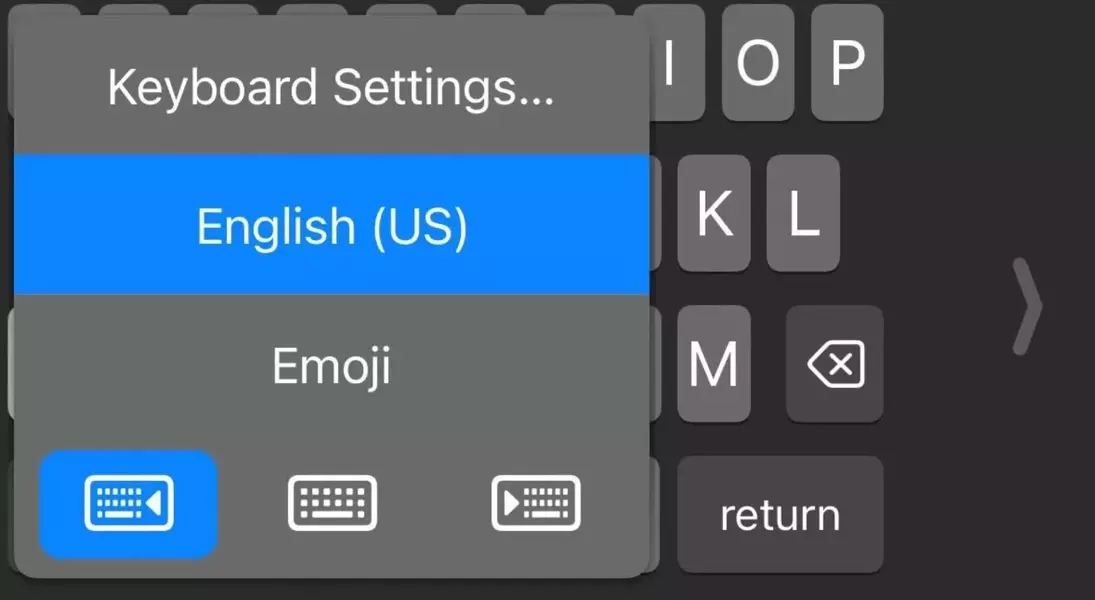
Operating a large-screen iPhone with a single hand can often be cumbersome. A simple, yet often missed, adjustment exists to realign your keyboard for optimal one-handed typing. By holding down the emoji key, a series of icons appears, allowing you to shift the keyboard to the left, right, or maintain its central position. Opting for a side alignment not only repositions the keyboard but also condenses it, making typing with just one thumb remarkably convenient.
Streamlining App Management Without Folders
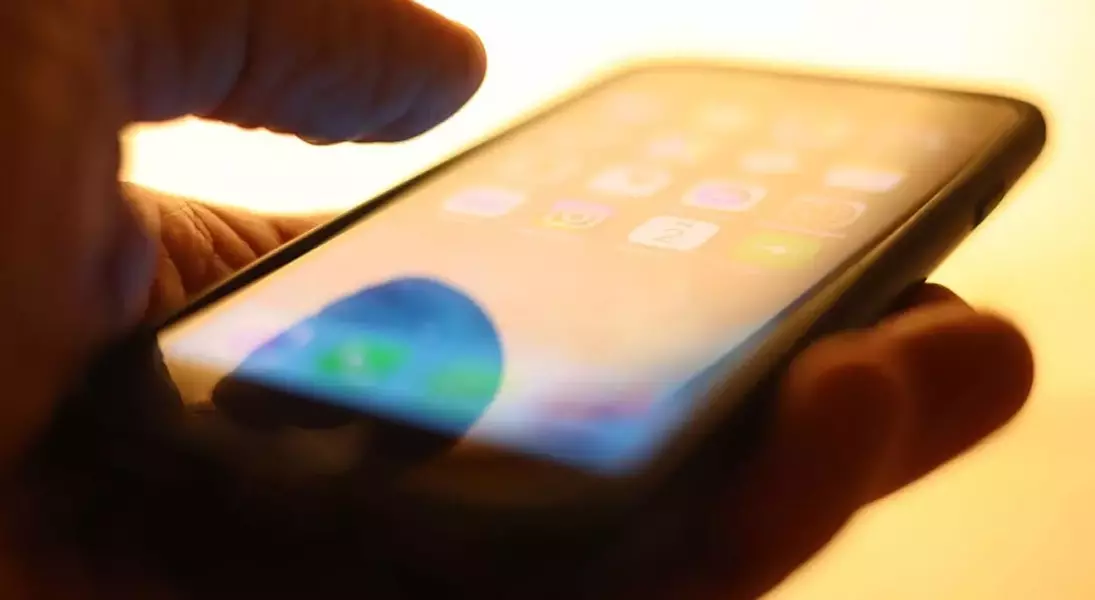
While most iPhone users are familiar with moving individual apps and grouping them into folders, a less conventional method allows for the simultaneous relocation of multiple, unrelated applications. The process involves initiating the move of a single app by pressing and holding it, then, while maintaining pressure on the first app, tapping other desired applications. This action temporarily bundles the selected apps, enabling them to be moved as a collective unit, offering a swift and organized way to rearrange your home screens.
Combating In-Car Motion Sickness with Visual Cues
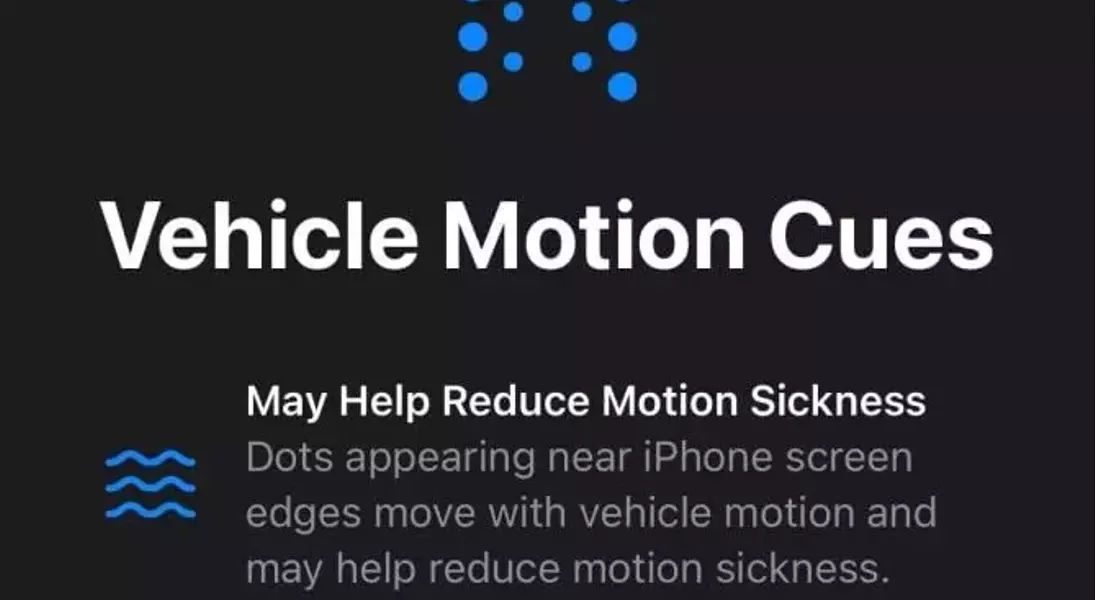
For individuals prone to motion sickness when using their phone in a moving vehicle, a specialized accessibility feature provides a comforting solution. Within the iPhone's Accessibility settings, under the Motion submenu, users can activate 'Vehicle Motion Cues'. This innovative function introduces visual indicators around the screen's periphery that dynamically respond to the vehicle's movement. These subtle cues are specifically engineered to alleviate feelings of unease, making on-the-go phone usage more pleasant.
Disabling the Accidental Flashlight Activation
Many users frequently activate the flashlight on their iPhone's lock screen unintentionally. A direct method to mitigate this common annoyance involves customizing the lock screen. Instead of swiping up, long-press on the lock screen to access the customization menu. From there, select 'Customize Current Wallpaper' to either remove the flashlight icon entirely or replace it with an alternative shortcut. While replacing it might lead to similar accidental activations with a different feature, the option to remove it offers a permanent solution.
Mastering Scheduled Messaging with iOS 18
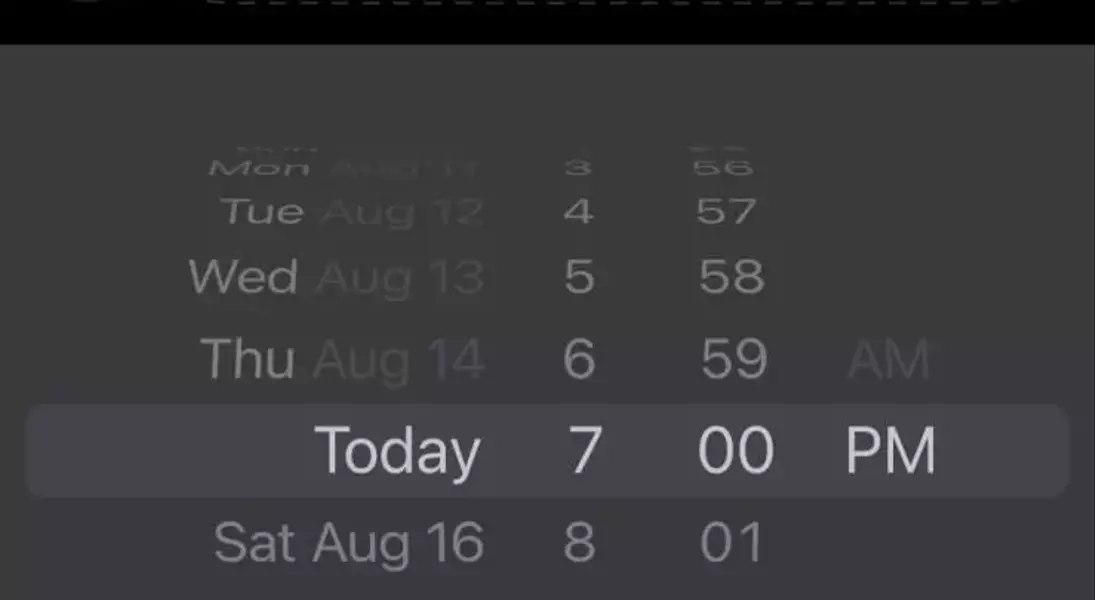
For those who prefer to organize their communications in advance, iOS 18 introduces a built-in message scheduling capability within the Messages app. Users can compose a message, then instead of immediately sending it, tap the plus sign next to the text input field. Scrolling down reveals the 'Send Later' option, presenting an intuitive interface to select a precise delivery time. This feature ensures messages are sent at the optimal moment, regardless of when they were drafted, though it currently requires both sender and recipient to be using iOS.
From a journalist's perspective, these subtle yet impactful iPhone features highlight Apple's continuous commitment to user-centric design, often embedding advanced functionalities in unobtrusive ways. It emphasizes that even the most seasoned tech users can find new efficiencies within familiar interfaces. This ongoing evolution challenges us, as users and observers, to delve deeper beyond the obvious, revealing how seemingly minor adjustments can collectively lead to a significantly enriched digital experience. It's a testament to the idea that true innovation often lies in the thoughtful refinement of everyday interactions.
