
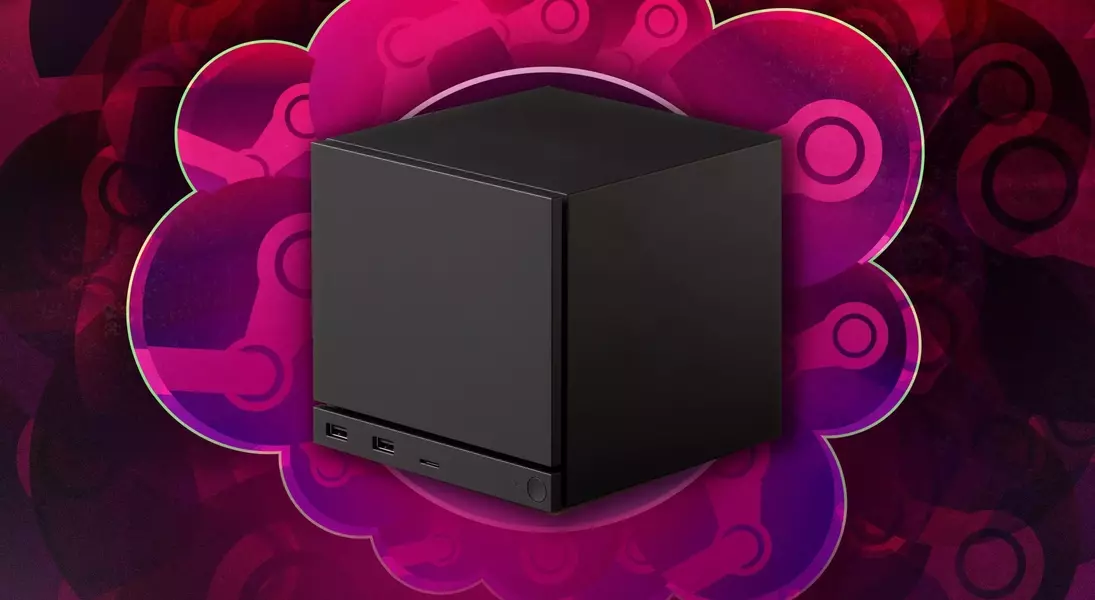
Valve's Steam Machine presents an innovative approach to PC gaming, making it more accessible to those accustomed to console platforms. This system is designed to alleviate the complexities often associated with traditional PC setups, such as hardware upgrades and cooling systems, by offering a streamlined, plug-and-play experience. By utilizing SteamOS, its custom operating system, the Steam Machine blends the robust game library of PC gaming with the user-friendliness of a console. This guide aims to demystify the Steam Machine for newcomers, addressing key questions about its nature, usability, game compatibility, and overall value in the current gaming landscape.
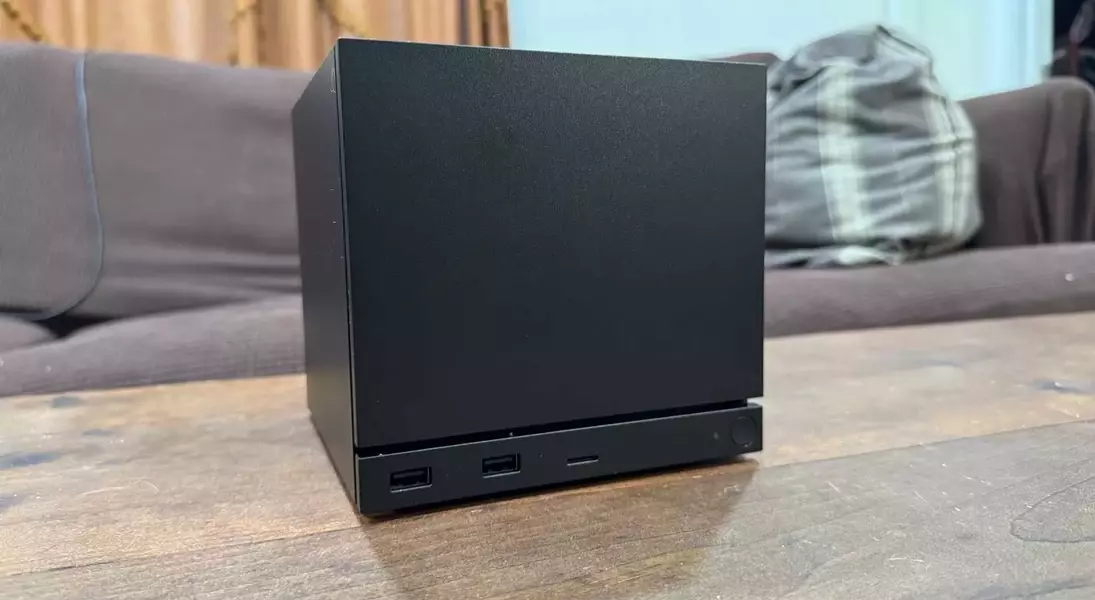
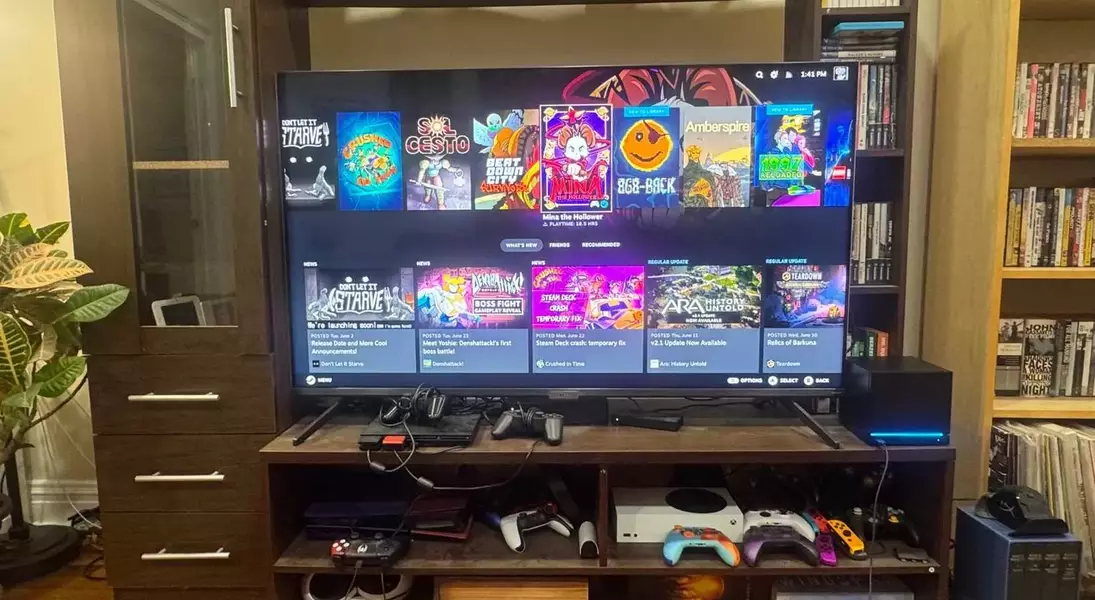
The Steam Machine occupies a unique position in the gaming world, essentially functioning as a compact, gaming-focused personal computer. Unlike a conventional Windows PC, its primary distinction lies in SteamOS, which provides a console-like interface for effortless game access. This design philosophy directly targets console gamers seeking an entry point into PC gaming without the steep learning curve. Setting up the Steam Machine is remarkably straightforward, requiring only a power supply, an HDMI cable, and an internet connection. Users can swiftly connect to their Steam account, download games, and begin playing, demonstrating a significant departure from the often intricate setup processes of traditional gaming PCs.
Regarding game compatibility, the Steam Machine offers access to a user's entire Steam library. However, it's crucial to understand that not all games are optimized for this specific hardware or its Linux-based operating system. While some games might run seamlessly, others, particularly high-end titles, may not perform as well as on more powerful, dedicated gaming PCs or the latest consoles. Valve provides a compatibility icon within the Steam library to indicate game readiness for the Steam Machine, though this doesn't guarantee optimal performance. Furthermore, compatibility issues can arise with certain anti-cheat systems, preventing some popular games from running. Users may also encounter challenges with installing third-party launchers like the Epic Games Store, as these often require workarounds for Linux.
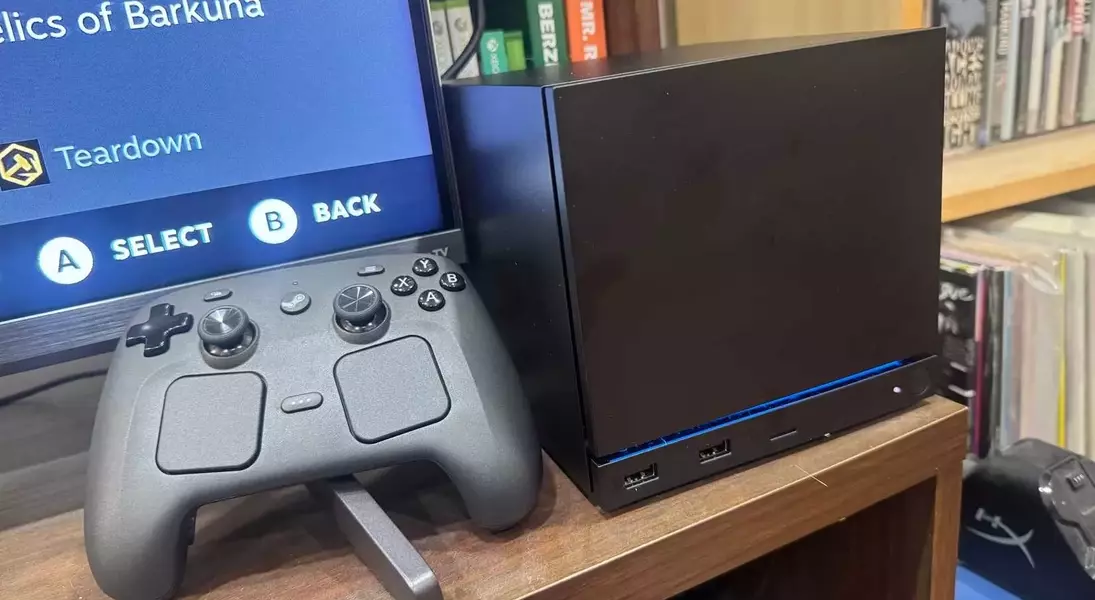
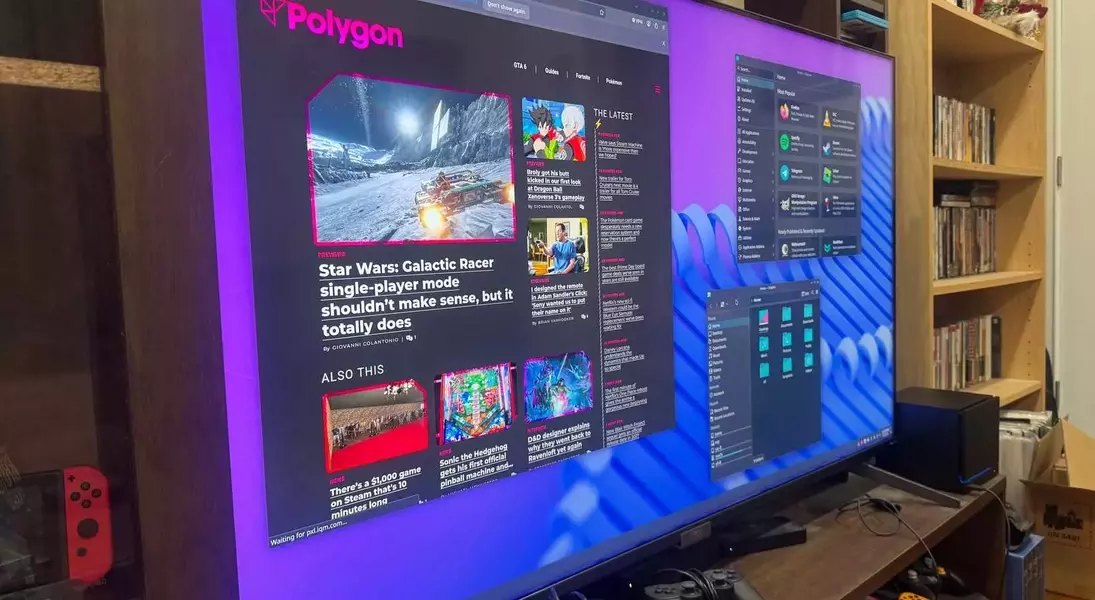
Controller support on the Steam Machine is flexible, allowing for the use of most standard PlayStation and Xbox gamepads, even though Valve offers its own Steam Controller. Users can connect controllers via Bluetooth or USB, and the system generally recognizes them without extensive configuration. However, it's important to note that not all PC games inherently support controllers, especially niche or strategy titles, a factor that differentiates it from the universal controller compatibility found on consoles. For games lacking controller support, users can easily connect a keyboard and mouse, offering a versatile input solution. Additionally, the Steam Machine can function as a desktop computer, running its Linux operating system, which, while different from Windows or Apple systems, allows for tasks like email and web browsing, albeit with a learning curve.
Streaming services like Netflix are accessible on the Steam Machine, though not through dedicated pre-installed apps as found on consoles. Users must navigate to desktop mode and access these services via a web browser, which may require some experimentation to find the optimal browser for streaming. A notable advantage for online gaming is the absence of a mandatory subscription fee, setting it apart from PlayStation, Xbox, and Nintendo, which typically require paid memberships for online play. The higher cost of the Steam Machine, along with other contemporary gaming hardware, is largely attributed to the increasing demand and subsequent price surge of memory components, driven significantly by the needs of generative AI data centers. This economic factor has impacted the production costs of various electronic devices, including gaming consoles, contributing to their elevated market prices.
In essence, the Steam Machine endeavors to bridge the divide between the expansive world of PC gaming and the straightforward experience of console gaming. It offers a unique value proposition for those who desire access to PC games without delving into the complexities of custom-built rigs. While it simplifies many aspects, users should be prepared for potential compatibility nuances, especially concerning game optimization and third-party software. Despite these considerations, its ease of setup, versatile input options, and the benefit of free online play make it an appealing option for a specific segment of the gaming community, particularly those new to the PC gaming ecosystem.
