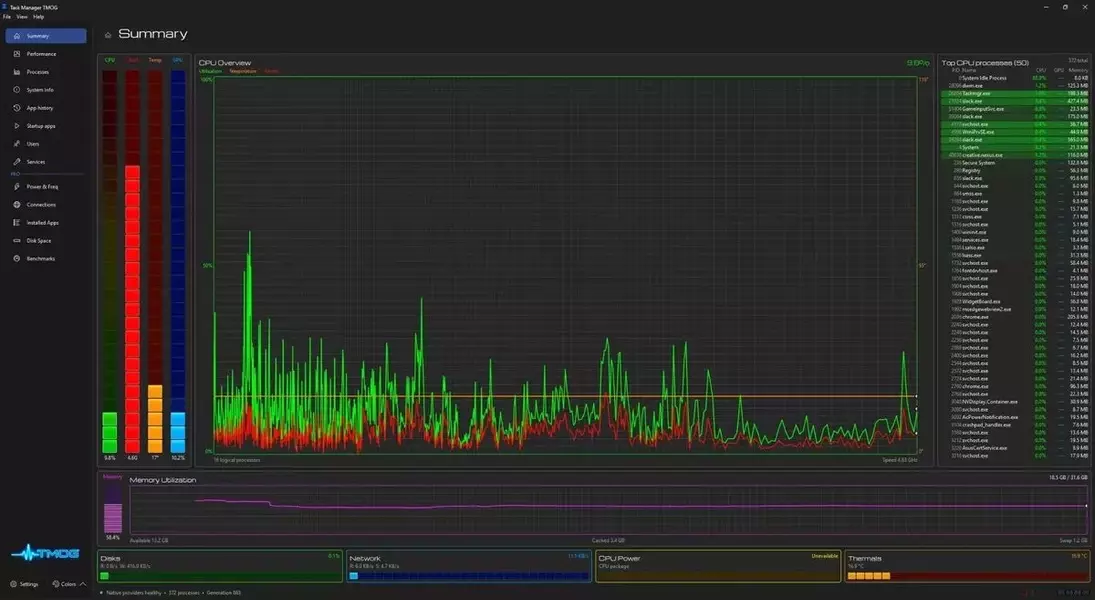
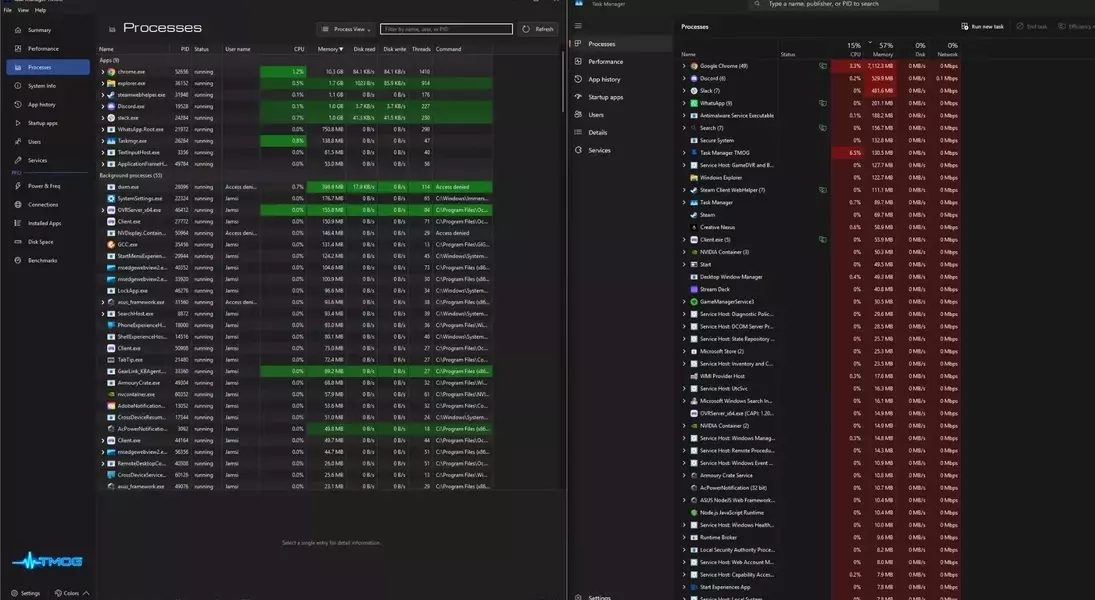
Dave Plummer, the original mind behind Windows Task Manager, has unveiled a new system monitoring application, Task Manager OG, marking a significant return to the utility software landscape after 31 years. This cross-platform tool, available for Windows, Linux, and Mac, aims to redefine system oversight with enhanced visuals and comprehensive performance insights. While it introduces a fresh perspective on resource management, it also presents a more demanding operational footprint and a distinctive, high-contrast visual style. Currently in its beta phase, Task Manager OG promises a suite of advanced functionalities, including a detailed summary view, real-time mouse activity tracking, and a fluid 60 Hz animated interface. Future professional enhancements are set to deliver in-depth system power and frequency data, an organized inventory of installed applications, and integrated benchmarking capabilities, offering users a holistic view of their computing environment.
Plummer's latest endeavor is a testament to his dedication to pushing technological boundaries, even if it means challenging conventional expectations. Developed during a personal period of reflection, Task Manager OG incorporates modern design principles and a personalized aesthetic, influenced by Plummer's unique vision. The software's current iteration shows promise in providing granular control and detailed analytics that go beyond what standard system tools offer. However, its resource consumption and the early-stage development of its premium features suggest that while Task Manager OG is a bold step forward, it still has room to evolve and refine its user experience to fully integrate into the daily workflows of both casual users and power users alike.
The Evolution of System Monitoring: Task Manager OG's Approach
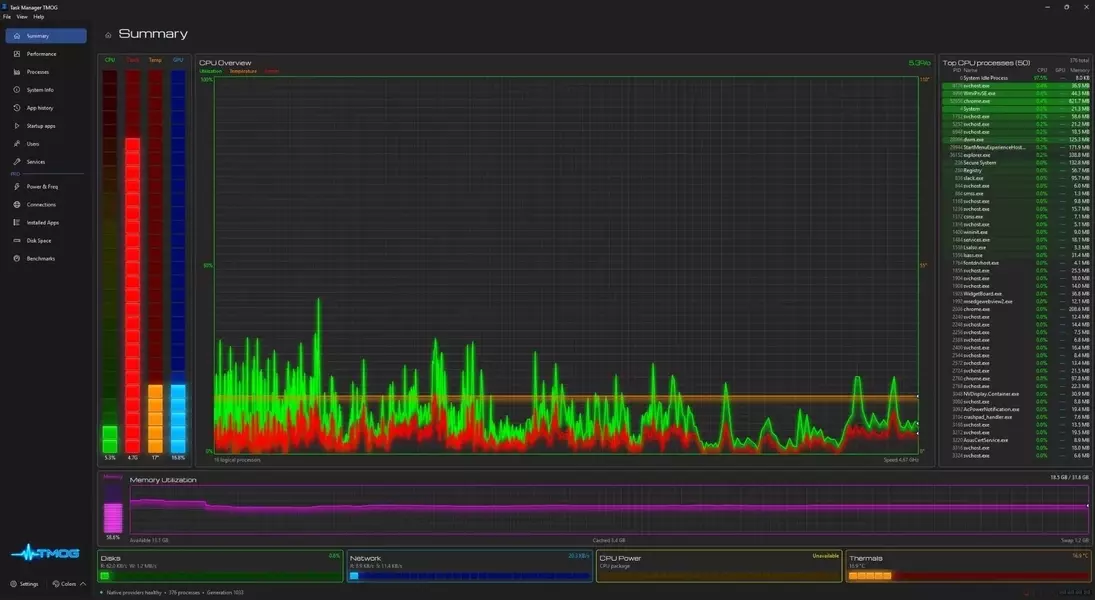
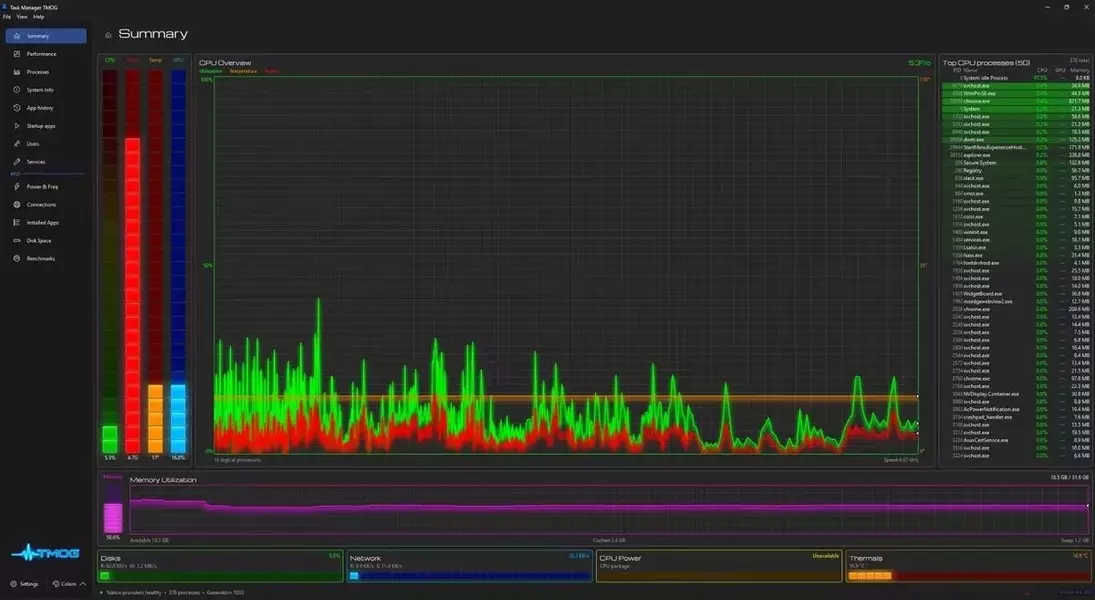
In the realm of system utility software, Task Manager OG emerges as a notable evolution, crafted by Dave Plummer, the esteemed engineer behind the original Windows Task Manager. This contemporary application, designed for a diverse ecosystem spanning Windows, Linux, and Mac, signifies a leap forward in how users can interact with their system's performance metrics. Diverging from its predecessor's utilitarian design, Task Manager OG embraces a more visually dynamic approach, featuring an animated 60 Hz refresh rate and a bold, high-contrast aesthetic. Plummer’s personal touch is evident in its design philosophy, which he describes as an embrace of his unique preferences. Beyond mere aesthetics, the tool aims to offer enhanced data visibility, including novel features such as mouse tracking and a consolidated summary page, providing users with a more engaging and insightful overview of their system's operations.
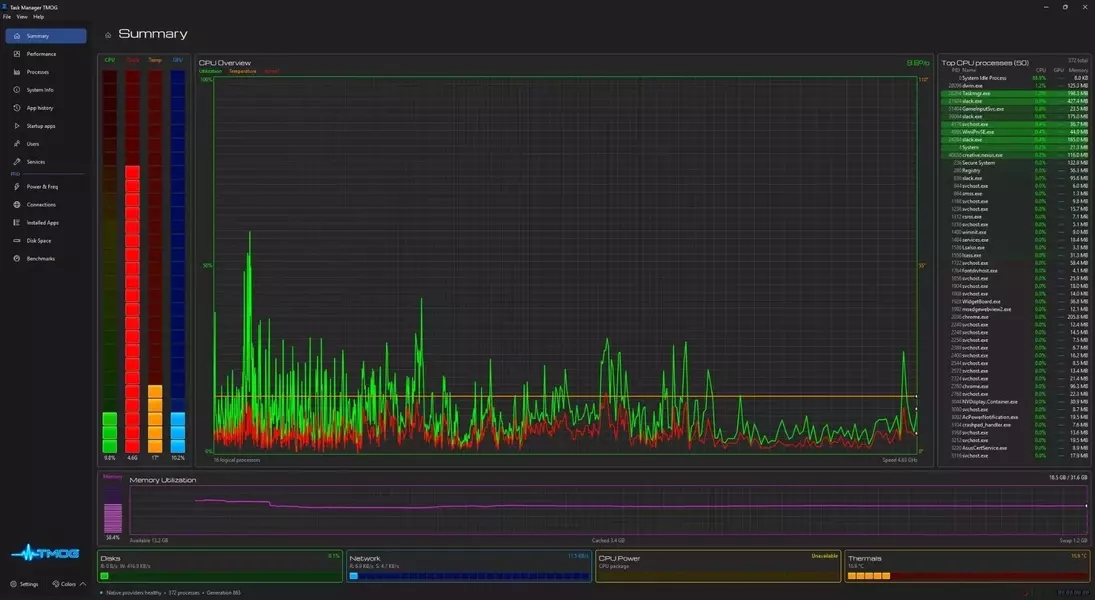
Task Manager OG distinguishes itself by seeking to 'push the limits' of what a system monitor can achieve, moving beyond the simplistic displays of older utilities. The software introduces a summary dashboard that neatly compiles essential system information, alongside innovative tracking capabilities like real-time mouse activity, offering a more nuanced understanding of user interaction and system load. This fresh perspective is coupled with a user interface that, while potentially jarring to some due to its vivid colors and visual bloom, is fully customizable. Users have the flexibility to adjust these visual elements, tailoring the application to their personal preferences. The introduction of these features, alongside the cross-platform compatibility, positions Task Manager OG as a versatile tool for a broad audience, from casual users to seasoned IT professionals, seeking a modern, comprehensive way to monitor their computing resources.
Performance and Feature Insights: A Comparative Analysis
A critical examination of Task Manager OG reveals a mixed bag of performance and features when compared to the native Windows Task Manager. While Plummer’s new tool offers advanced functionalities, it generally demands slightly more system resources. For instance, initial tests indicate that Task Manager OG utilizes approximately 120 MB of memory and 3-4% of CPU, a marginal increase over the native Task Manager’s 105 MB and less than 1% CPU usage. This higher resource consumption is primarily attributed to Task Manager OG’s enhanced graphical interface and 60 Hz animation. However, users can mitigate some of this overhead by disabling high-frequency visuals, which can reduce CPU usage to 2-3%, though it still remains above the original Task Manager’s footprint. Interestingly, the two tools often present differing statistics for individual applications, such as Chrome tabs or Slack, though their overall system memory usage figures tend to align closely.
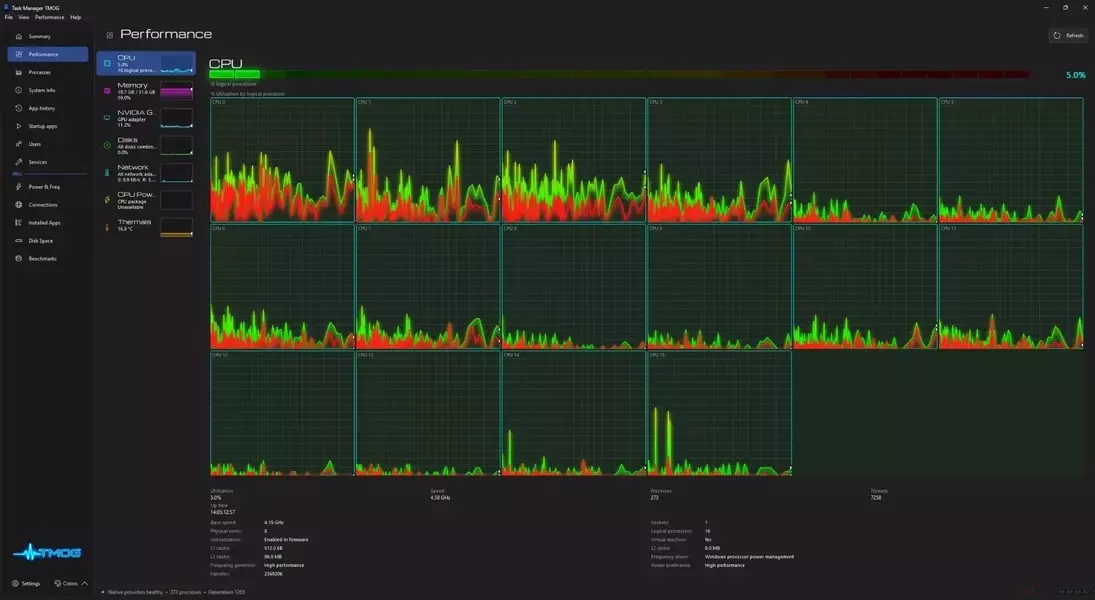
Task Manager OG introduces several unique features, particularly in its performance tab, which displays real-time data for CPU, memory, GPU, and internet usage. It also attempts to integrate CPU power and thermal monitoring modules, although these features currently exhibit some inaccuracies, such as inconsistent temperature readings. Despite these minor issues, the tool provides a more granular view of CPU activity, offering insights into individual core performance and clock speeds, a level of detail that requires additional steps to access in the standard Task Manager. The pro version, currently in beta and unavailable for purchase, promises a more comprehensive suite of tools, including detailed HWinfo-style readouts of power and frequency across the entire system, an inventory of installed applications with versions and sizes, and integrated benchmarking. While many of these advanced monitoring capabilities can be replicated using a combination of the native Task Manager and third-party tools like HWinfo, Task Manager OG aims to consolidate these functionalities into a single, user-friendly interface. Furthermore, the development team’s responsiveness to user feedback, a notable advantage over larger software entities, suggests a promising future for the application as it moves towards a stable release.