Dive into the mysterious depths of Subnautica 2 with this essential guide to acquiring and crafting the Repair Tool. This article illuminates the critical role of the Repair Tool in your underwater adventures, from maintaining your vehicles to accessing hidden areas, ensuring your survival and progression in the expansive ocean environment.
Master the Depths: Your Comprehensive Guide to Repair Tool Acquisition in Subnautica 2
Unlocking the Repair Tool Blueprint: Locating the Essential Fragments
To begin your journey towards crafting the invaluable Repair Tool, you must first uncover its blueprint. This process involves scanning three distinct fragments, each strategically placed within the initial exploration zone around your Lifepod. While these fragments are accessible early in the game, possessing a Tadpole submersible or an upgraded air tank will significantly ease your search, minimizing the risks associated with underwater exploration.
The Initial Discovery: Southeast of the Lifepod
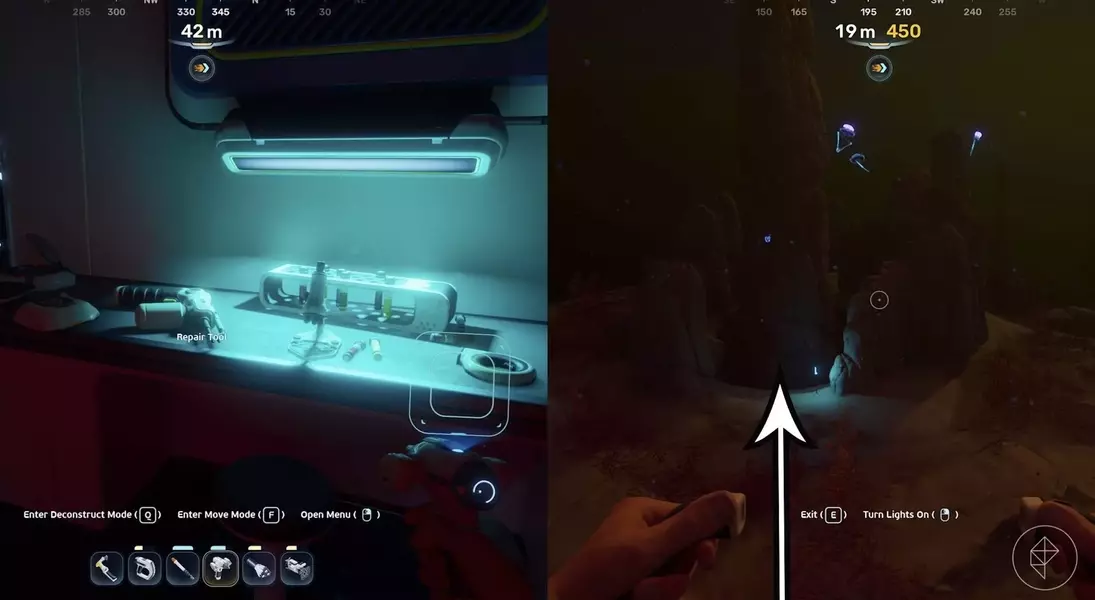
Your first Repair Tool fragment awaits approximately 250 meters southeast of your Lifepod. Look for a conspicuous blue light marking a cave entrance adjacent to a towering stone spire. Upon entering, you'll discover an abandoned habitat. The blueprint fragment is prominently displayed on a table near the entrance. Don't forget to interact with the Biobed before departing, as it provides a valuable inventory expansion.
Second Fragment Revealed: The Wreckage Northeast of the Lifepod
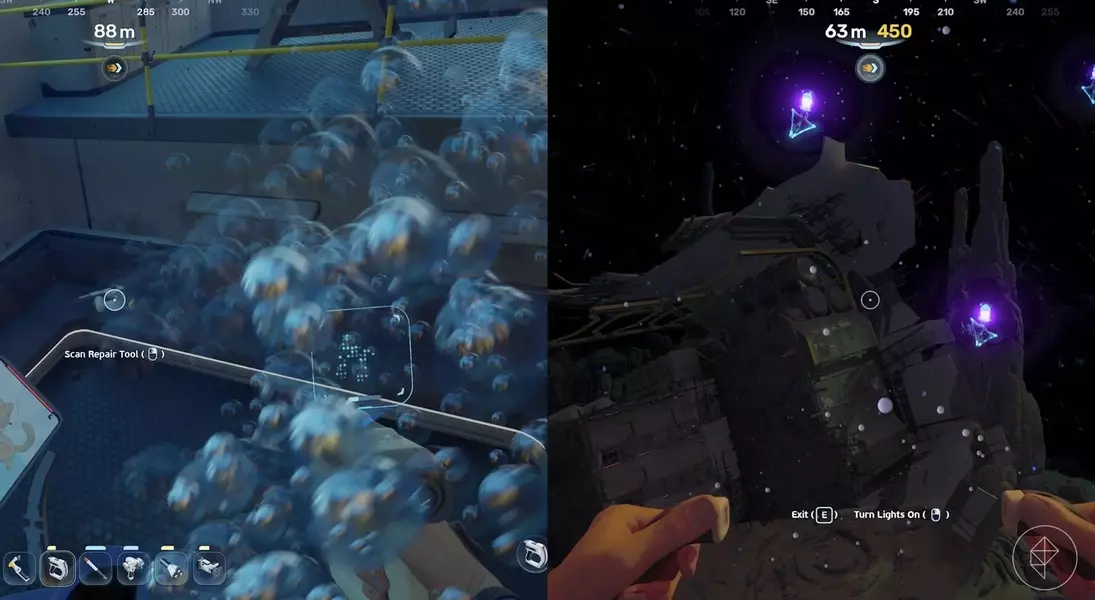
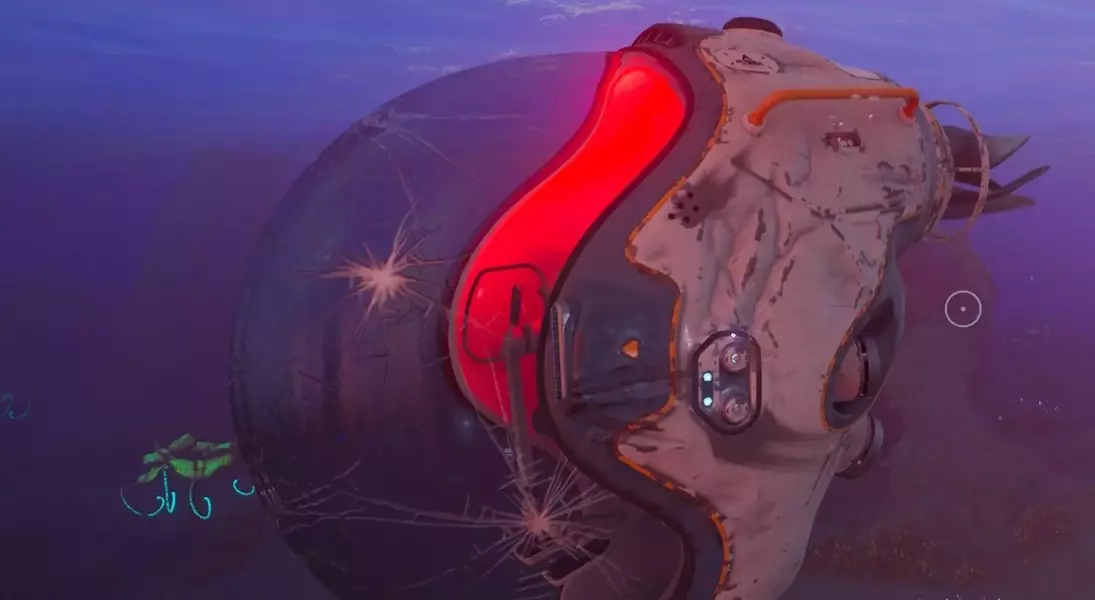
The second fragment is situated roughly 310 meters northeast of your Lifepod, nestled within a sizable piece of wreckage, often found near lead deposits. Navigate your way through the bottom of the wreckage and proceed towards the damaged doors. The Repair Tool fragment lies just before the left-hand door, ready for scanning.
Final Piece of the Puzzle: South of the Lifepod in a Larger Wreckage
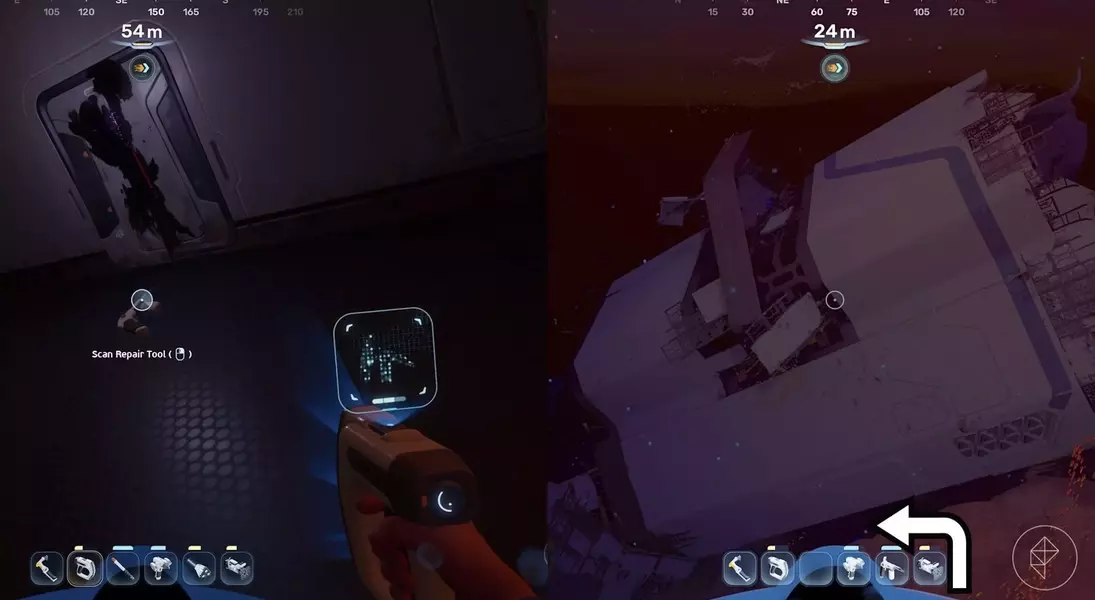
The third and final scannable Repair Tool fragment is located about 230 meters south of the Lifepod, within an even larger wreckage structure. Seek out an entrance on the eastern side, positioned just beyond a prominent rock tower. Once inside, turn left and swim through a hole in the floor. The last fragment will be in the subsequent room, completing your blueprint acquisition. It is highly advisable to secure all these fragments before venturing into deeper waters towards the Alien Ruins, saving you considerable time and potential frustration.
Assembling Your Repair Tool: Crafting Requirements
Once you've successfully scanned all three fragments, the Repair Tool blueprint will automatically unlock. Head to your nearest fabricator, whether at your base or a temporary shelter, to commence crafting. The materials required are a titanium ingot, a chunk of sulfur, a battery, and a wiring kit. These components are typically found during early-game scavenging missions.
Operating Your Newly Crafted Repair Tool: Maintenance and Usage
After crafting, equip your Repair Tool to your hotbar. To initiate repairs, simply approach any damaged equipment or structures, and a repair prompt will appear. Hold down the designated button until the repair process is complete. The Repair Tool is powered by standard batteries, and once its energy meter depletes, you can easily recharge it by inserting a fresh battery, ensuring continuous functionality for your critical repairs.
