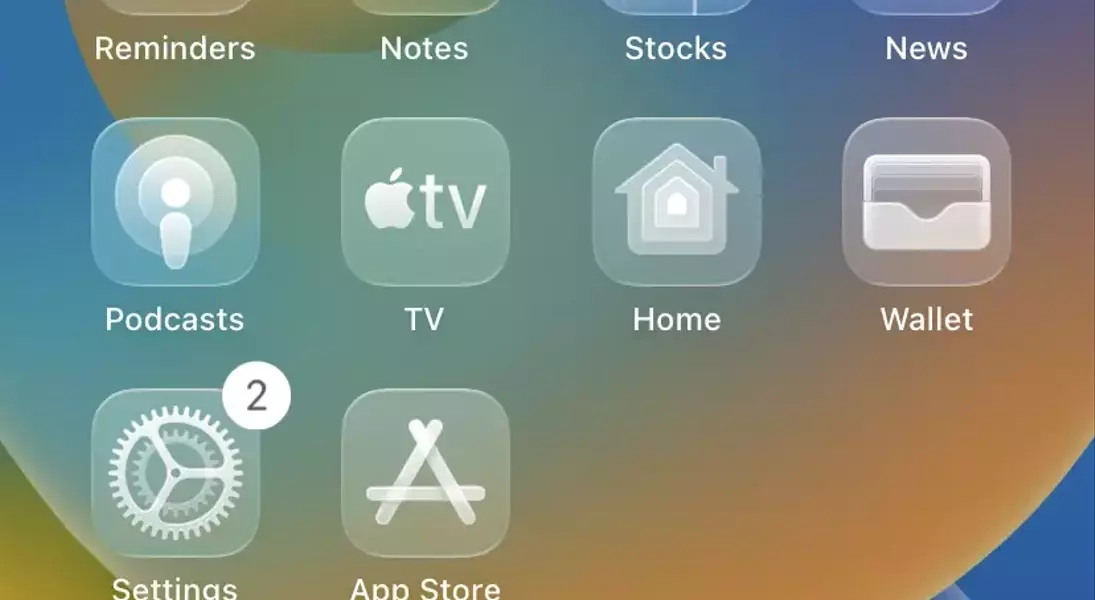
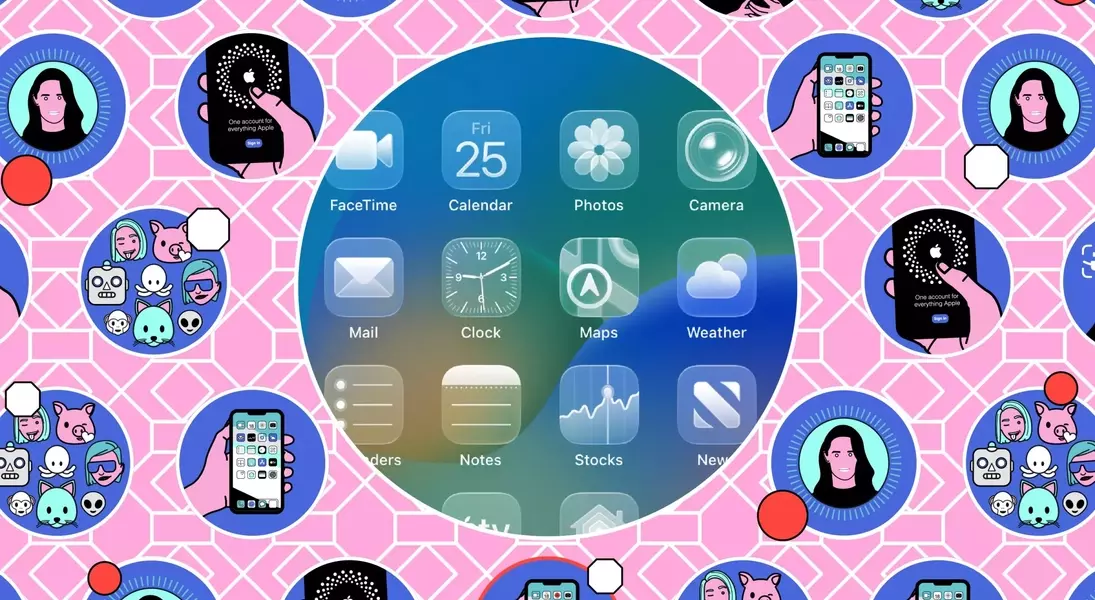
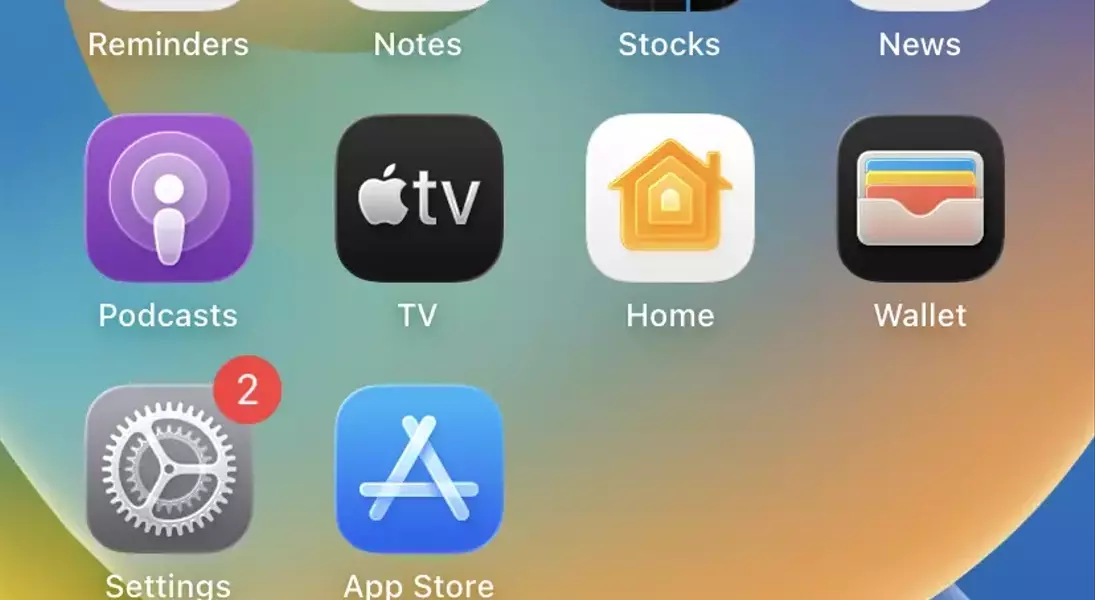
Apple's latest iOS 26 beta introduces an innovative 'Liquid Glass' design for iPhone homescreen icons, allowing users to achieve a completely transparent look. This new feature expands upon the tinting options previously available in iOS 18, providing an opportunity for a more streamlined and visually integrated display where the wallpaper becomes the focal point. The process for applying this unique aesthetic is remarkably straightforward, enabling effortless personalization and a fresh, uncluttered user experience.
Embrace Transparency: The Liquid Glass Revolution
The new iOS 26 public beta brings a significant visual upgrade to the iPhone interface through its 'Liquid Glass' icon design. This feature offers a novel approach to homescreen customization, moving beyond simple color adjustments to full transparency. Users can now make their app icons appear as clear, fluid elements that seamlessly blend with their chosen background, effectively making the icons vanish into the wallpaper. This represents a bold step towards a more minimalist and immersive user interface, enhancing the overall visual appeal of the iPhone's display. It's an opportunity for individuals to truly showcase their preferred wallpapers without obstruction from traditional app icon designs.
Implementing the Liquid Glass effect on your iPhone is a simple and quick procedure, mirroring the ease of previous icon customization options. Begin by gently pressing and holding any empty space on your homescreen until the icons start to animate. A menu will then appear at the top-left, where you should tap 'Edit,' followed by 'Customize.' Within the customization options, you'll find various choices including 'Light,' 'Dark,' 'Tinted,' and the newly added 'Clear.' Selecting 'Clear' instantly applies the Liquid Glass theme, making your icons see-through and allowing your wallpaper to become the dominant visual element. This straightforward method ensures that anyone can effortlessly update their iPhone's appearance to reflect this cutting-edge design, or revert to previous styles if desired.
Effortless Customization and Visual Harmony
The core appeal of the Liquid Glass icons lies in their ability to create a harmonious visual experience on the iPhone homescreen. By rendering icons transparent, the system allows the user's chosen wallpaper to dominate the visual space, creating a more unified and personalized backdrop. This aesthetic choice is particularly appealing to those who prefer a clean, uncluttered interface, as it minimizes the visual "noise" often associated with traditional, opaque app icons. The seamless integration of app interfaces with background imagery opens up new possibilities for creative expression and a more fluid digital environment, transforming the homescreen into a dynamic canvas rather than a static grid.
Beyond its aesthetic benefits, the Liquid Glass feature emphasizes user control and flexibility in personalizing their device. The simplicity of toggling this effect on or off, along with other customization options like tinting, underscores Apple's commitment to empowering users with easy-to-use tools for interface modification. Whether someone prefers a subtle tint, a stark contrast, or complete transparency, iOS 26 provides the means to achieve their desired look within moments. This adaptability ensures that the iPhone remains a highly personal device, capable of adapting not just to functional needs but also to individual stylistic preferences, truly making the device an extension of the user's personality.
