In an era dominated by rapid technological obsolescence, one enthusiast embarked on a mission to resurrect a nearly decade-old Dell XPS 13 2-in-1 laptop, seemingly cast aside by the relentless march of Windows updates. By strategically deploying a lightweight Linux distribution, this forgotten piece of hardware was not only brought back to life but also experienced a remarkable enhancement in performance and battery efficiency. This endeavor underscores the enduring value and sustainability potential offered by alternative operating systems for older devices.
The Rebirth of a Venerable Machine: Linux Breathes New Life into an Aged Dell XPS
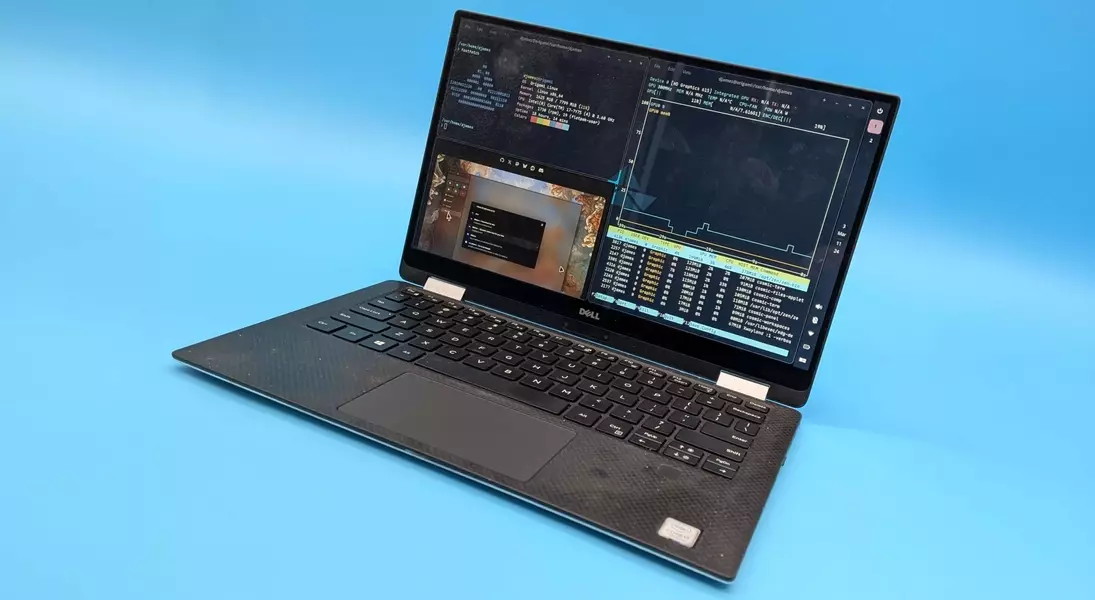
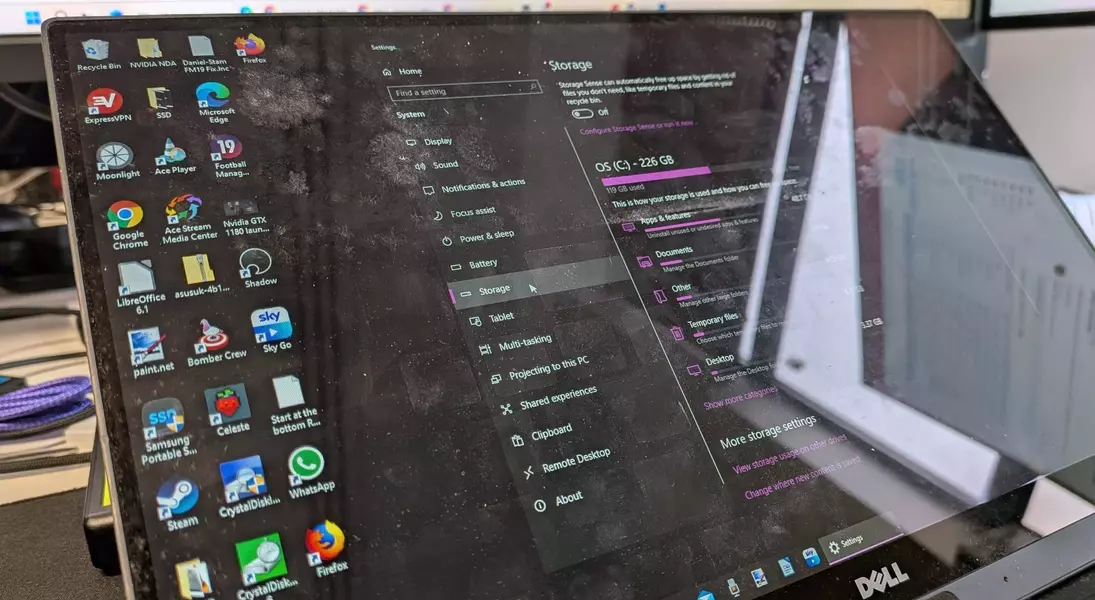
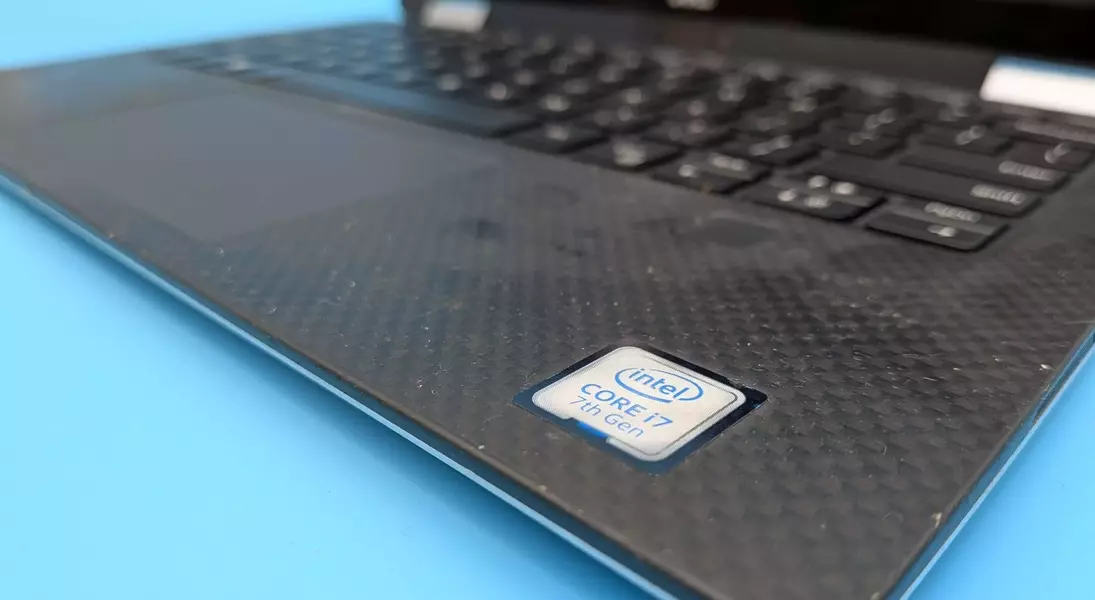
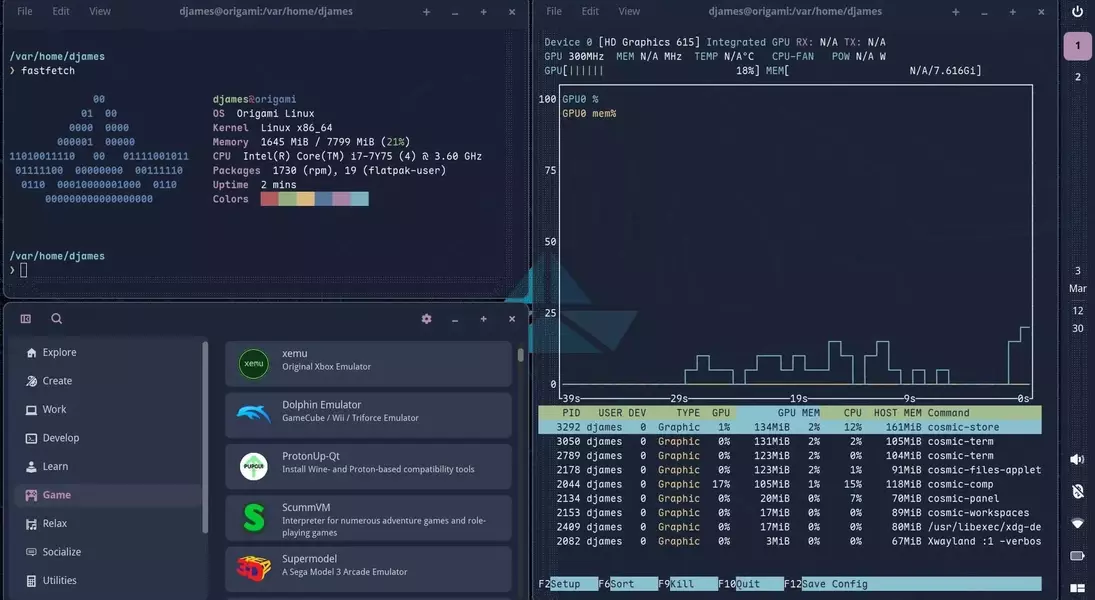
In a personal technology experiment this month, an individual successfully reinvigorated a ten-year-old Dell XPS 13 laptop. The device, originally released around 2016 and featuring an Intel 7th Gen Core i7-7Y75 dual-core processor with a base clock of 1.3 GHz, had been relegated to storage due to its perceived incompatibility with newer Windows versions. The revival project involved installing Origami Linux, chosen for its lightweight nature and the Cosmic desktop environment, which offers an intuitive user experience with features like tiling window management. This strategic operating system choice aimed to circumvent the hardware limitations that rendered the laptop sluggish under Windows 10, particularly when multiple browser tabs were open.
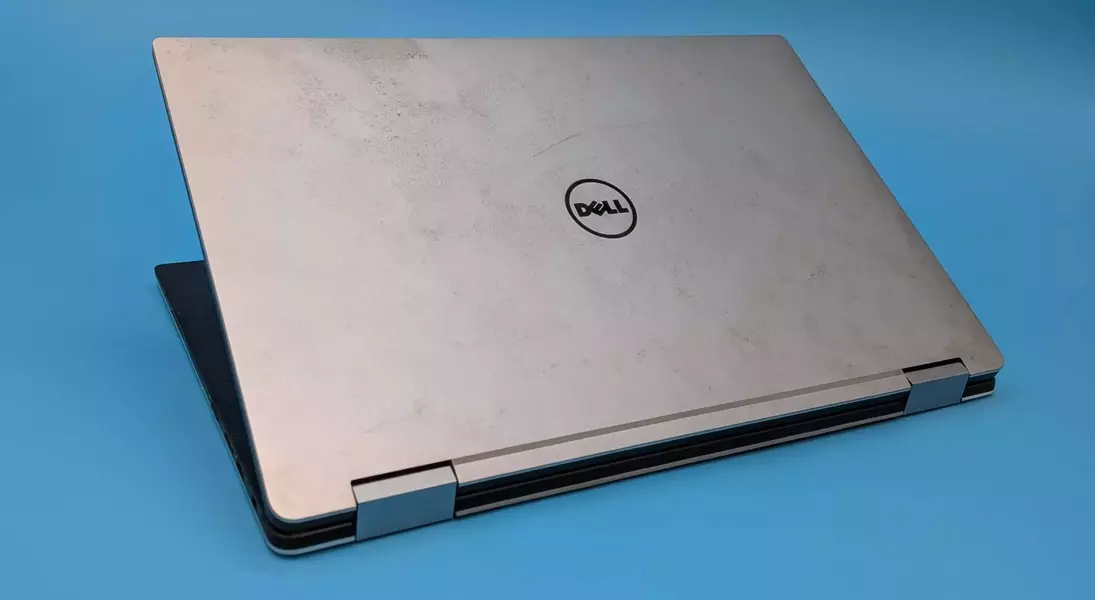
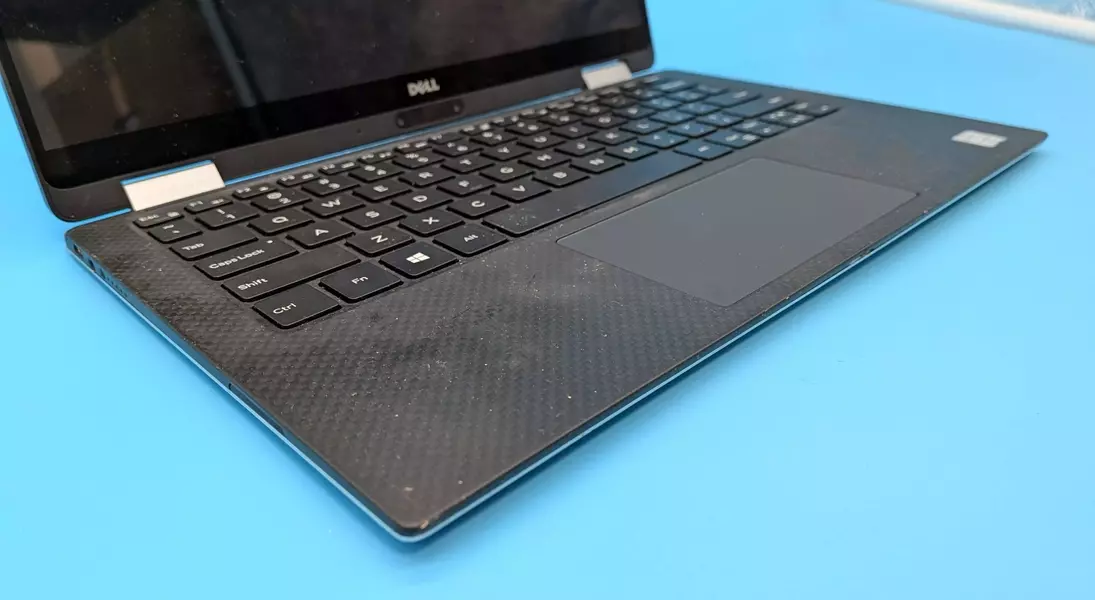
The journey was not without its initial hurdles. Upon retrieval from storage, the laptop was found to be in a less-than-pristine condition, described as "grubby" and possibly "moldy," suggesting environmental damage. A more significant technical obstacle arose when the laptop initially failed to boot correctly, displaying a series of cycling colored screens. Research revealed this was a diagnostic mode for display issues, which was unexpectedly resolved by a physical intervention: repeatedly pressing the 'D' key during boot, a method suggested in an obscure online forum post for dislodging a potentially stuck key. Following this, the Windows 10 desktop surprisingly appeared, allowing for updates and a baseline assessment of its condition.
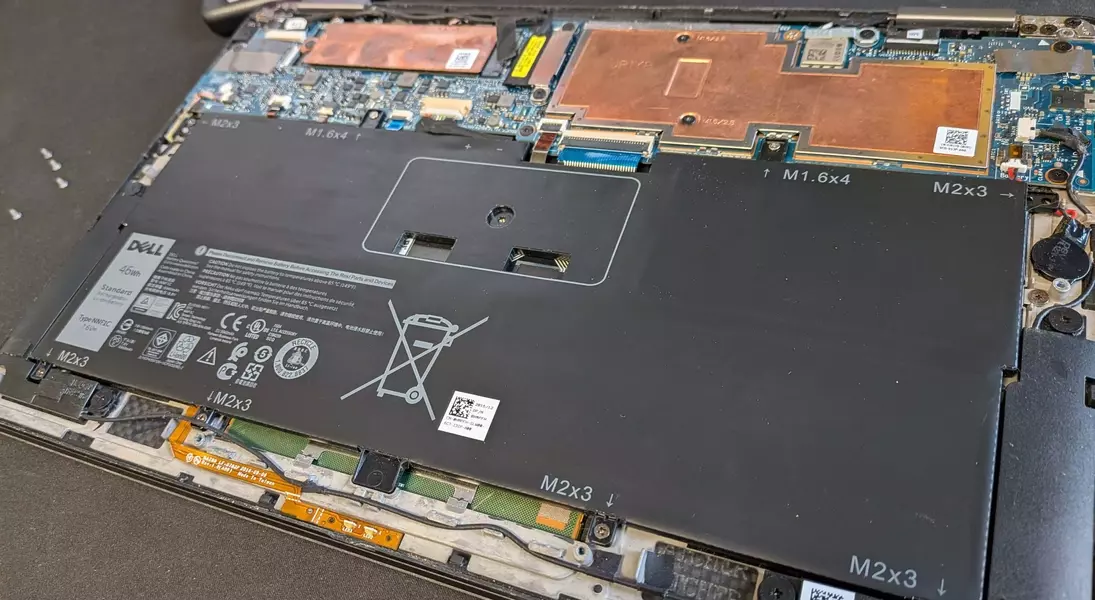
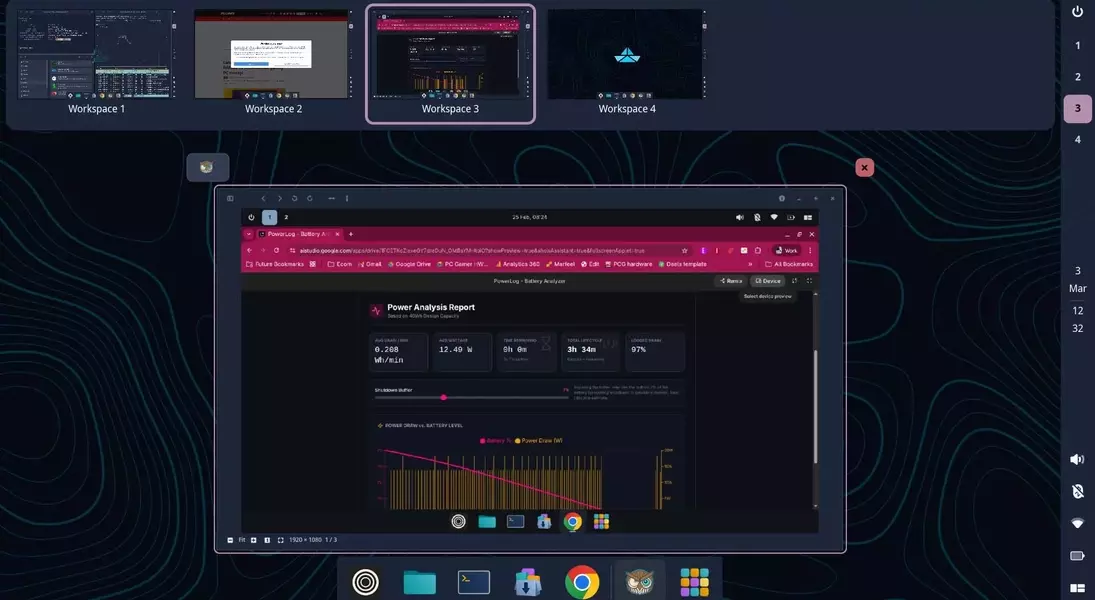
However, the real transformation occurred with the installation of Origami Linux. This proved to be a swift process, despite a minor hiccup involving a USB Type-C hub's orientation for the installer. Post-installation, the Dell XPS 13 exhibited a noticeable improvement in responsiveness and user experience. The Linux environment, particularly its efficient workspace management and reliable sleep/resume functionality, significantly surpassed the previous Windows experience. Crucially, battery life saw a substantial boost, with power consumption dropping from 20-22W to an average of 12.49W during testing with a live TV stream, extending usage time from just over two hours to nearly three. Unfortunately, the laptop's original Li-Polymer battery eventually proved unreliable, experiencing sudden drains. Despite this setback, the easy accessibility of the battery for replacement offers a clear path to fully restoring the device's mobile capabilities. The enthusiast plans to address the remaining aesthetic issues, including mold, with isopropyl alcohol.
This narrative offers compelling insights into the potential for hardware longevity and sustainable computing. In an age where devices are often discarded due to planned obsolescence or the perceived inability to keep pace with modern software, the successful revitalization of this Dell XPS 13 with Linux demonstrates a viable alternative. It highlights that with the right software and a bit of ingenuity, older machines can continue to serve a purpose, reducing electronic waste and fostering a more resourceful approach to technology. This project challenges the notion that newer hardware is always superior, proving that optimized software can unlock surprising performance from seemingly outdated components. It encourages users to explore open-source solutions like Linux as a powerful tool for extending the life and utility of their existing electronics, promoting both environmental responsibility and technological resourcefulness.
