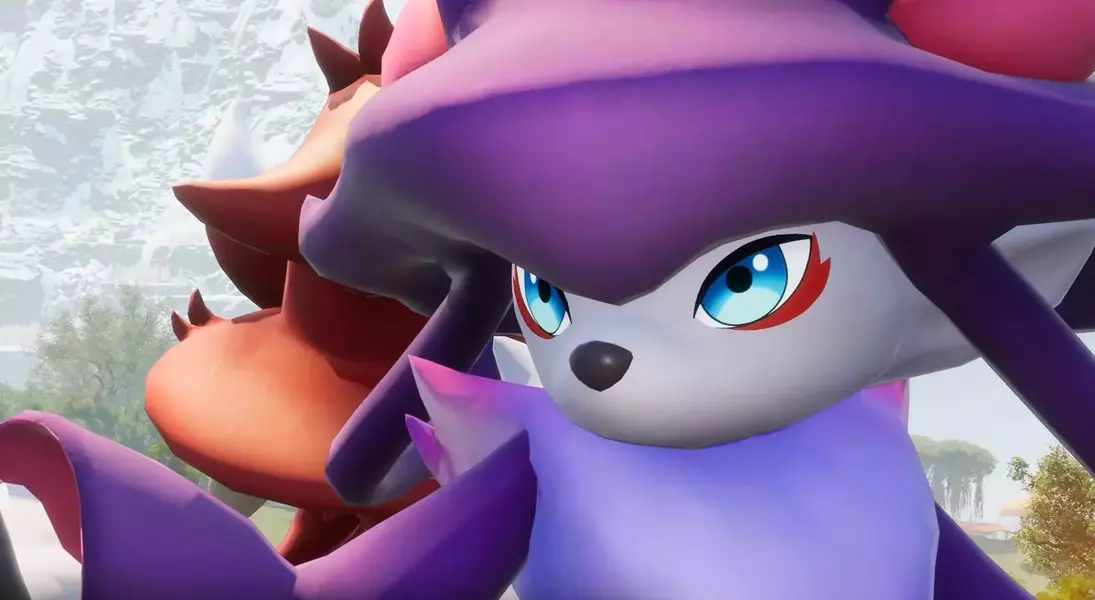
Palworld is preparing for its official 1.0 debut after an extensive early access period, a move that brings both anticipation and a crucial warning for its player base. While the developer has confirmed that the game's price will remain unchanged, a welcome piece of news for fans, a significant concern has been raised regarding existing game modifications. Players are strongly cautioned that any mods installed from previous early access versions, particularly those predating 2024, could severely impact the game's stability and functionality upon the 1.0 release. These issues range from application failures and data corruption to progression blockers within quests, highlighting the importance of proper mod management for a smooth transition into the full version.
The development team, Pocketpair, has expressed its support for the modding community and looks forward to new creations post-launch. However, they stress that the upcoming 1.0 update introduces substantial changes to the game's core architecture. This means that merely deactivating outdated mods might not be enough to prevent problems, as residual files or mod loaders could still interfere with the game's operations. To avoid potential disruptions, players are advised to follow a detailed clean-up process: securing save data, removing specific game files, validating the game's integrity through Steam, and ensuring the game runs correctly before applying the 1.0 update. Furthermore, patience is urged for mod enthusiasts, as it is recommended to await updates and compatibility confirmations from mod creators before reintroducing any modifications into the newly released game.
Ensuring a Smooth Transition to Palworld 1.0: Managing Outdated Mods
With Palworld moving from early access to its full 1.0 version, players must address the presence of any previously installed game modifications. The developers have warned that older mods, especially those from the 2024 early access period, could lead to severe in-game problems. These include frequent crashes, irreversible corruption of saved game progress, and an inability to complete critical missions or events within the game world. The studio has confirmed that they embrace modding but underline that the 1.0 update incorporates extensive alterations to the game’s underlying systems, making previous modifications highly likely to cause conflicts. This necessitates a proactive approach from players to ensure their game environment is prepared for the new version.
To prevent these issues, Pocketpair advises a comprehensive method for dealing with existing mods. It is not enough to simply deactivate them, as lingering files or mod frameworks can still be loaded by the game, leading to persistent problems. Therefore, the recommended procedure involves backing up all existing save files, a critical first step before any alterations. Following this, players should manually remove specific folders containing mod data, such as "Pal\Binaries\Win64" and "Pal\Content\Paks." After deleting these files, verifying the game’s integrity through the Steam client is crucial to replace any missing or corrupted core files. Only once the game has been confirmed to launch and run without issues should the 1.0 update be applied. Moreover, players using Steam Workshop mods need to unsubscribe from them and manually delete their corresponding data to ensure a clean slate.
Post-Update Modding Strategy: Waiting for Compatibility
After successfully transitioning to Palworld’s 1.0 release, players are strongly advised to exercise caution before reintroducing any game modifications. The development team has explicitly stated that issues arising from the use of mods or altered game data will not be covered by official support. This emphasizes the importance of waiting for mod creators to confirm their modifications are compatible with the new 1.0 version. Rushing to install old or un-updated mods could reintroduce the very problems that the initial clean-up was meant to resolve, potentially jeopardizing game stability and save file integrity. A strategic and patient approach to modding will ensure a more enjoyable and problem-free experience in the fully released game.
To maintain a stable gaming environment, Pocketpair recommends installing compatible mods one at a time. This methodical approach allows players to easily identify any new conflicts or issues that might arise from a particular mod, making troubleshooting significantly simpler. By contrast, installing multiple mods simultaneously can make it exceedingly difficult to pinpoint the source of a problem, should one occur. This phased reintroduction of mods, combined with diligent checking for updates and community feedback, will help players enjoy the enhanced features of Palworld 1.0 while still benefiting from the creativity and additions offered by the modding community. Adhering to these guidelines will safeguard the game's performance and prevent unnecessary complications, ensuring a seamless and customized gameplay experience.