Nvidia's recent beta update for its App brings a suite of powerful features designed to elevate the PC gaming experience for users with RTX 40 and 50 series graphics cards. These advancements primarily target frame rate stability and visual fidelity, aiming to deliver smoother and more immersive gameplay.
Unleash Unprecedented Frame Rates and Seamless Gaming with Nvidia's Latest Innovations
Dynamic Multi-Frame Generation: Revolutionizing Frame Rates
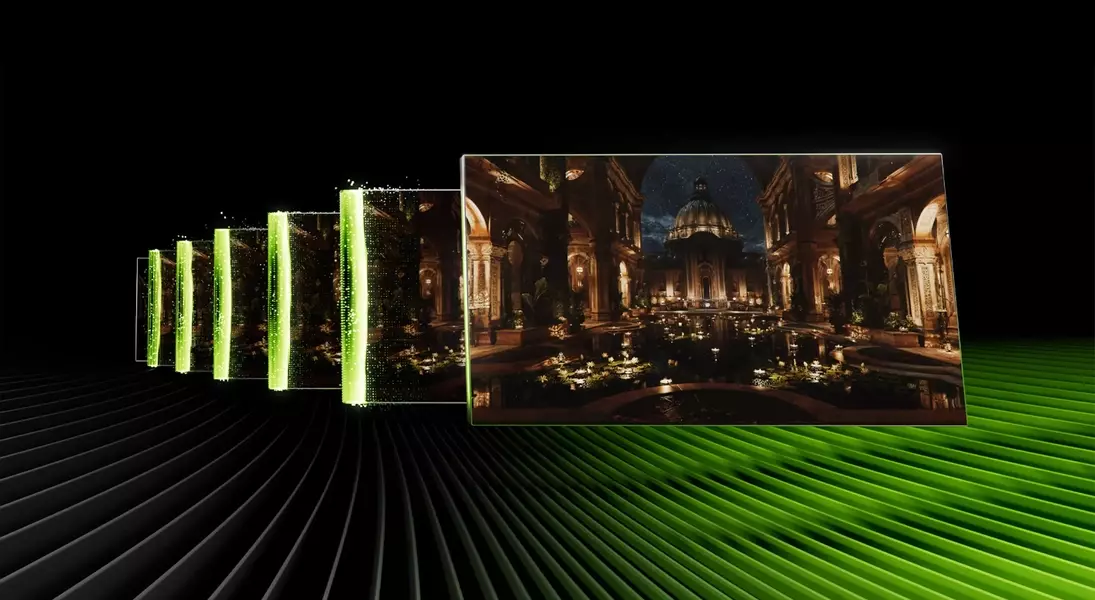
The updated Nvidia App beta introduces DLSS 4.5 Dynamic Multi Frame Generation, a groundbreaking technology specifically for RTX 50-series graphics card owners. This feature dynamically adjusts AI-generated frames to maintain a target frame rate, promising consistently fluid and high-FPS gameplay. With the capability to generate up to 6x more frames, it represents a substantial leap from previous iterations, offering a noticeable performance boost.
Real-World Performance and Considerations for Frame Generation
Initial testing of the Dynamic Multi Frame Generation technology has shown promising results, with users experiencing impressive frame rate improvements. However, it's important to note that maximizing the number of generated frames might have certain limitations, particularly on lower-specification graphics cards. The feature can be globally enabled or configured for individual games through the Nvidia App's Graphics tab, allowing for personalized optimization based on monitor refresh rates or custom frame rate settings.
Enhanced Visual Stability with New DLSS Frame Generation Model
Accompanying the Dynamic Multi Frame Generation is a new DLSS Frame Generation model, compatible with both RTX 40-series and 50-series cards. This model is engineered to enhance the stability of frame-generated images, especially when dealing with on-screen overlays and text elements. By intelligently accounting for UI components, it ensures that the visual experience remains coherent and free from distortions, even during intense gameplay or when interacting with in-game interfaces.
Automated Shader Compilation for Smoother Updates
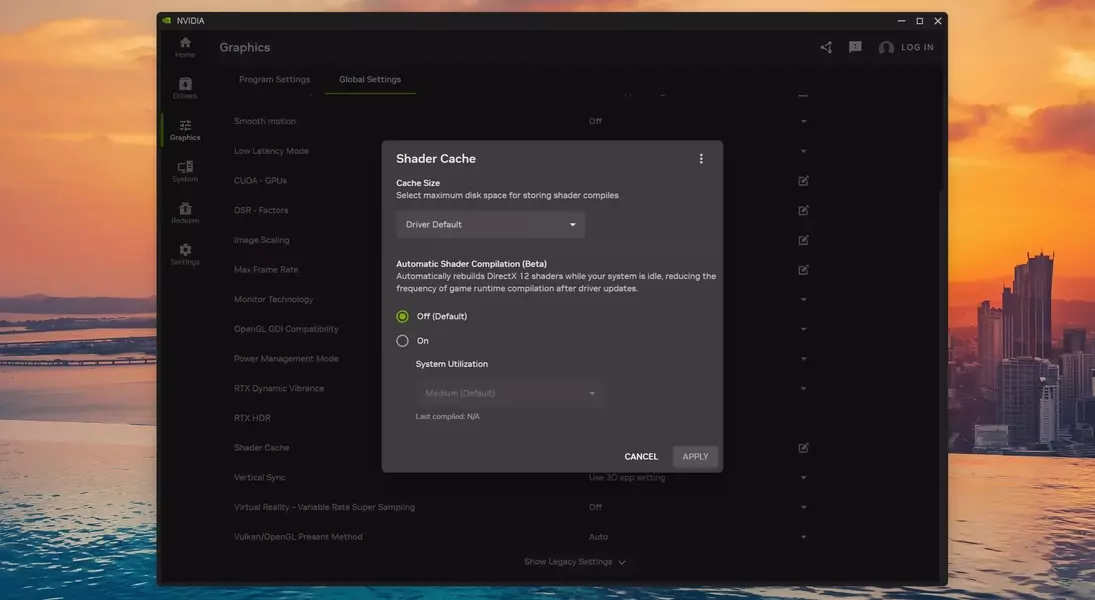
A notable addition to the beta update is the Auto Shader Compilation feature. This innovation aims to address the common issue of stuttering in DirectX 12 games after driver updates. The system intelligently rebuilds the game's shader cache during periods of system inactivity, eliminating the need for a complete manual recompilation after each driver update. Given Nvidia's frequent driver updates, this feature is particularly timely, offering a more streamlined and uninterrupted gaming experience.
Accessing the Latest Features and Driver Requirements
To benefit from these new features, users must opt into the beta version of the Nvidia App through the Settings > About page. Additionally, the GeForce Game Ready Driver 595.97 is required to unlock the full potential of these enhancements. By combining the latest software with compatible hardware, gamers can unlock a new level of performance and visual fidelit
