Microsoft has recently released a statement that offers a significant ray of hope for the future of its operating system. This announcement goes beyond mere promises, indicating a genuine commitment to addressing long-standing user concerns regarding Windows 11. The company is set to introduce substantial improvements across key areas, including performance optimization, reduced reliance on artificial intelligence, and enhanced user customization options, all of which have been consistent requests from the user base. These anticipated changes are expected to be unveiled in forthcoming Windows Insider builds.
Pavan Davuluri, Microsoft's Windows president, initiated the blog post with a tone that resonated well with the user community, acknowledging his engineering background and the widespread desire for a better Windows 11 experience. This candid admission of existing issues marks a departure from previous messaging and sets the stage for a more user-centric approach. Contrary to the skepticism that might have arisen from past updates, Microsoft is not simply adding more AI features; instead, it is actively responding to feedback from the tech community, including publications like PC Gamer, by focusing on practical improvements.
The core of Microsoft's renewed commitment involves several specific changes designed to enhance the daily user experience. These include expanded taskbar customization options, allowing users to position it vertically or at the top of the screen. The company also plans to integrate AI features more thoughtfully and purposefully, rather than ubiquitously. Significant efforts will be made to minimize disruptions caused by Windows updates, a frequent source of frustration for users. Furthermore, improvements to the File Explorer are on the horizon, aiming for faster and more reliable performance. Users can also expect increased control over widgets and feed experiences. The Windows Insider Program is being streamlined for greater transparency, and the Feedback Hub is receiving immediate enhancements.
Beyond these specific adjustments, Microsoft has emphasized a general drive for performance improvements across the operating system. This includes transitioning more core experiences, such as the Start menu, to WinUI3, a native user interface framework that is expected to deliver a snappier and more responsive experience compared to previous WebView and React-based applications. Additionally, the company is targeting reductions in File Explorer latency and boosting the performance of the Windows Subsystem for Linux (WSL). A notable aspect of the AI integration strategy is a strategic reduction of unnecessary Copilot entry points in applications like Snipping Tool, Photos, Widgets, and Notepad, demonstrating a clear pivot towards more focused and meaningful AI implementation.
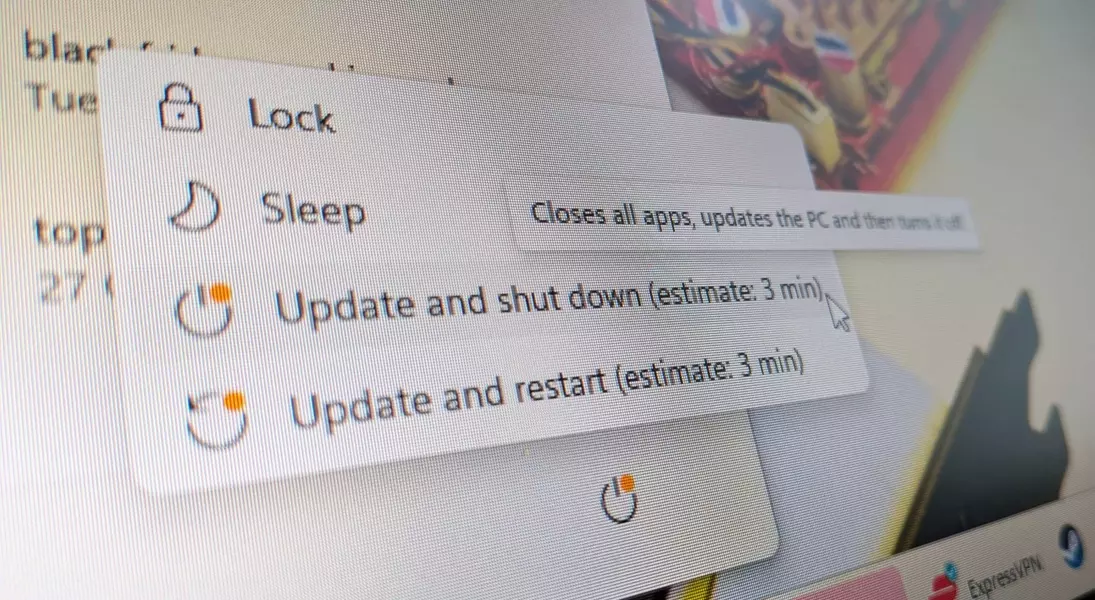
The enhancements to the Windows update process are particularly noteworthy. Davuluri detailed plans to offer greater user flexibility, such as the ability to skip updates during initial device setup, restart or shut down without immediately installing updates, and extend the pausing of updates when necessary. This new approach aims to diminish the "update noise" by reducing automatic restarts and intrusive notifications. This direction marks a positive shift away from past strategies, which sometimes felt overwhelming or counterproductive. This strategic change aligns with previous statements from Davuluri, who had indicated a focus on addressing consistent customer pain points related to system performance, reliability, and the overall Windows experience. While previous promises had been met with a degree of skepticism due to a perceived decline in performance and an abundance of AI features, Microsoft's current detailed outline of specific changes suggests a genuine effort to deliver on its commitments. This renewed emphasis on user-driven improvements and a more streamlined, performant operating system could mark a significant return to form for Windows.
