Microsoft is rolling out a new 'My apps' feature within its Xbox app for Windows 11, designed to streamline PC gaming by allowing users to manage and launch third-party applications, including web browsers, gaming utilities, and even competing storefronts, directly from the Xbox interface. This initiative aims to consolidate the gaming experience and particularly benefits handheld PC users by minimizing the need to interact with the standard Windows desktop environment. The update signifies Microsoft's ongoing commitment to establishing its Xbox app as a central hub for PC gaming.
Expanding PC Gaming Ecosystem within Xbox
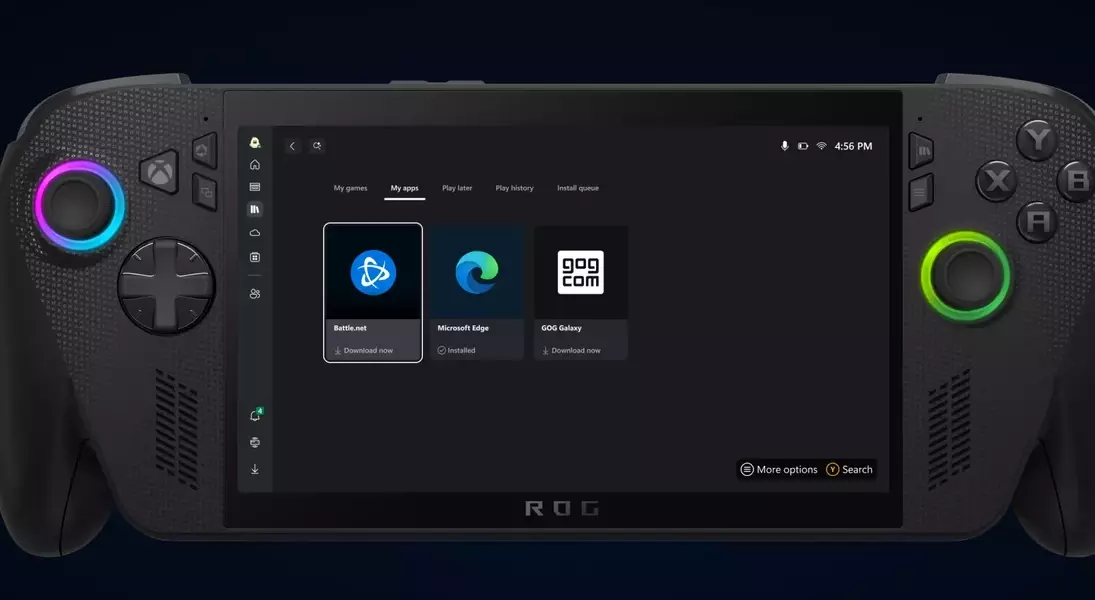
Microsoft is significantly enhancing the utility of its Xbox app for Windows 11 by introducing a dedicated 'My apps' section. This new feature enables PC gamers to seamlessly access and launch various third-party applications, such as internet browsers, essential gaming tools, and even rival digital storefronts, all from within the Xbox app's unified interface. This strategic move aims to create a more integrated and user-friendly ecosystem, simplifying the process of managing a diverse library of games and related software. The 'My apps' view is particularly advantageous for users of handheld Windows 11 gaming devices, providing a streamlined experience that reduces the need to navigate the traditional desktop environment, thereby enhancing the overall convenience and accessibility of their gaming setup.
The expansion of the Xbox app's capabilities marks a pivotal step in Microsoft's overarching strategy to position the platform as the definitive home for all PC gaming. By incorporating support for external applications and competing game launchers like Steam, Battle.net, and Ubisoft Connect, Microsoft is fostering an open environment that embraces the fragmented nature of PC gaming. This integration not only centralizes game libraries but also extends to other crucial applications, creating a comprehensive hub for all gaming-related activities. The focus on handheld PC devices, such as the ROG Xbox Ally, underscores Microsoft's commitment to optimizing the gaming experience across different hardware platforms, offering a full-screen interface that minimizes disruptions and maximizes immersion for players on the go. This forward-thinking approach is set to reshape how PC gamers interact with their software, making it more efficient and enjoyable.
Streamlining User Experience and Future Prospects
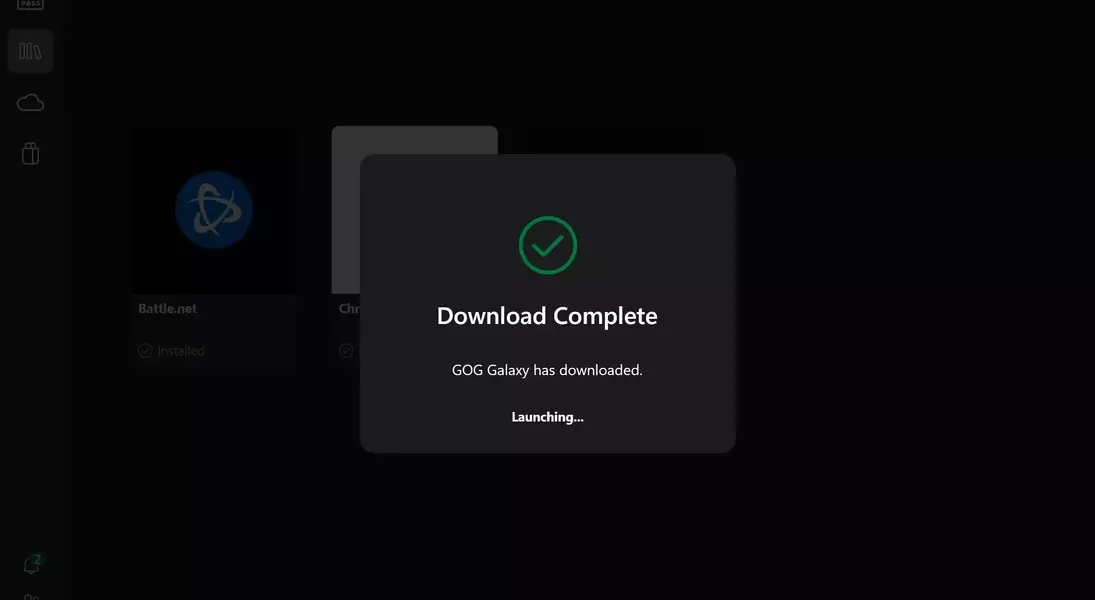
The introduction of the 'My apps' view within the Xbox app is poised to significantly improve the user experience for PC gamers, especially those utilizing handheld devices. By providing a centralized location for managing various applications, Microsoft is simplifying navigation and reducing friction, allowing players to focus more on their games and less on system management. This feature is currently in its testing phase, with a curated selection of applications available, including popular choices like Battle.net, Chrome, and GOG Galaxy. While the initial rollout may encounter minor issues, such as occasional installation failures, these are expected to be refined as the beta phase progresses. The ability to launch or install these applications directly from the Xbox interface represents a substantial leap towards a more cohesive and accessible PC gaming environment.
Microsoft's continued efforts to integrate diverse elements of the PC gaming landscape into its Xbox app signal a clear vision for the future of gaming on Windows. This strategic direction involves not just consolidating game libraries but also creating a versatile platform that caters to the evolving needs of modern gamers, including the growing market for handheld gaming PCs. The company's prior initiatives, such as unifying game libraries from various PC storefronts, laid the groundwork for this latest enhancement. With the 'My apps' feature, Microsoft is moving closer to realizing its ambition of making the Xbox app the ultimate destination for PC gaming, offering an intuitive and efficient portal that brings together all the essential components of a robust gaming setup. This ongoing evolution promises a more unified and user-friendly experience for all Windows gamers, streamlining their digital lives and enhancing their entertainment options.
