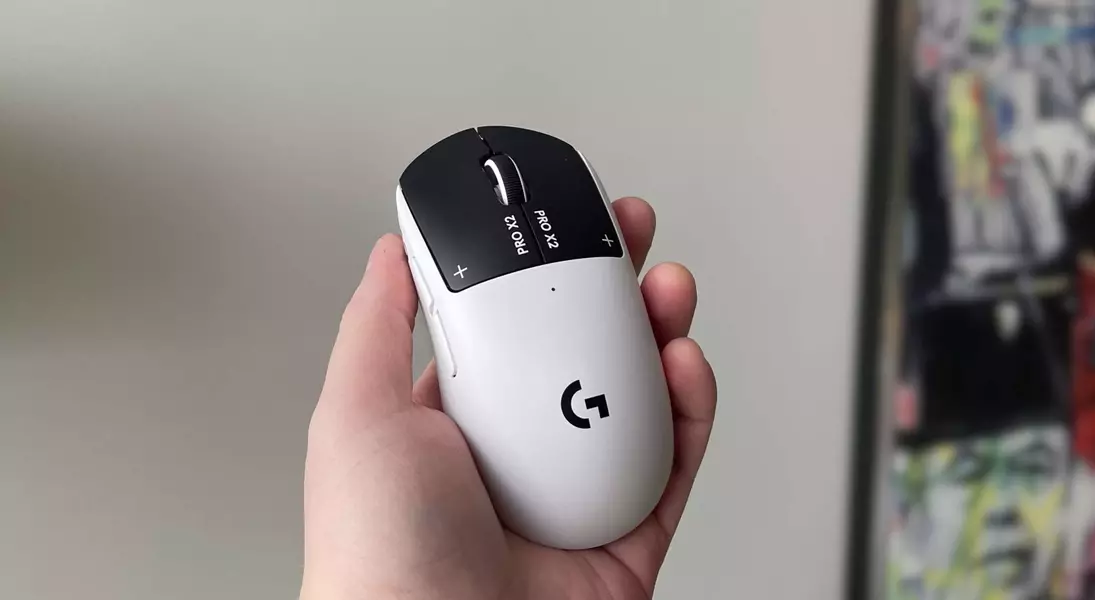
Many users believe the Logitech G Pro X2 Superstrike gaming mouse requires the G Hub software to be continuously active for personalized settings. However, it's possible to save and manage your mouse configurations directly on the device, allowing for seamless switching between profiles without the software running in the background. This capability significantly enhances user convenience and flexibility, providing an optimized experience for various gaming and desktop activities across different operating systems.
Detailed Guide to Onboard Profile Management for Logitech G Pro X2 Superstrike
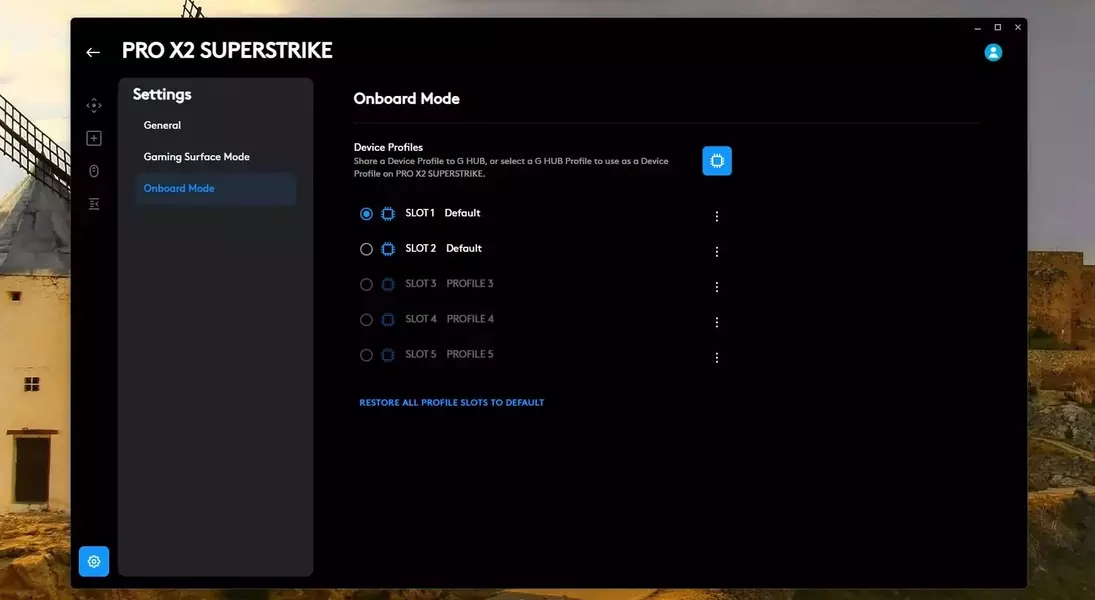
The Logitech G Pro X2 Superstrike, a leading-edge gaming mouse, offers the convenience of onboard memory for storing custom settings, liberating users from the constant reliance on G Hub software. This feature is particularly beneficial for gamers and professionals who frequently switch between different setups or operating systems, such as Windows and Linux, ensuring their preferred configurations are always active. To initiate this process, users must first access the G Hub application for the initial setup. Navigate to the 'Devices' section, select the 'Pro X2 Superstrike,' and then click the 'Settings cog' icon. Within the settings menu, locate 'Onboard Mode' and activate it. From there, select the 'hamburger menu' next to 'Slot 1' and choose 'Import G Hub Profile' to load your desired in-app profile. Once these steps are completed, the mouse will retain these settings independently of the G Hub software's running status.
For those desiring to effortlessly transition between multiple customized profiles, such as one optimized for prolonged battery life with a lower polling rate during general desktop usage and another geared for intense competitive gaming with a higher polling rate and specific actuation points, the mouse supports up to five distinct onboard profiles. The critical step involves assigning one of the mouse's five programmable buttons to function as a profile switcher. This is achieved by creating your desired profiles within G Hub, configuring DPI, polling rates, and HITS settings for each. Then, within the 'Assignments' tab for each profile, replace a chosen button's function with 'Onboard Profile Cycle,' found under 'System.' After configuring each slot in the 'Onboard Mode' settings to correspond with your created profiles, pressing the designated button will cycle through these pre-saved configurations, indicated by a unique LED color flash on the mouse. While this might mean sacrificing a mouse button for profile cycling—a minor trade-off for enhanced control and independence from software—it significantly boosts efficiency for diverse computing demands.
The revelation that the Logitech G Pro X2 Superstrike can operate independently of the G Hub software for managing settings is a significant advantage for users. This functionality not only streamlines the user experience by reducing background application clutter but also ensures consistent performance and personalized control, regardless of the operating environment. This level of customization and self-sufficiency in hardware management empowers users, offering a more fluid and efficient interaction with their gaming peripherals.
