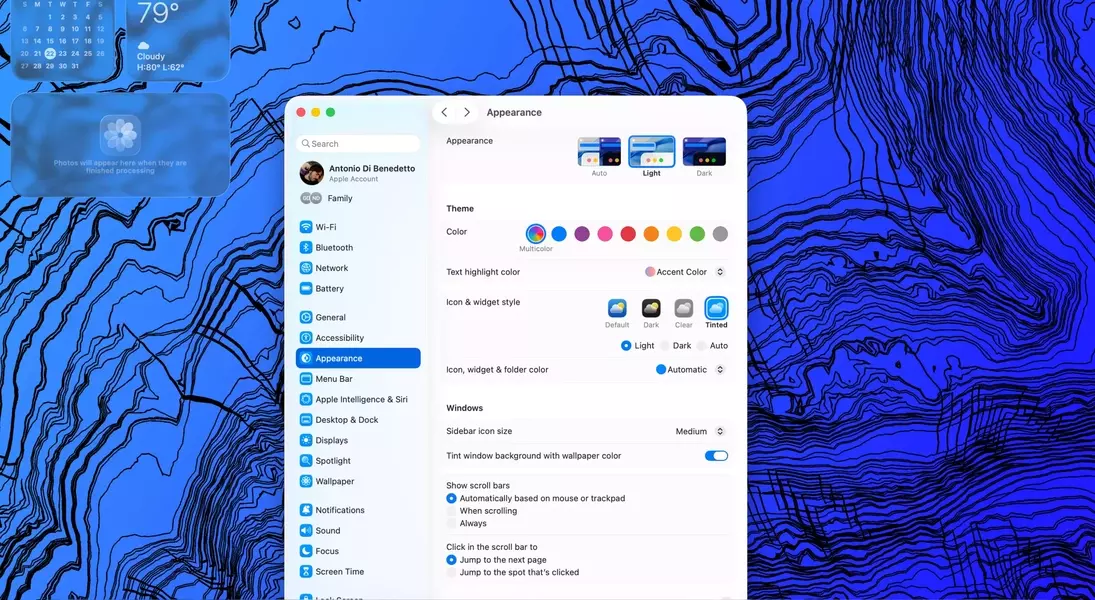
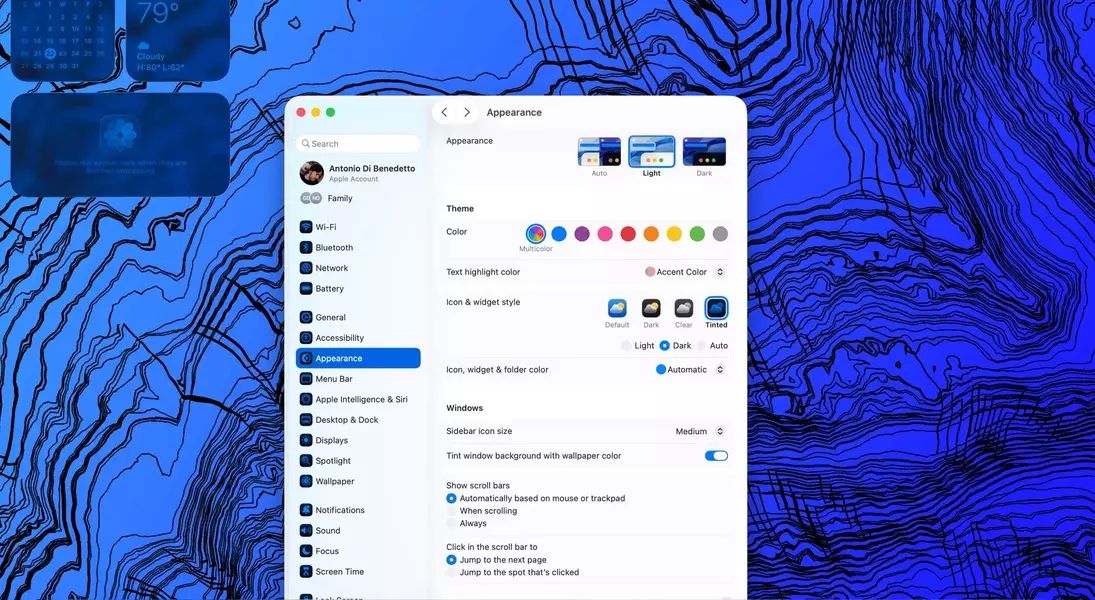
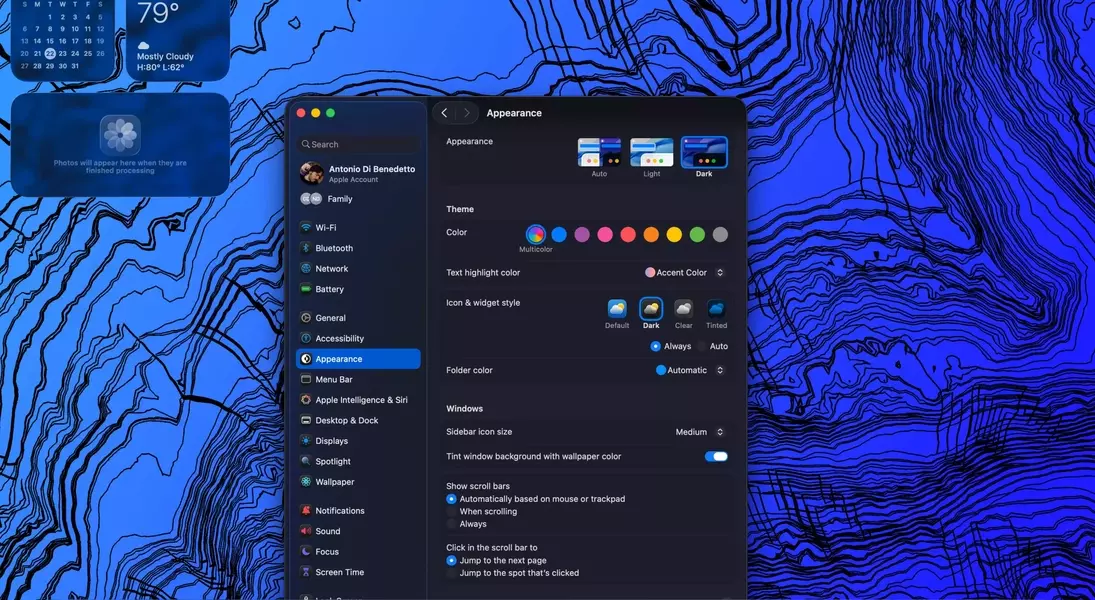
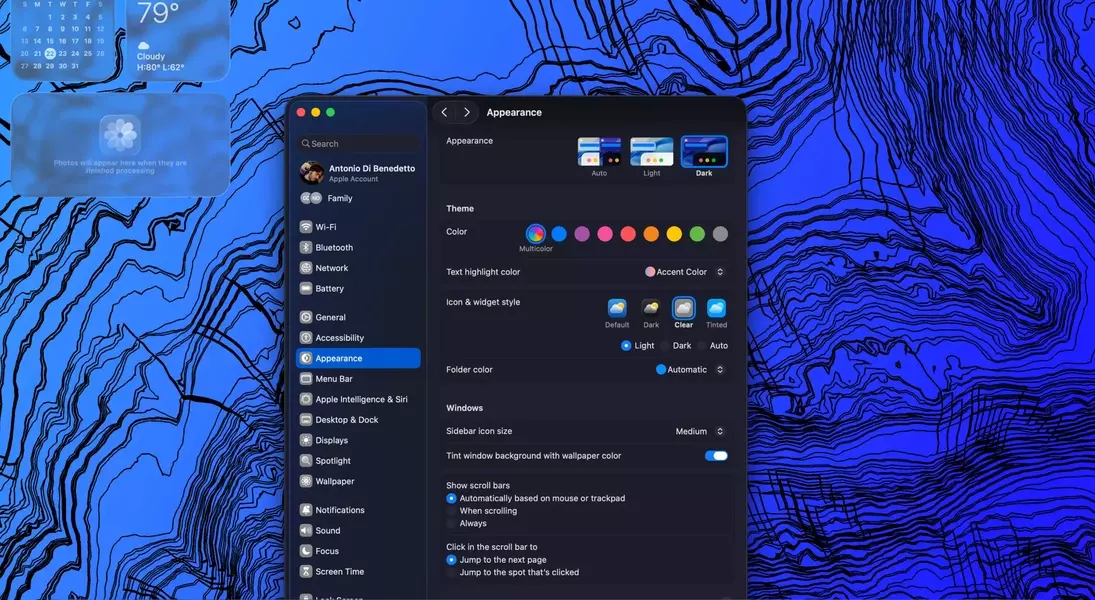
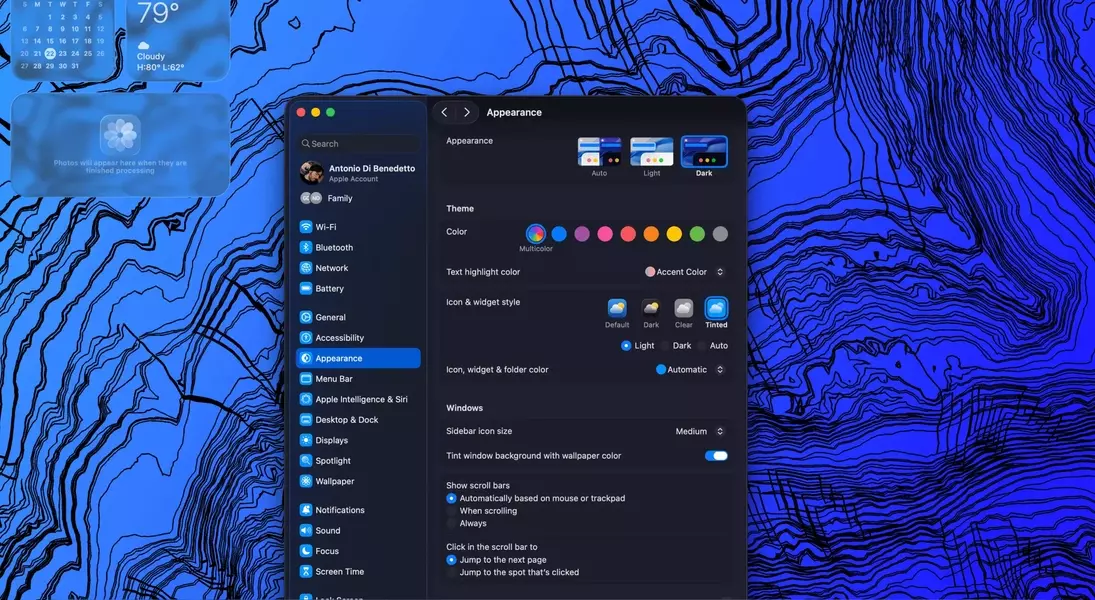
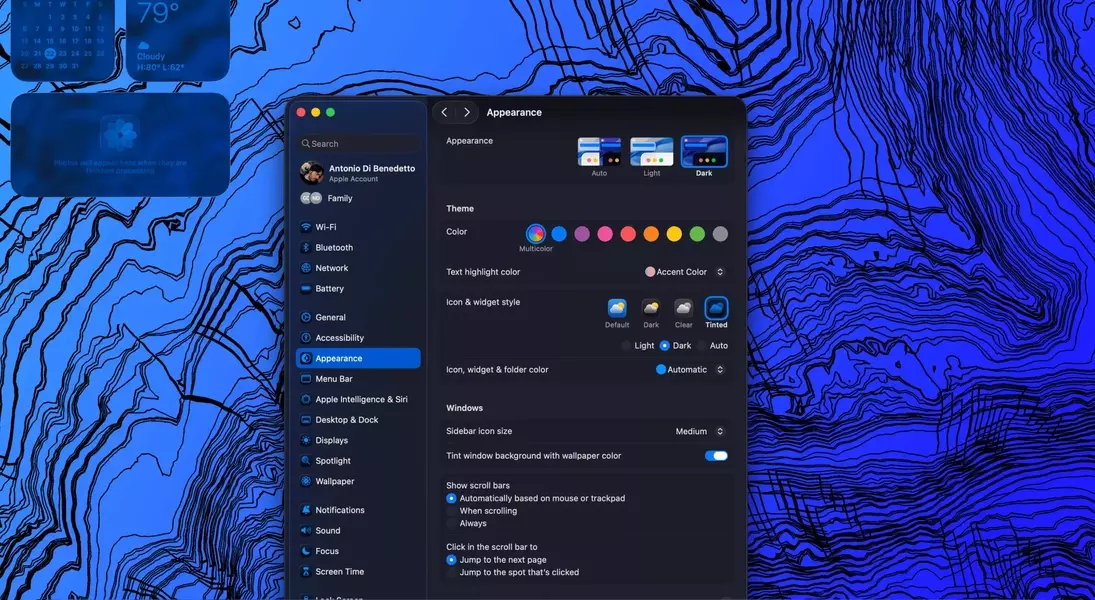
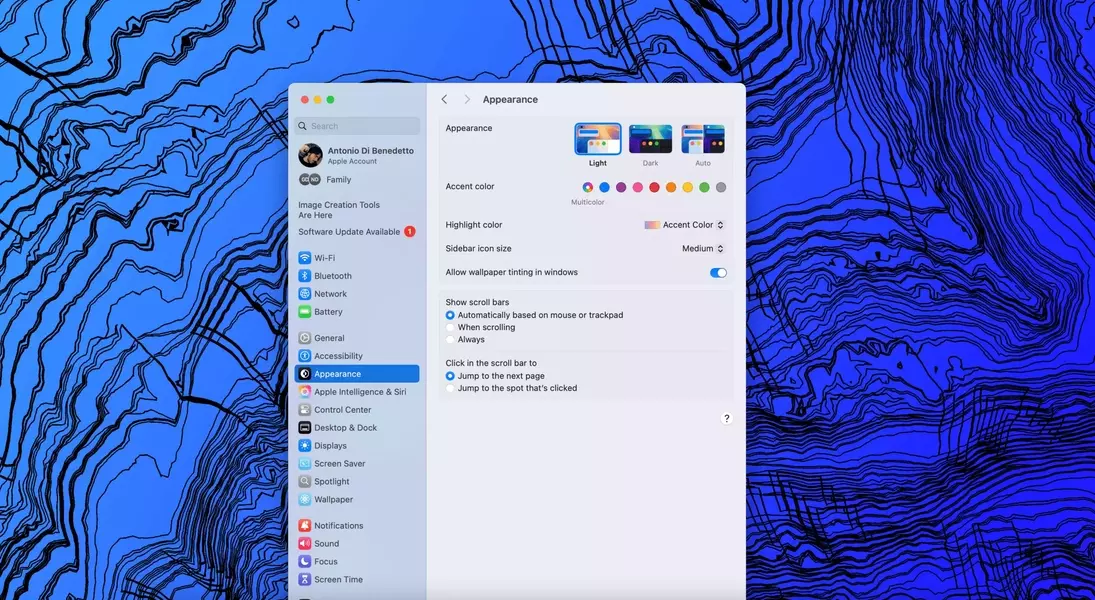
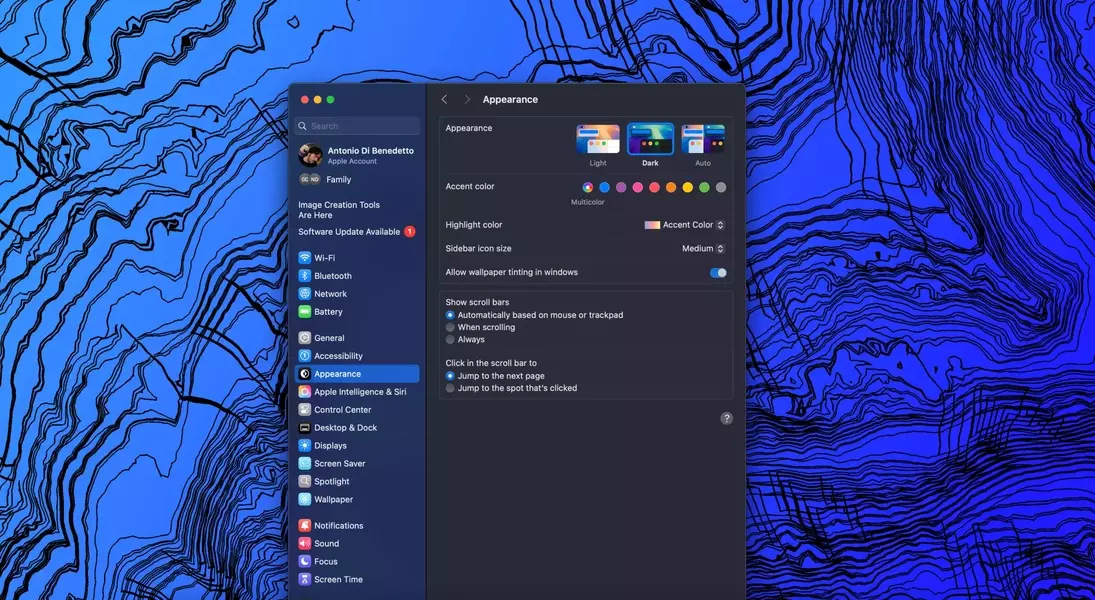
Apple's macOS Tahoe 26 public beta brings forth the "Liquid Glass" design aesthetic, an update that, while intended to refresh the user experience across Apple's operating systems, largely falls flat on larger Mac displays. This visual overhaul, despite some minor refinements, offers a rather underwhelming transformation. Many users may find the new translucent elements, now appearing with a frosted effect, to be a step back from the cleaner, more purposeful design of its predecessor, macOS Sequoia. Beyond the debatable aesthetic changes, the update introduces practical, albeit limited, new features such as an integrated Phone application and enhanced Spotlight functionalities, which prove to be genuinely useful additions. However, the overall impression left by this beta release is one of mild indifference, suggesting that users might not find compelling reasons to rush into adopting it immediately.
The subtle changes in macOS Tahoe contrast sharply with the significant impact of the new phone application and improved Spotlight features. While the visual refinements may be lost on many users, these functional improvements genuinely enhance the daily workflow. The integrated phone application simplifies communication by allowing calls directly from the Mac, reducing the need to switch devices, and Spotlight’s expanded capabilities, especially the clipboard history, streamline common tasks. Despite these practical gains, the 'Liquid Glass' design, as a core element of this update, has struggled to resonate, leading to a sense of unfulfilled potential in Apple’s latest desktop operating system.
The Liquid Glass Aesthetic: More Transparency, Less Impact
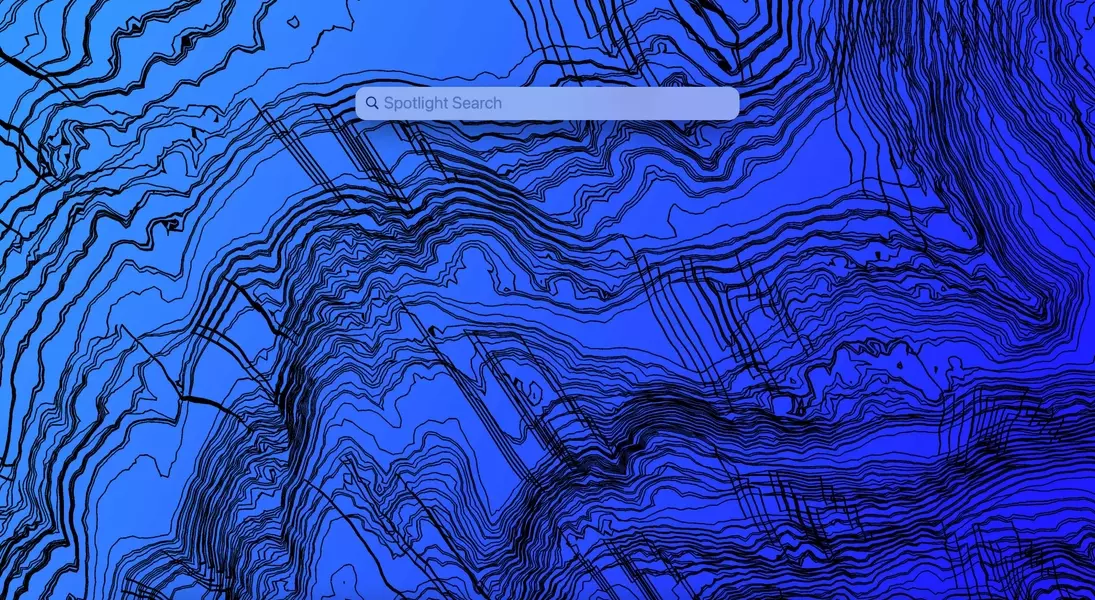
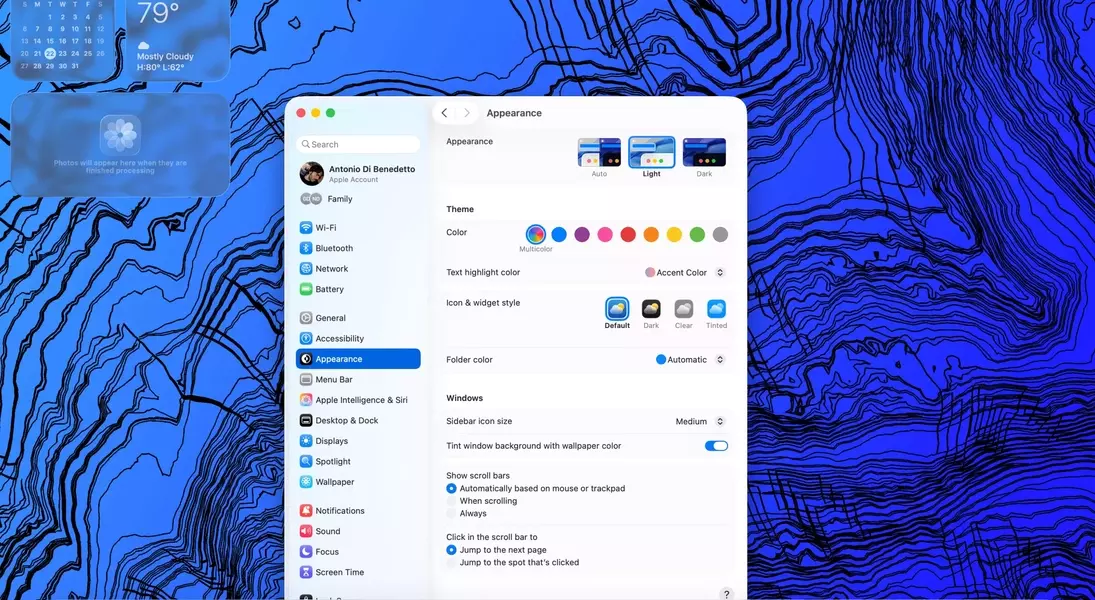
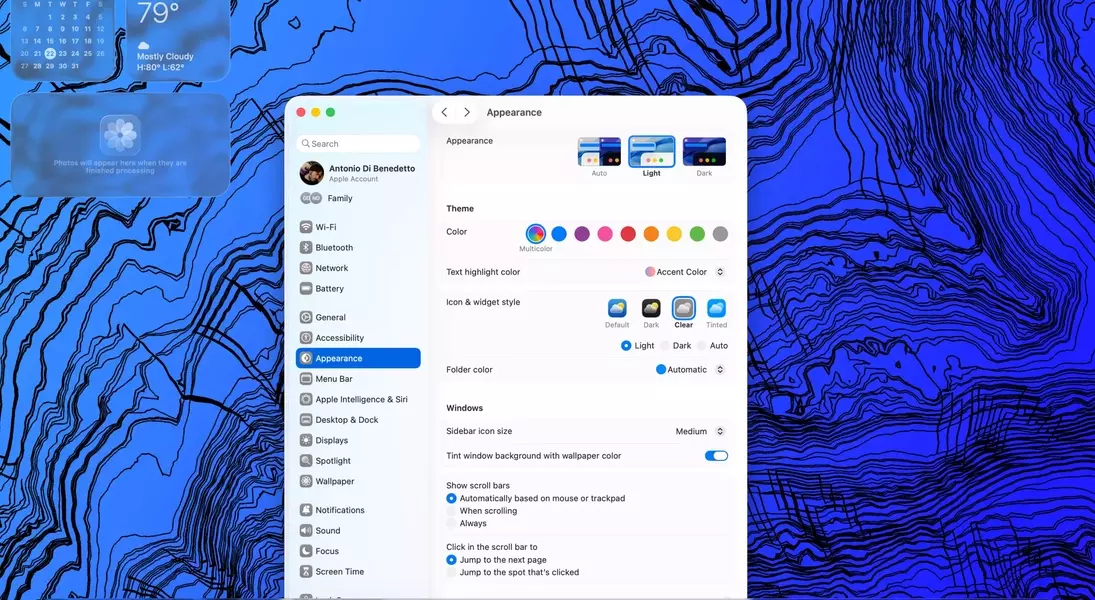
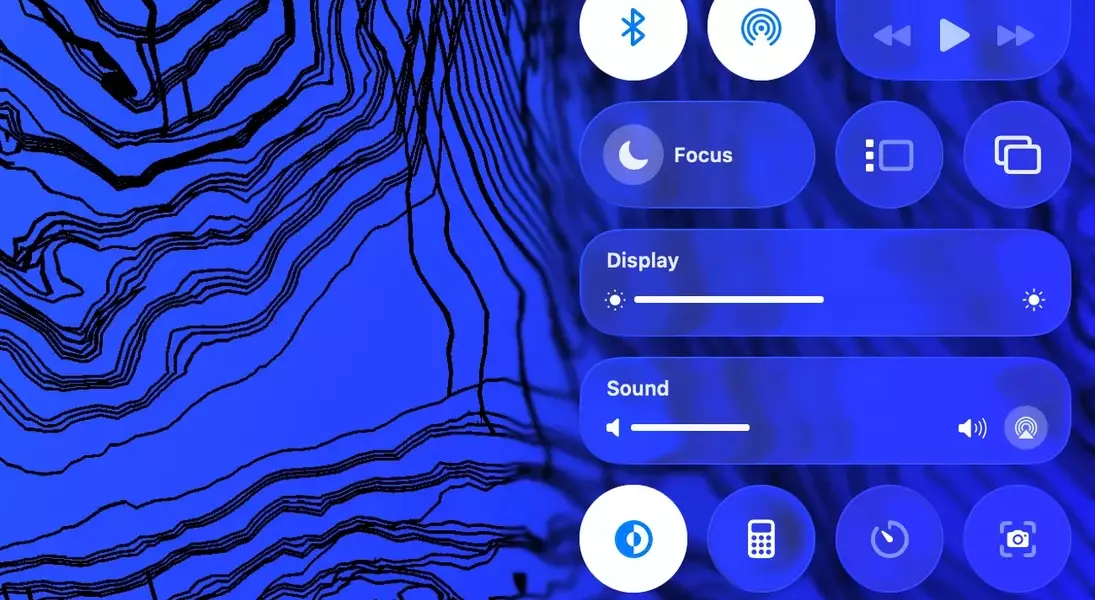
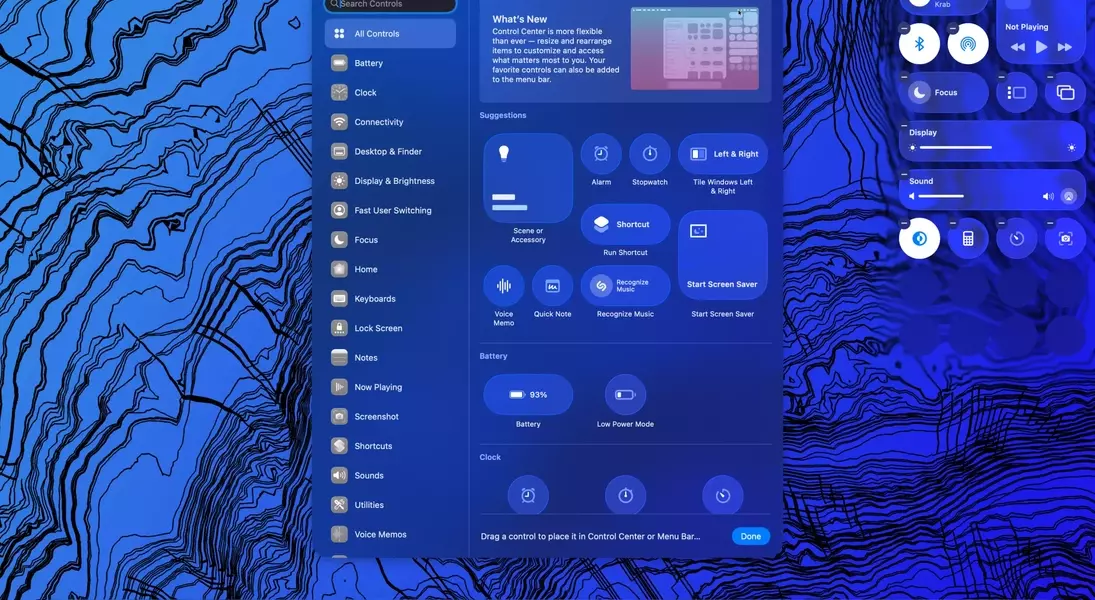
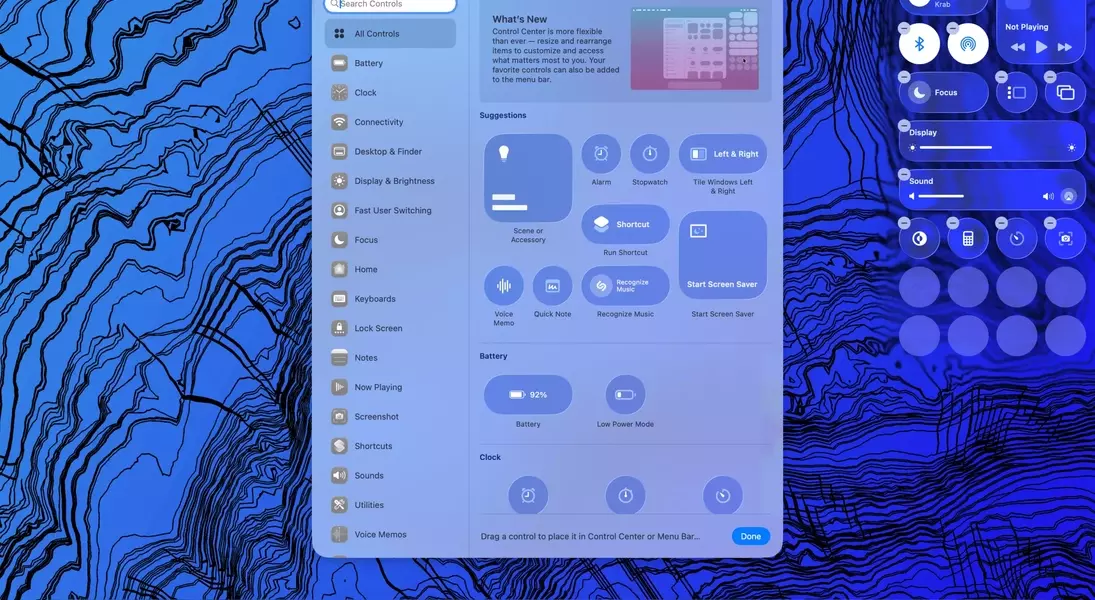
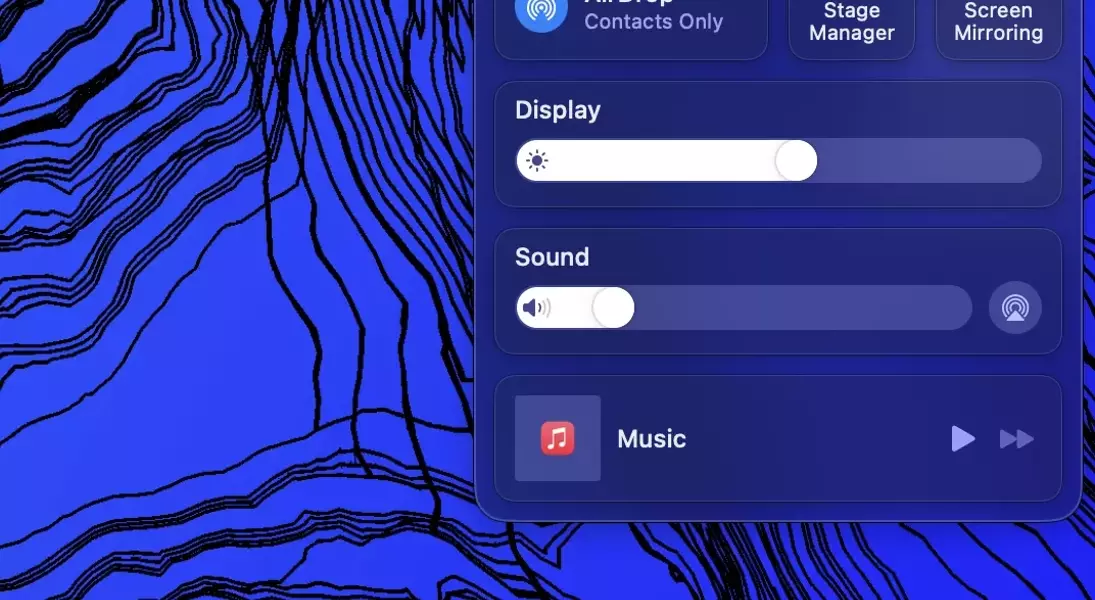
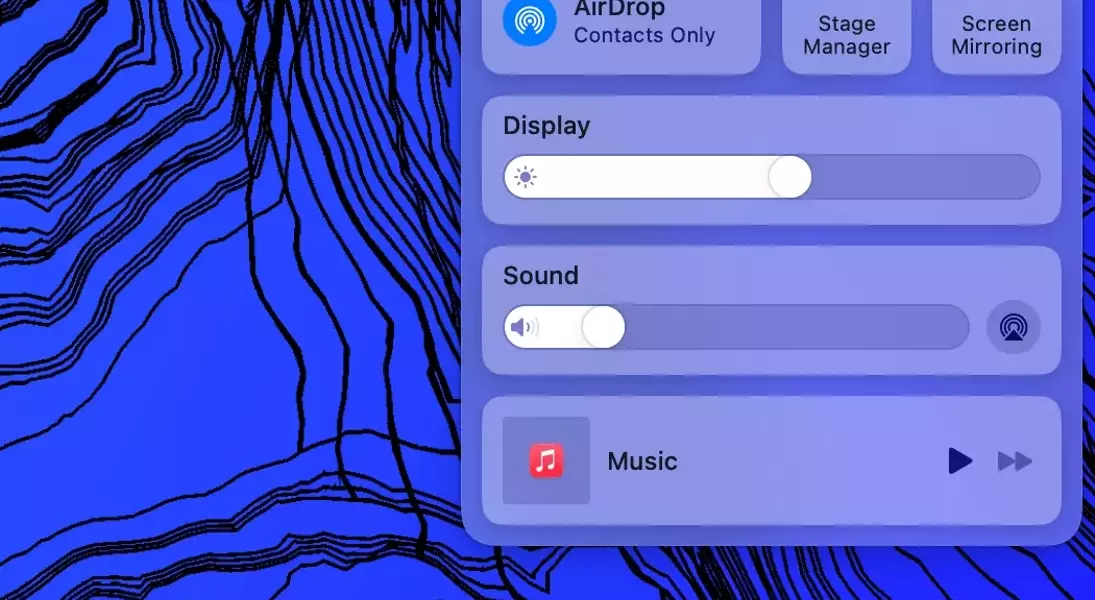
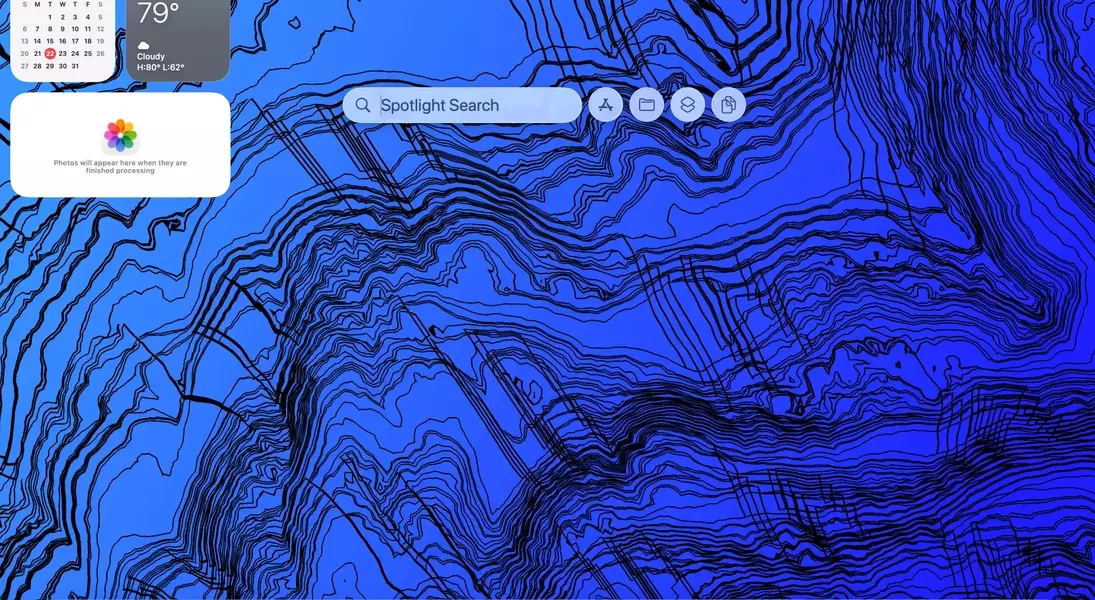
The introduction of Apple's "Liquid Glass" design in macOS Tahoe's public beta has been met with a lukewarm reception, proving to be a rather uninspired visual update. This new aesthetic, which integrates translucent and frosted elements across the interface, aims to harmonize the look and feel of Apple's various operating systems. However, on the expansive displays of Macs, this design choice often fades into the background, becoming less of a prominent feature and more of a subtle, almost unnoticeable change. While Apple has attempted to refine the translucency from its initial, more pronounced state to a softer, frosted appearance, many users might still prefer the clearer, more defined lines of the previous macOS Sequoia interface.
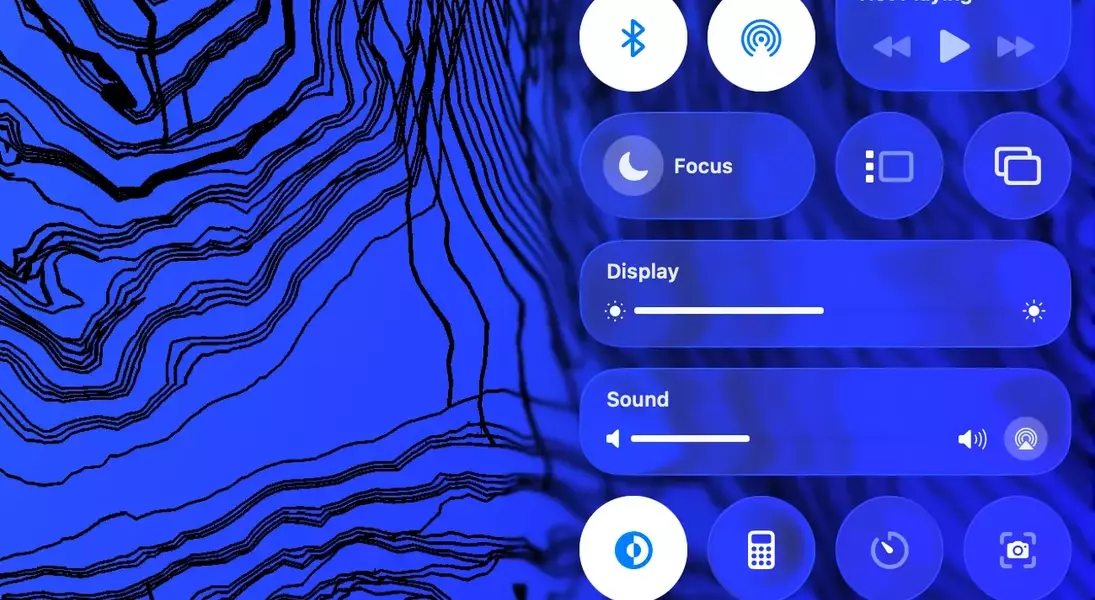
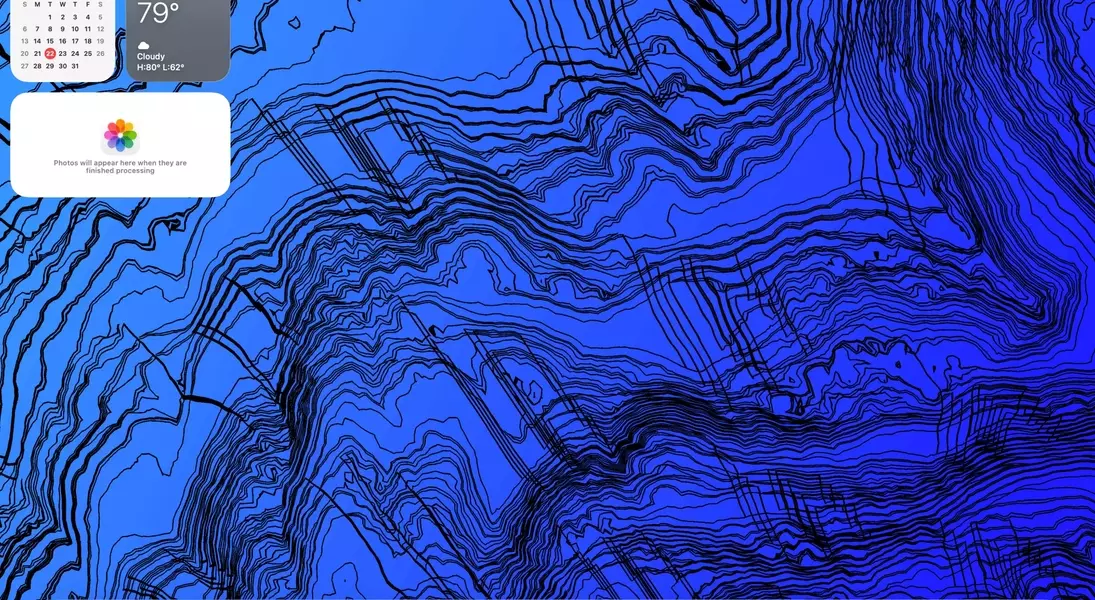
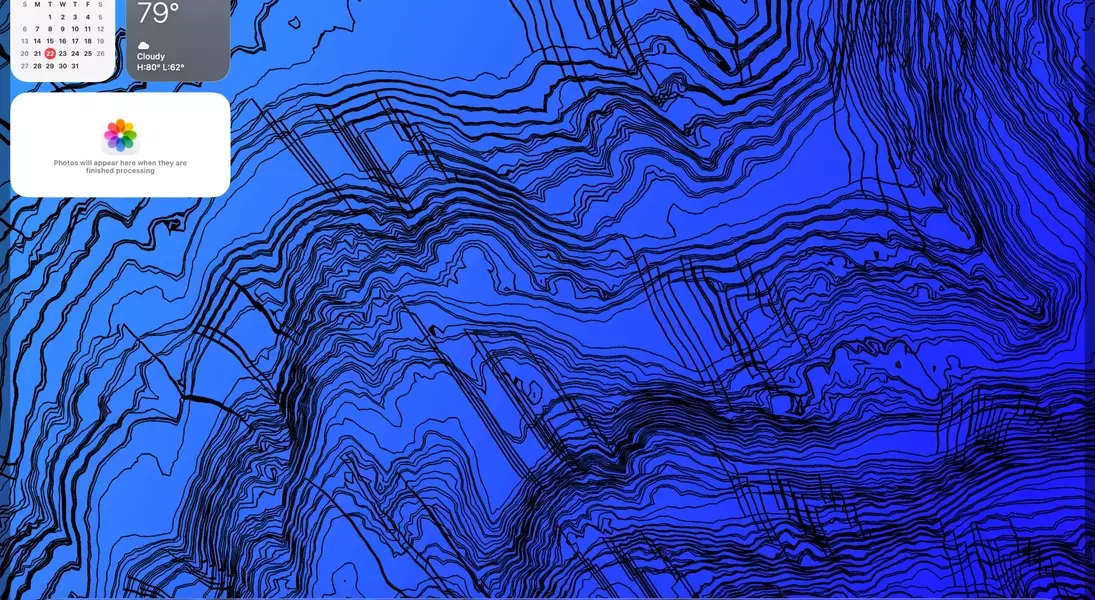
This visual evolution in macOS Tahoe seems to prioritize a uniform design language across Apple's ecosystem rather than delivering a groundbreaking visual experience unique to the Mac. The subdued nature of "Liquid Glass" on larger screens means it often goes unnoticed, contrasting sharply with the expectation of a bold and refreshing redesign. The changes to elements like the Control Center, while slightly improved from their initial iteration, still feel less intuitive than their predecessors, and their utility on a desktop environment remains questionable for many users. The persistent visual quirks, such as the subtle shadow cast by an invisible Menu Bar when clearing the desktop, further underscore the impression of a design that is still finding its footing and may even be seen as a regression from previous, more cohesive interfaces.
Functional Enhancements: The True Value of macOS Tahoe
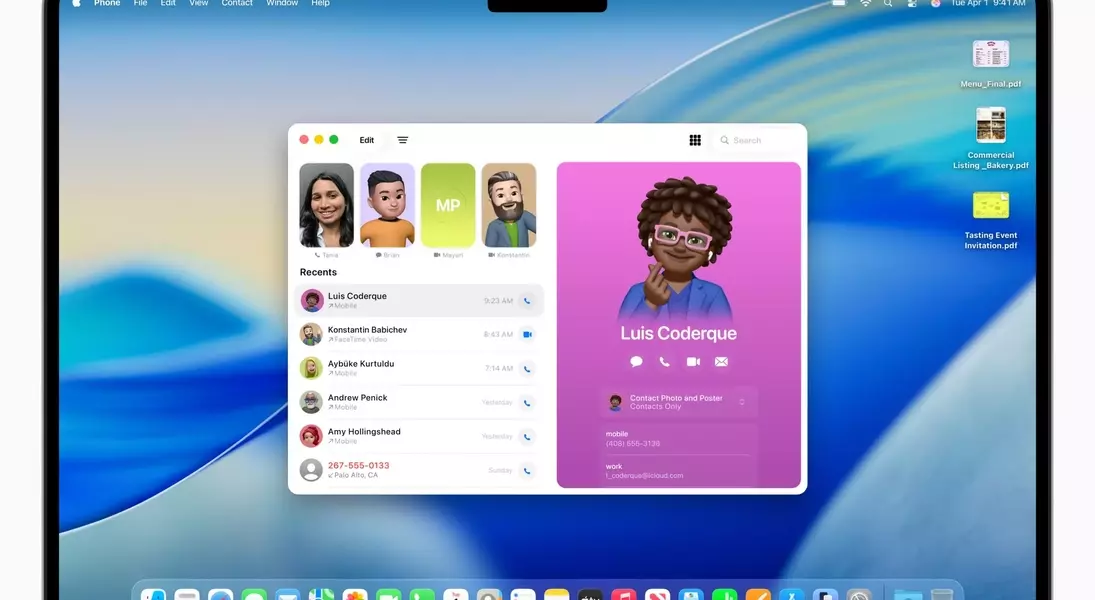
Despite the underwhelming visual overhaul, macOS Tahoe introduces several practical enhancements that genuinely improve the user experience, notably the new integrated Phone application and expanded Spotlight functionalities. The dedicated Phone application is a significant convenience, allowing users to make and receive calls directly from their Mac without needing to interact with their iPhone. This seamless integration can notably boost productivity by reducing distractions and streamlining communication, making it easier to handle personal and professional calls directly from the desktop environment.
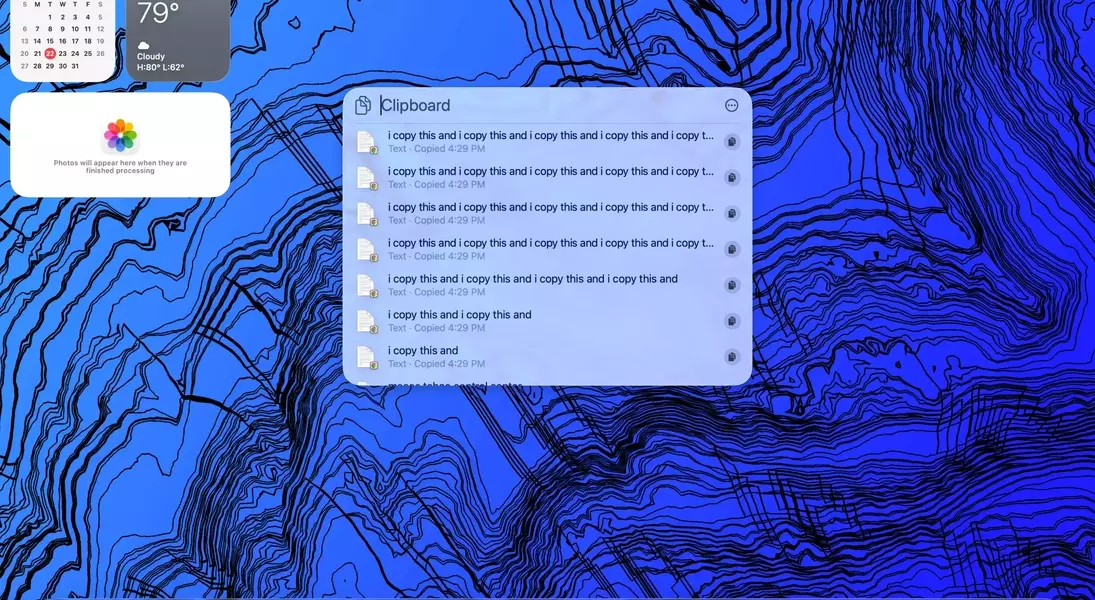
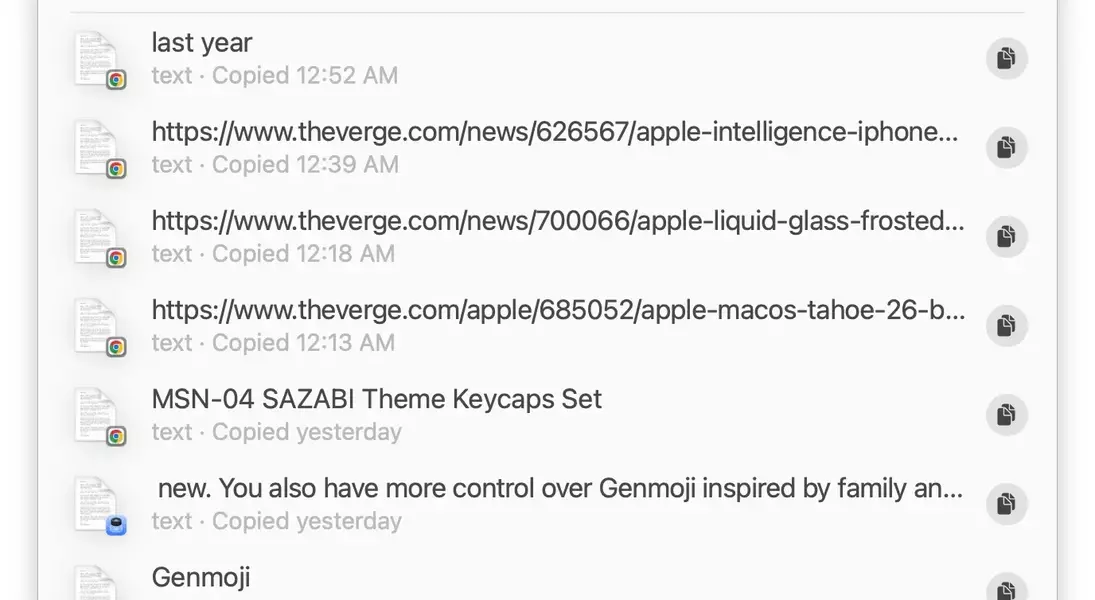
Furthermore, the updates to Spotlight provide valuable utility, particularly the new clipboard history feature. While not as extensive as third-party alternatives, this built-in history allows quick access to recently copied items, proving to be a useful addition for daily tasks. These functional improvements underscore the true value of the macOS Tahoe update, focusing on enhancing workflow and convenience rather than relying solely on aesthetic changes. The ability to manage calls more efficiently and access clipboard history through Spotlight demonstrates Apple's commitment to refining core productivity tools, even as the visual aspects of the update fail to captivate the user base. While the "Liquid Glass" design may not be a compelling reason to upgrade, these practical features offer tangible benefits for everyday Mac users.
