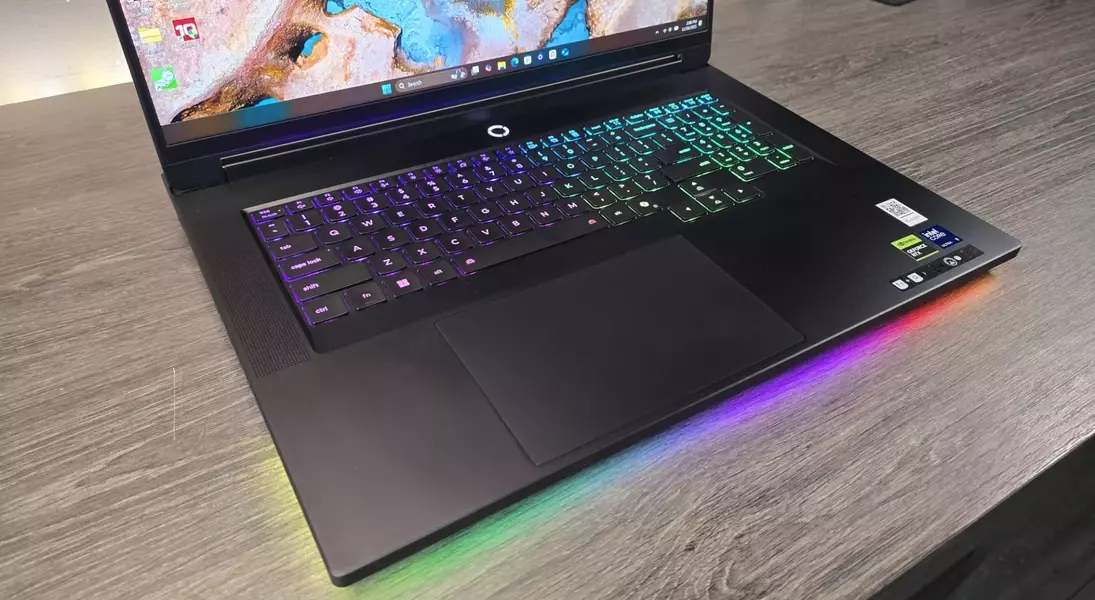
This comprehensive review explores the Lenovo Legion 9i Gen 10, a high-end gaming laptop that promises unparalleled performance and a premium user experience. From its initial setup complexities to its ultimate display of power and design, the article delves into every aspect, offering a balanced perspective on its capabilities and limitations.
Unleashing the Beast: The Lenovo Legion 9i Gen 10 Reviewed
Unraveling the Initial Impressions: Beyond First Encounters with the Legion 9i
My first experience with the Lenovo Legion 9i Gen 10 was unexpectedly perplexing. I approached this high-end laptop, priced around $4,000 and packed with advanced components, expecting a seamless, ready-to-use device. My initial frustration stemmed not from any inherent flaw in the machine, but from my own assumptions. It wasn't the straightforward plug-and-play experience I anticipated. Weeks of thorough testing and deeper exploration of its functionalities completely transformed my perspective, revealing a device far more capable than I first imagined.
Delving into the Core: Hardware Configuration and Features of the Lenovo Legion 9i Gen 10
The Legion 9i Gen 10, specifically the 18IAX10 model, is equipped with an Intel Core Ultra 9 275HX processor and an Nvidia RTX 5080 with 16GB of VRAM, operating at a robust 175W. It features a 2TB Samsung PM9E1 PCIe 5.0 SSD for rapid storage and an impressive 18-inch glossy IPS display with a 3840 x 2400 resolution, boasting a smooth 240 Hz refresh rate. This formidable machine is designed for demanding tasks, supported by a substantial 99.9 Whr battery. While the base model is already powerful, users have the option to upgrade to even more advanced configurations, including 192GB of DDR5 RAM, an additional 2TB PCIe 4.0 SSD, and an RTX 5090, though these enhancements come with a significant price increase.
Navigating the Performance Maze: Understanding LegionSpace Profiles
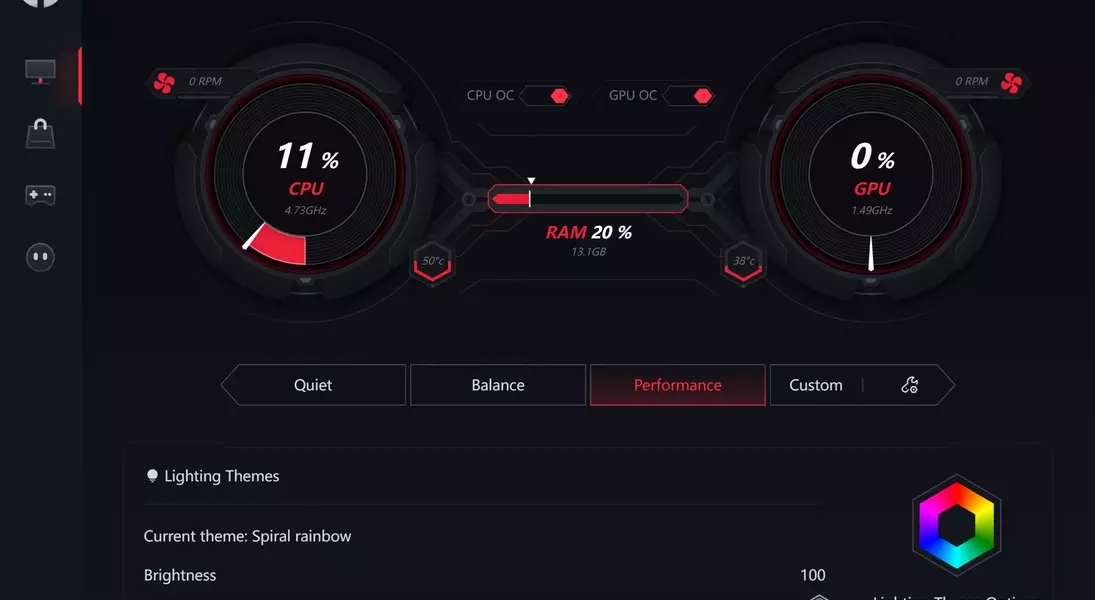
My initial disappointment with the Legion 9i was largely due to its default operating mode. Unlike most modern laptops that offer immediate peak performance, this device requires user interaction through its sophisticated LegionSpace software. The laptop offers four distinct performance profiles: Quiet, Balance, Performance, and Custom. Crucially, the Quiet profile is set as the default, significantly limiting the laptop's power. Switching to Performance mode unleashes a dramatic increase in power and clock speeds, demonstrating a profound difference in gaming frame rates and CPU benchmarks. This necessity to manually adjust settings underscores the importance of understanding the laptop’s specialized software to fully harness its capabilities.
Optimizing Your Experience: Customization and Gaming Performance Insights
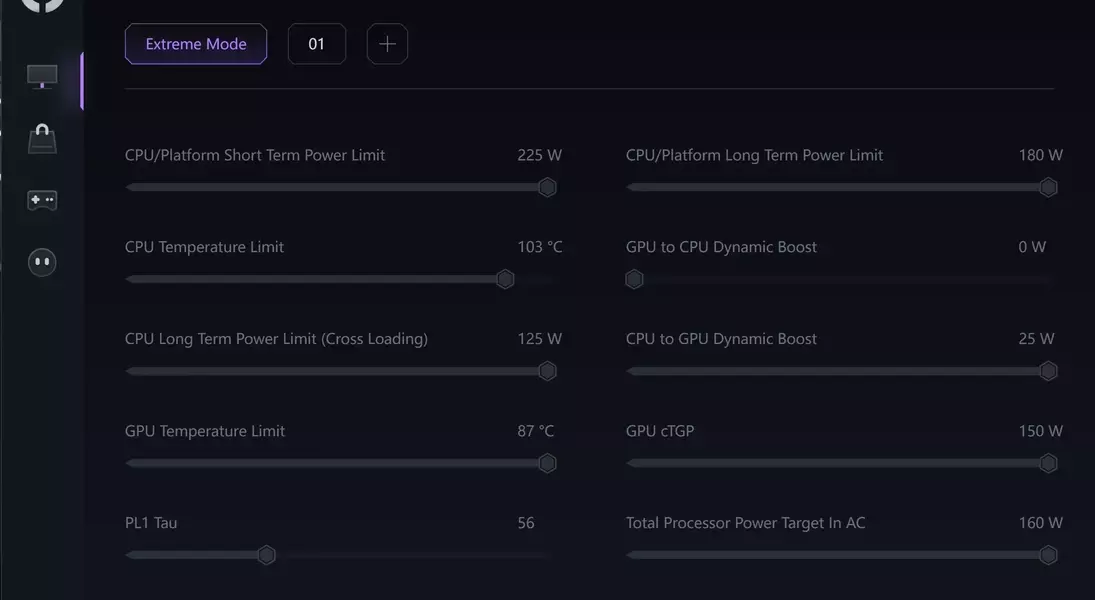
The transition from Quiet to Performance mode on the Legion 9i results in an astonishing 77% increase in average frame rates across various tested games at native resolution. This dramatic improvement is matched by a similar boost in CPU performance, evidenced by significant gains in Cinebench 2024 scores and storage bandwidth. Furthermore, the Custom profile in LegionSpace offers granular control over power limits and thermal management for individual components. This allows users to fine-tune performance, reducing fan noise or prioritizing GPU power, effectively providing an overclockable and undervoltable experience typically found only in desktop systems. While demanding games like Cyberpunk and Black Myth Wukong still benefit from DLSS, the overall gaming experience in Performance mode is exceptional.
Examining the Storage: SSD Performance and Expectations
One area where the Legion 9i falls slightly short is its storage performance. Equipped with a Samsung PM9E1 PCIe 5.0 SSD, an OEM variant of the less-than-stellar 9100 Pro series, its benchmarks are somewhat underwhelming for a laptop in this price range. While it scores 2,336 in 3DMark's Storage benchmark with 395.56 MB/s bandwidth, and a latency of 76 ns, other less expensive laptops with PCIe 4.0 drives achieve comparable, if not slightly lower, scores. This suggests that while functional, the SSD doesn't quite live up to the premium standard set by the rest of the Legion 9i’s components.
Design Excellence: Unmatched Craftsmanship and Aesthetic Appeal
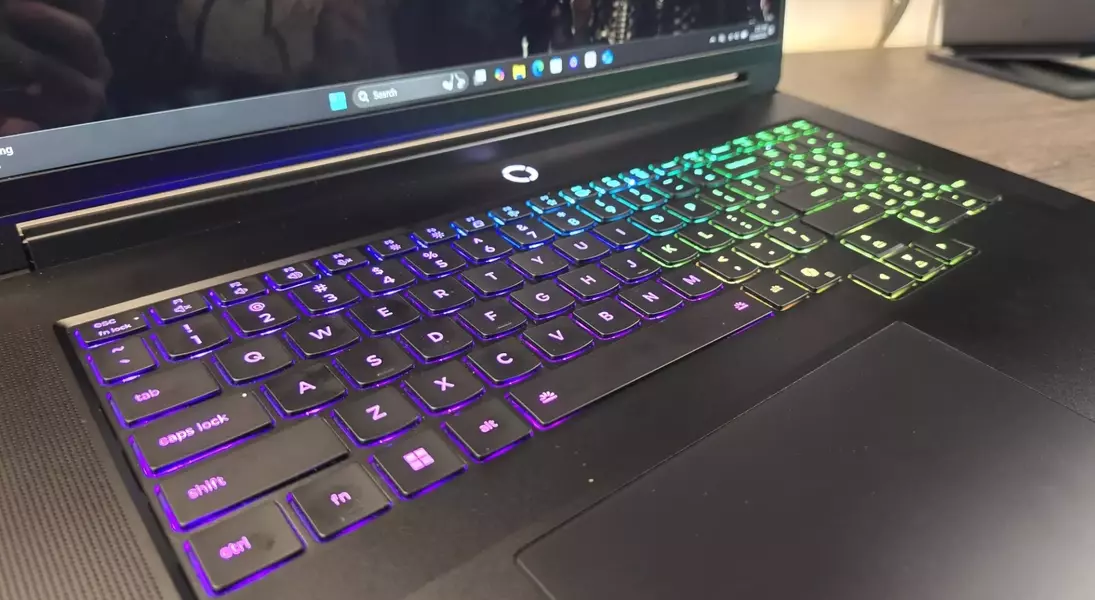
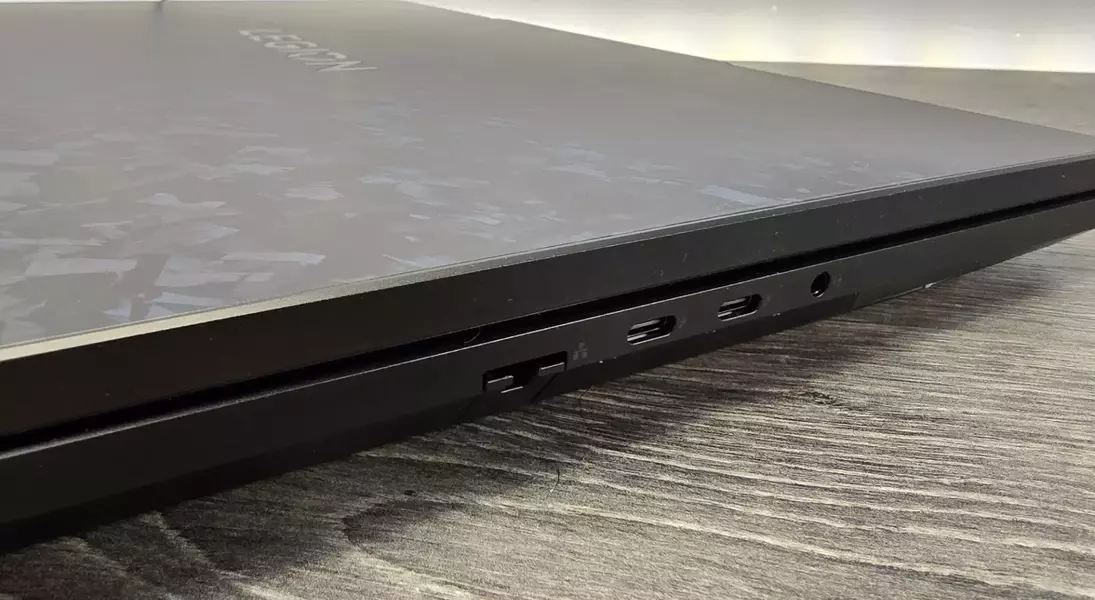
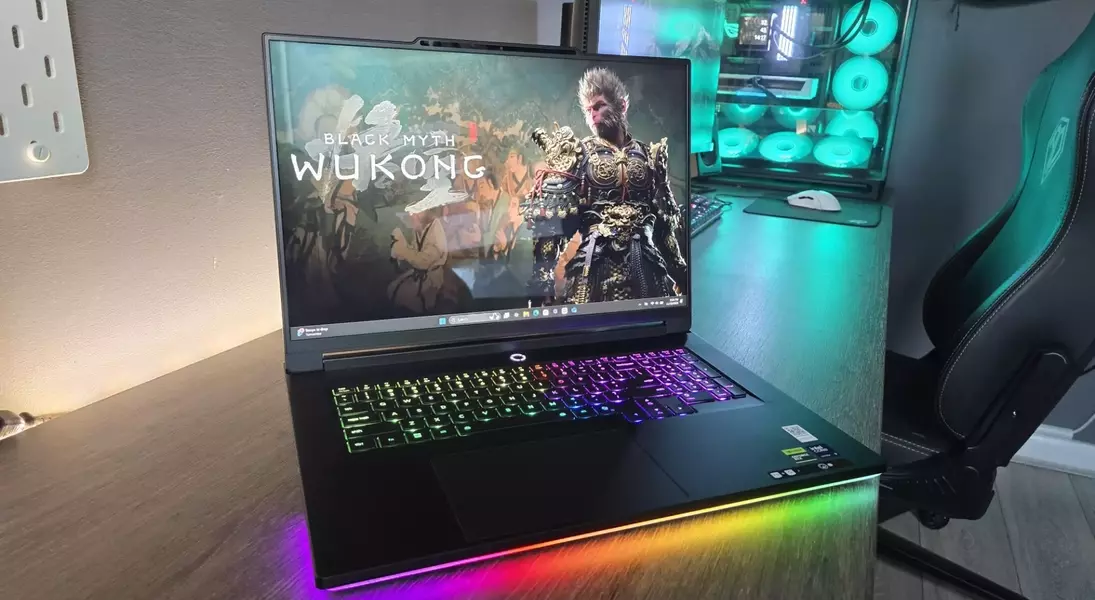
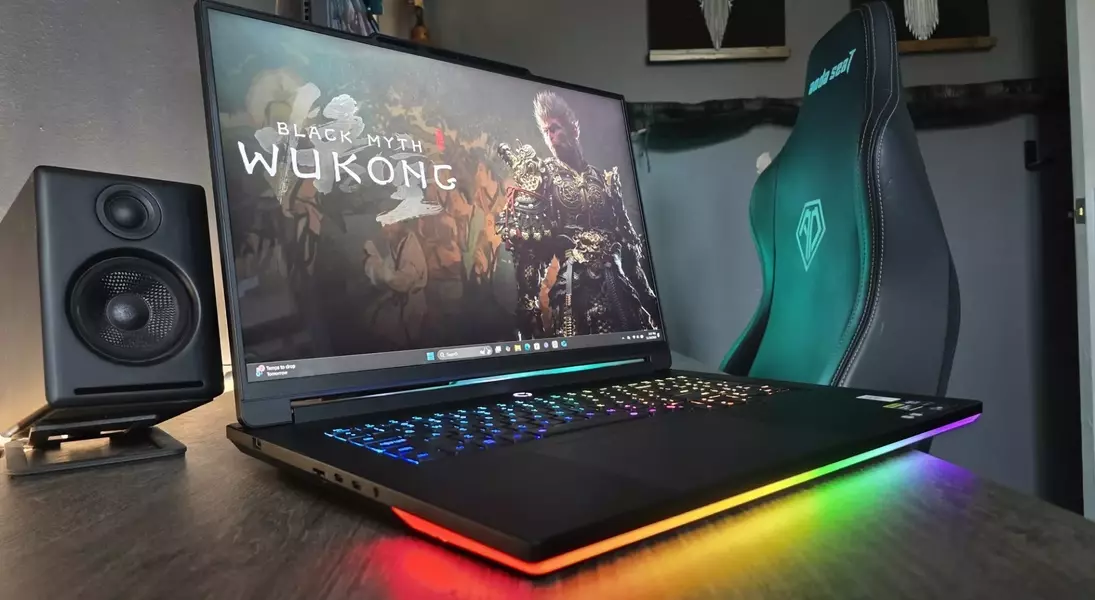
Despite minor performance quibbles, the build quality of the Legion 9i is truly outstanding. The metal chassis boasts a luxurious, smooth finish, complemented by a robust keyboard with satisfying tactile feedback and a responsive, generously sized trackpad. The display, an 18-inch IPS HDR panel with a 3840 x 2400 resolution, delivers crystal-clear visuals and impressive pixel density. Aesthetic touches like the subtle RGB lighting and the unique semi-reflective graphite camo lid reinforce its identity as a high-performance gaming device without being overly flashy. This commitment to premium design and materials places it in a league of its own, even if the intricate construction makes internal access challenging for upgrades.
The Dual Nature: Annoyance and Admiration in a Powerful Package
The Legion 9i Gen 10 presents a paradox: it is both remarkably frustrating and profoundly impressive. Its sophisticated design and internal components are meticulously crafted, but accessing them for upgrades, such as replacing the SSD, requires considerable effort and care. The laptop’s default "Quiet" mode significantly underperforms compared to its true potential, necessitating user intervention through LegionSpace to unlock its full power. While the SSD is merely adequate and battery life, along with fan noise in Performance mode, could be improved, these are minor trade-offs for the immense CPU and GPU power on offer. Ultimately, the Legion 9i stands as a top-tier RTX 5080 gaming laptop, striking a complex balance between its initial quirks and its undeniable high-performance capabilities.
