

The Koorui G2741L emerges as a compelling option for gamers seeking high-resolution experiences without breaking the bank. This review delves into its core features, performance capabilities, aesthetic design, and overall value proposition in a competitive market increasingly shaped by advanced display technologies like OLED.
Unlock Next-Gen Gaming: Koorui G2741L – 4K Brilliance Meets Unbeatable Value!
Dual-Mode Functionality and Competitive Edge: A Game-Changer for Budget 4K Gaming Monitors
While perfecting dual-mode technology in gaming monitors remains an ongoing endeavor, its inclusion at minimal additional cost is transforming the landscape, particularly for setups that occasionally struggle with native resolutions. The ability to switch effortlessly between crisp 4K for immersive visuals and a faster 1080p for competitive or demanding games—all within seconds and maintaining native resolutions—is remarkably practical. Koorui distinguishes itself by offering this versatile dual-mode capability alongside aggressive 4K pricing, setting a new benchmark for affordability in this segment. Notably, the Asus ROG Strix XG27UCG, a contender for the best budget 4K gaming monitor, comes in at a higher price for comparable specifications, making the Koorui G2741L an even more attractive proposition.
Technical Specifications and User-Friendly Design: Balancing Performance with Accessibility
Swipe to scroll horizontally
Screen size | 27-inch |
Resolution | 3,840 x 2,160 |
Panel technology | IPS |
Brightness | 400 nits |
Response time | 1 ms GtG |
Refresh rate | 320 Hz (1080p), 160 Hz (4K) |
HDR | HDR 400 |
Features | 2 x HDMI 2.1, 1 x DP 1.4, audio jack, FreeSync Premium |
Price | $350 / £290 |
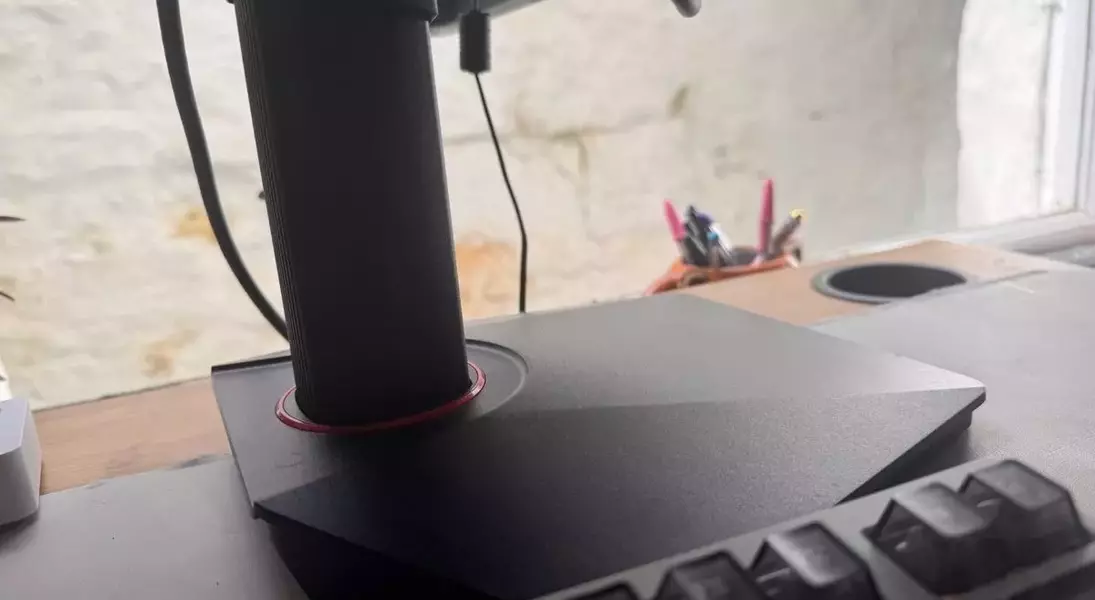
The Koorui G2741L generally aligns with the profile of an entry-level 4K gaming monitor, boasting a rapid 1 ms response time and a 160 Hz refresh rate in 4K. It strategically compromises in areas like brightness and speed, yet maintains sufficient quality for satisfying 4K gaming. A notable highlight is its 400 nits brightness in HDR mode, slightly exceeding typical budget expectations and offering adequate visibility even in brightly lit environments. The 27-inch display size hits a sweet spot, providing ample screen real estate for 4K content while keeping 1080p gaming visually acceptable, a crucial balance often missing in smaller 4K monitors. Setting up the monitor is straightforward, involving just two main components—the panel and the stand—which connect securely and easily, ensuring stability even during minor desk movements.
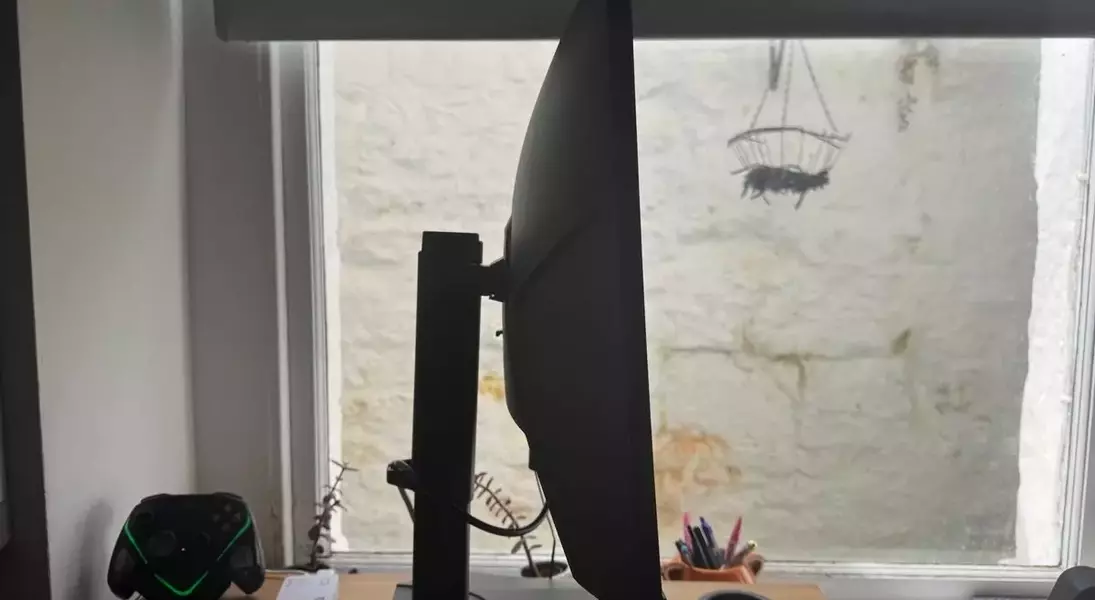
Connectivity options include two HDMI 2.1 ports, one DisplayPort 1.4, and an audio jack, making it suitable for simultaneous console and PC use, or as an external display for laptops. While the absence of integrated speakers or a USB charging port is a minor drawback, it's a reasonable trade-off given its accessible price point. The monitor’s versatile stand allows for 90-degree pivot rotations for vertical or horizontal orientation, as well as up to 25 degrees of tilt, all held firmly in place. The standout feature, dual-mode switching, is activated via a single button on the back. Although it requires navigating through menus, the process is quick and efficient once familiarized, allowing seamless transitions between 4K and 1080p resolutions.
Visual Fidelity and Gaming Responsiveness: An In-Depth Look at the Display's Performance
Equipped with an IPS panel, the monitor delivers expansive viewing angles, accurate colors, and consistent performance. While its HDR400 rating is a basic entry point, it provides a surprisingly vibrant and impactful visual experience in practice. The distinction between HDR on and off is significant, with HDR mode enhancing the display’s vibrancy. With 95% DCI-P3 color coverage and 100% sRGB, the monitor offers impressive color accuracy for its price, though it naturally falls short of the true blacks and intense colors characteristic of OLED displays. Despite the inherent ‘not quite black’ nature of IPS panels, the contrast is robust, further enhanced by the monitor's optimized software. Initial setup required minimal color and brightness adjustments, suggesting a well-calibrated factory profile.
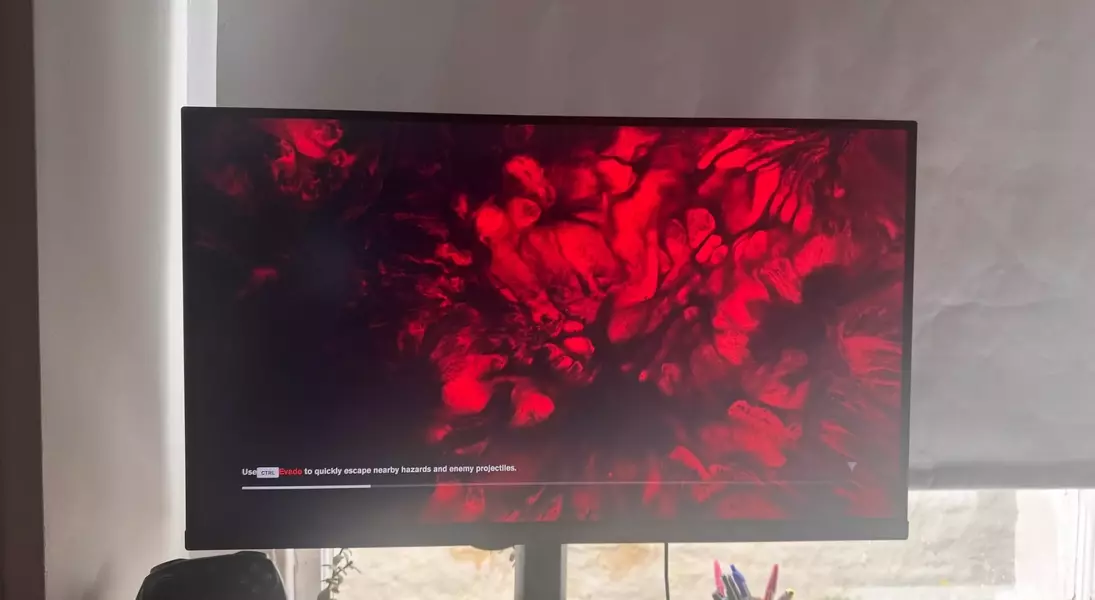
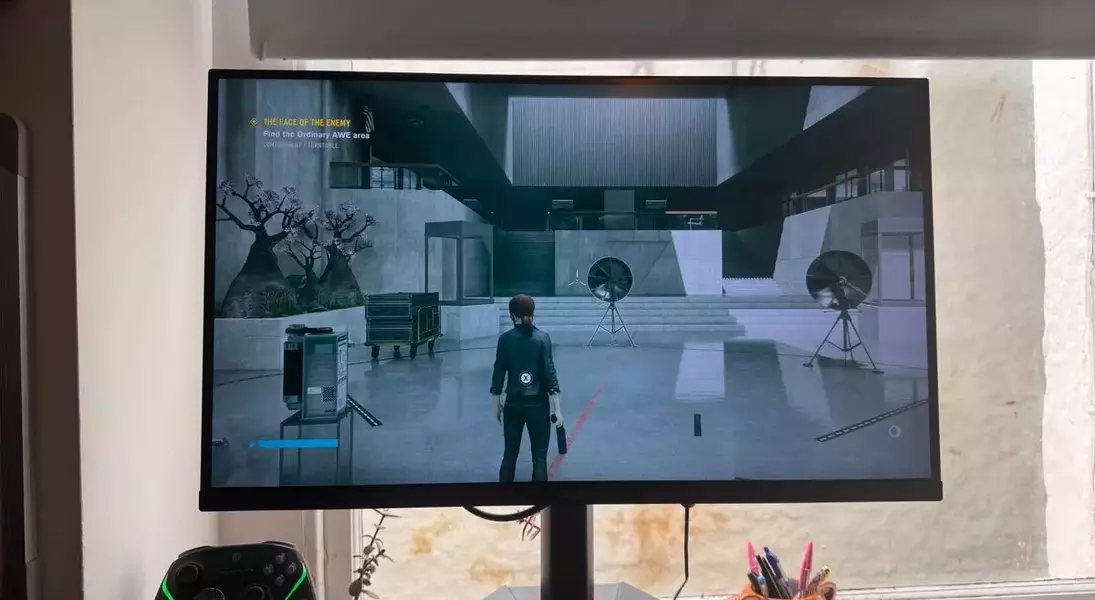
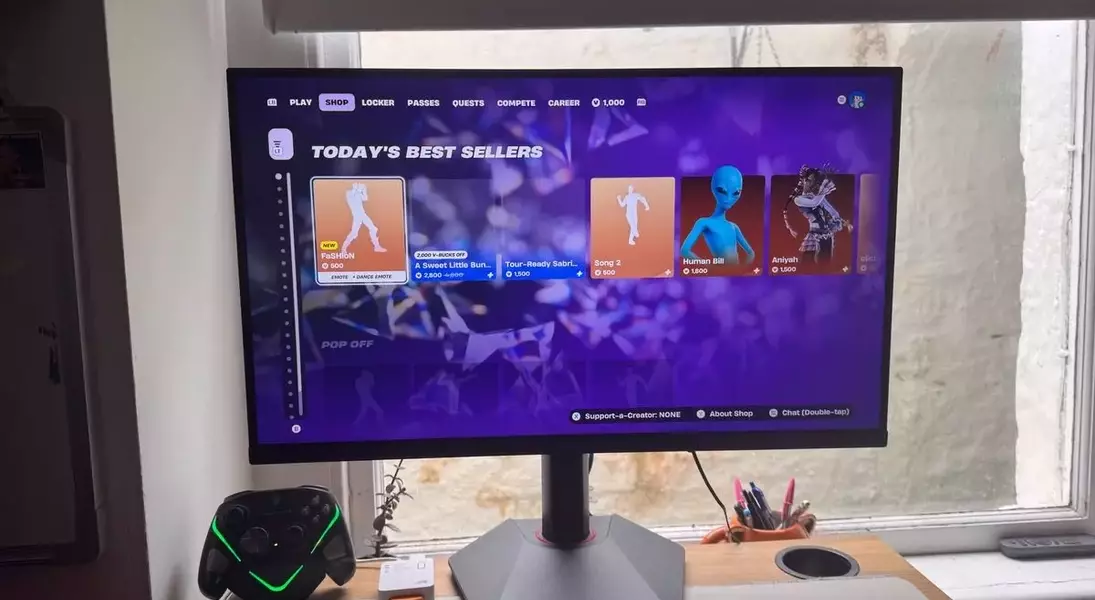
For daily use, the desktop experience in 4K is superb, rendering text and casual video with remarkable clarity. When it comes to gaming, the choice between 4K and 1080p largely depends on the system's capabilities. For instance, an RTX 4070 Super can comfortably handle 4K, often with assistance from upscaling or frame generation, while an RTX 2070 setup greatly benefits from the instant resolution swap. It’s worth noting that 1440p remains a strong resolution choice for a 27-inch panel due to its pixel density, making dedicated 1440p monitors a viable alternative if 4K is not a constant priority. While dual-mode technology is still evolving, the Koorui's 1080p performance in games is solid, though desktop text can exhibit minor fringing compared to native 1080p displays. The monitor demonstrates responsive gameplay, offering a snappy experience despite IPS panels having limitations compared to OLED in terms of response time. Switching resolutions for dual-mode takes a few seconds and may necessitate restarting games, but it’s generally a manageable inconvenience, allowing for quick adaptation between high-fidelity 4K for titles like Cyberpunk 2077 and high-frame-rate 1080p for competitive games like Fortnite.
Sleek Aesthetics and Robust Build: Design Choices for the Modern Gamer
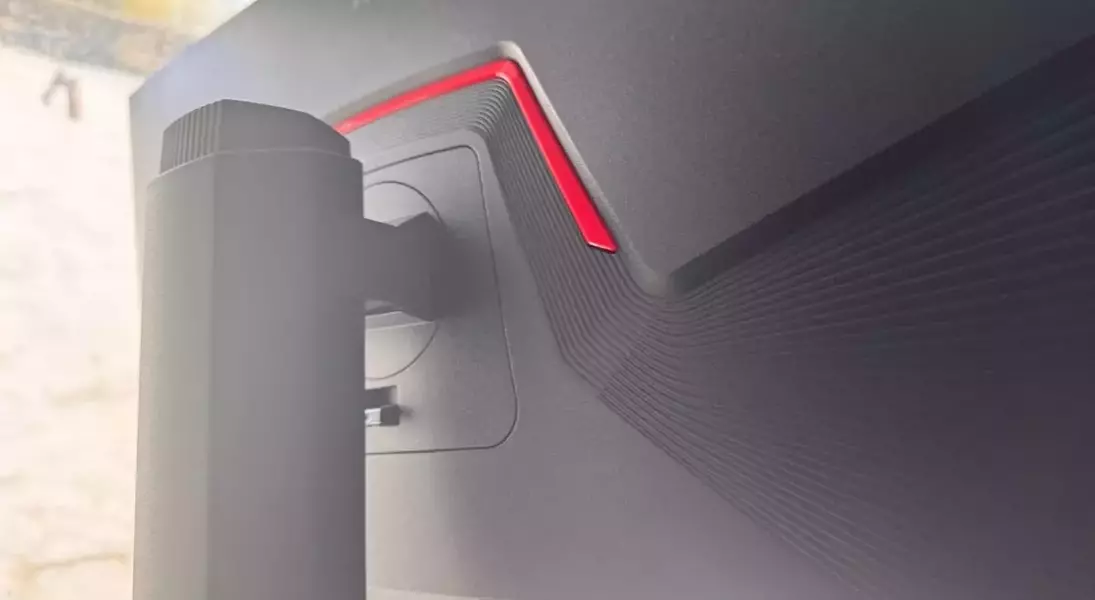
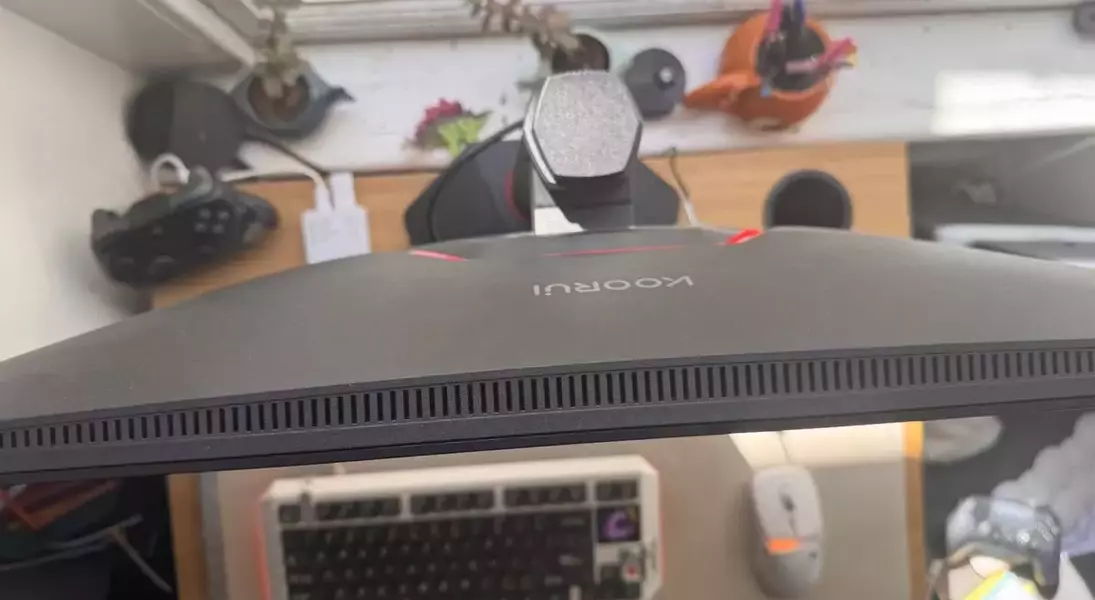
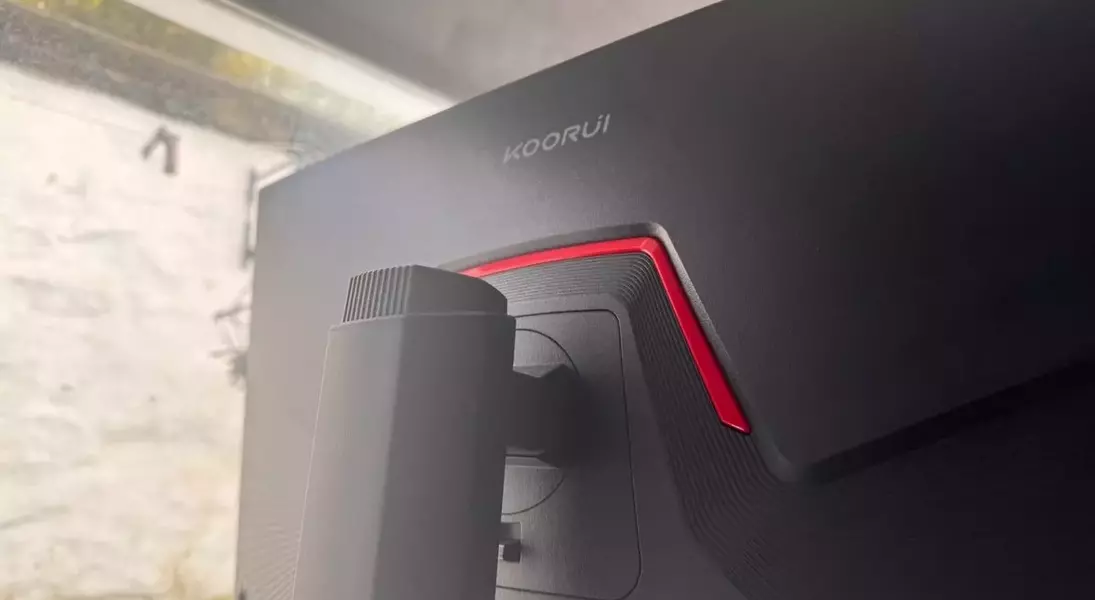
The Koorui monitor sports a distinctive gaming aesthetic, characterized by an angular design with subtle red accents, a look that strikes a balance between bold and understated. Devoid of RGB lighting or overt branding, its appearance is visually appealing. While the bezels aren't ultra-thin, they don't detract from the stunning 4K visuals, and the overall build quality feels substantial for its price point. Its broad panel and large base demand considerable desk space, making it better suited for larger setups; however, VESA mount compatibility offers an alternative for those preferring monitor arms. Despite its reliance on plastic components, typical for monitors in this price range, the construction feels durable and solid, avoiding any sense of flimsiness.
Intuitive Software Experience: Navigating the OSD and Customizing Your View
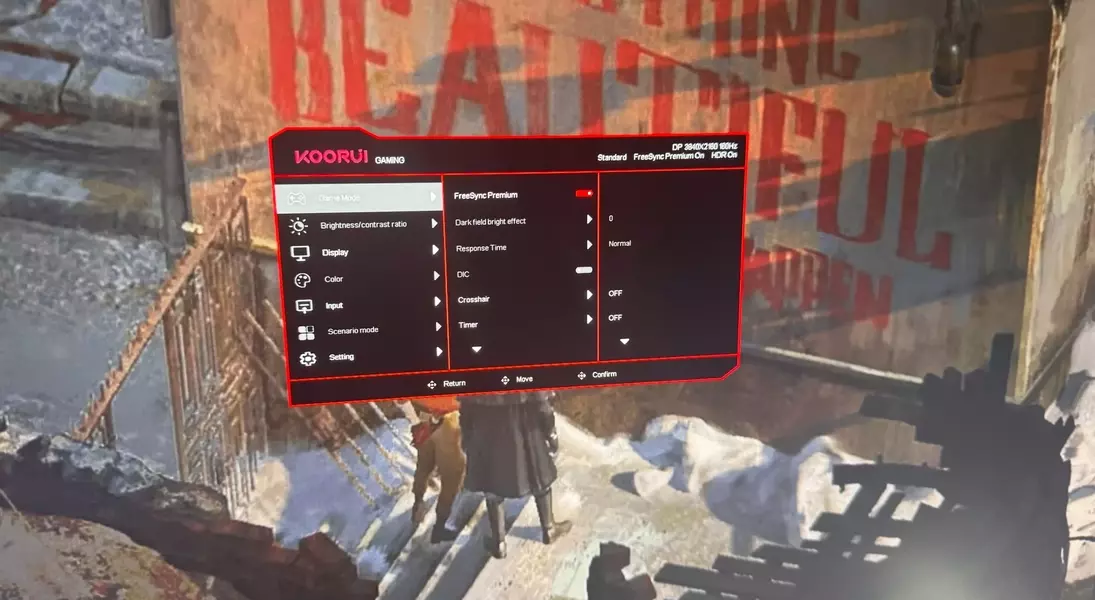
The monitor's On-Screen Display (OSD) is intuitive, though its size in 4K resolution is noticeably small, requiring a bit more effort to navigate than in 1080p. Activating dual-mode is straightforward, requiring only a few button presses. The OSD includes various supplementary features, such as a crosshair mode, which, while present, might be more distracting than useful for most users. A Dynamic Contrast Ratio (DCR) mode is also available, which automatically adjusts brightness and contrast. While this feature aims to optimize visuals, its continuous adjustments can be slightly distracting. For optimal performance, it is generally recommended to keep the monitor in HDR game mode, as it offers a snappy, bright, and vibrant display. The software's ease of use for dual-mode switching makes it a practical tool for adapting display settings without significant hassle.
Exceptional Value Proposition: The Koorui G2741L in a Shifting Market
Priced at an MSRP of $350, the Koorui G2741L frequently retails between $250 and $300, positioning it competitively alongside monitors like the MSI MAG 275UPD, which offers similar specifications but a lower refresh rate. It stands out significantly against alternatives like the Acer Nitro VG270K L1, which, despite being $100 cheaper, offers a highly restrictive 72 Hz refresh rate in 4K. This pricing strategy makes the G2741L one of the most cost-effective 4K panels available today. However, the rapidly evolving display market introduces a significant challenge: the increasing affordability of OLED gaming monitors. These advanced displays, offering superior true blacks and faster response times, are now appearing at price points comparable to budget 4K IPS panels. For instance, the 1440p Alienware AW2726DM OLED monitor matches the Koorui's price, presenting a compelling trade-off between resolution and visual fidelity. While the Koorui G2741L undeniably offers strong value, the burgeoning options in the gaming monitor landscape make purchasing decisions increasingly complex.