
Google is significantly upgrading its AI-powered search capabilities, focusing on features that will particularly benefit students and enhance general user interaction with information. These innovations aim to make research and learning more intuitive and integrated across various Google platforms.
Unlocking Knowledge: Google's AI Revolutionizes Learning and Information Discovery
Empowering Learning: AI Mode's New Visual and Document Understanding
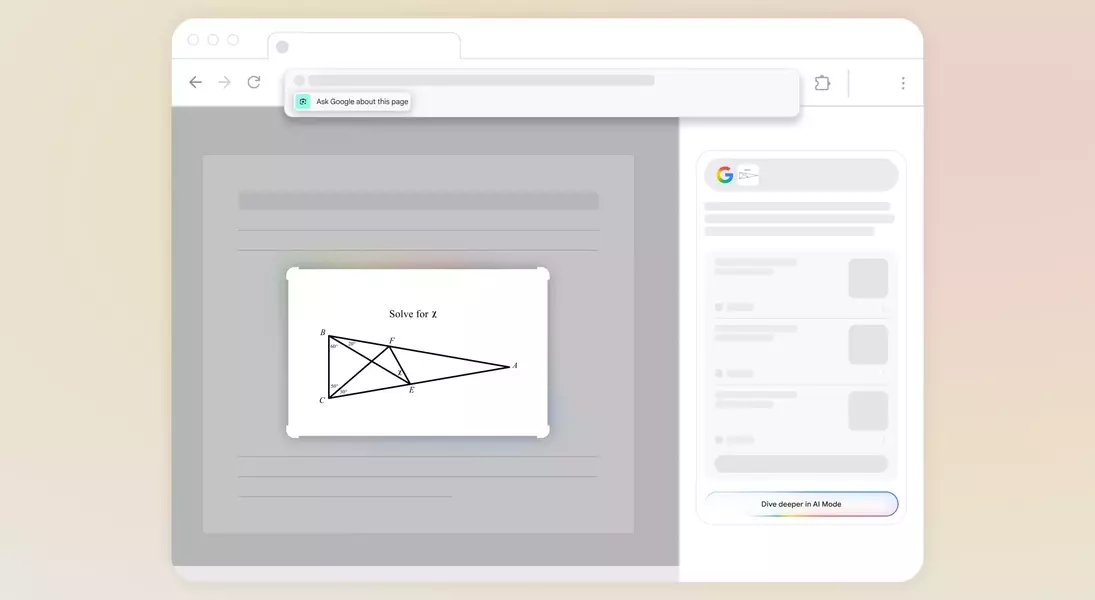
Google is rolling out several enhancements to its AI Mode, primarily positioning these updates as powerful tools for academic support. Soon, users will be able to upload images directly to AI Mode on desktop. This functionality allows students to snap pictures of complex math problems or unfamiliar plants and instantly receive detailed explanations and answers. This visual search capability extends the utility of AI Mode beyond text-based queries, making it a dynamic assistant for diverse learning needs.
Conversational Search and Real-time Visual Interaction with AI
Building on its existing conversational search features, where AI Mode summarizes web findings and engages in follow-up discussions, Google is introducing real-time camera sharing. This innovative feature will enable mobile users to point their device's camera at an object or document and verbally ask questions, receiving immediate AI-generated responses. This seamless integration of visual input and spoken queries promises a more natural and efficient search experience, particularly beneficial for on-the-go learning and quick information retrieval.
Seamless AI Integration: Lens and AI Overviews in Chrome
Google is also streamlining access to its AI functionalities within the Chrome browser. A new "Ask Google about this page" option will appear in the address bar, allowing users to effortlessly prompt an AI Overview of the current webpage. This feature will enable rapid content digestion and synthesis directly within the browsing environment. Furthermore, users can dive deeper into Lens results by selecting "AI Mode" or "Dive deeper" from the AI Overview, providing a more integrated and interactive research workflow.
Canvas in AI Mode: A Collaborative Workspace for Knowledge Creation
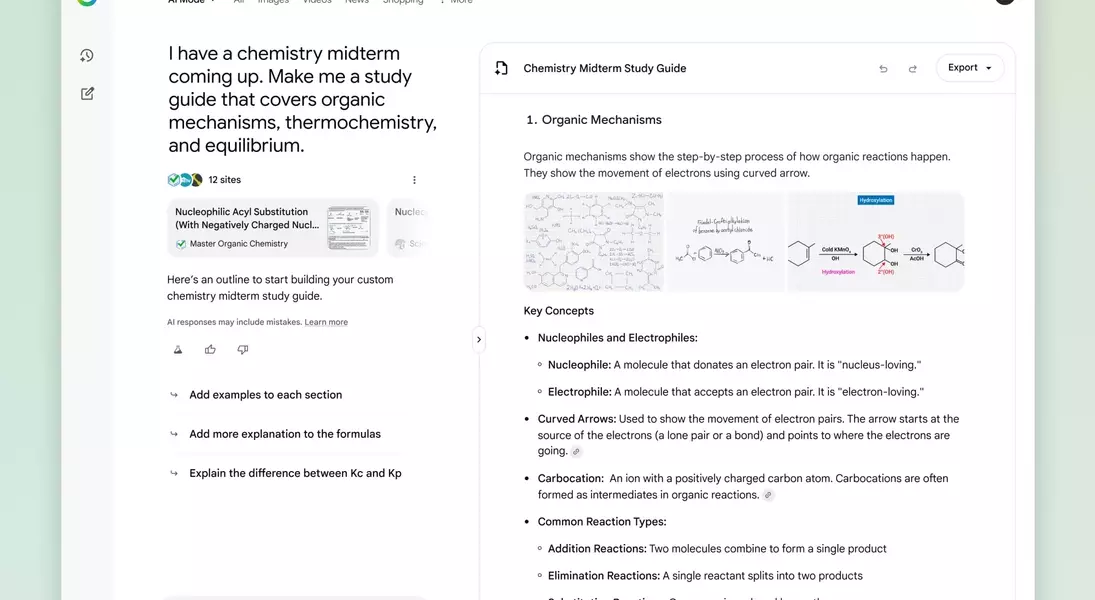
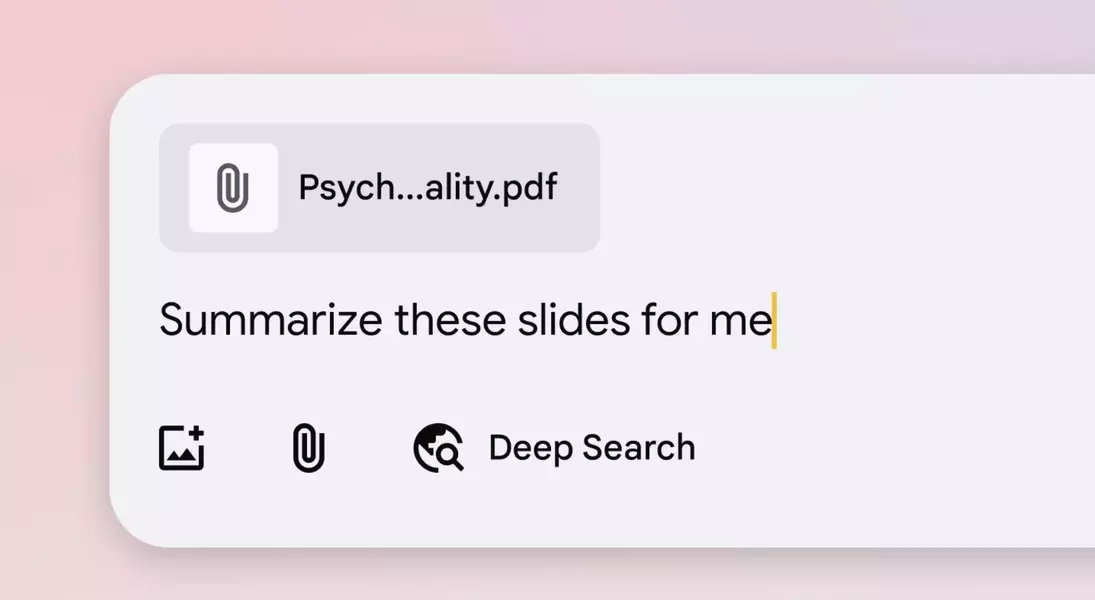
Looking ahead, Google plans to introduce Canvas into AI Mode, transforming it into a versatile workspace. This integration will allow users to upload PDFs and access files from Google Drive, enabling AI Mode to analyze and synthesize information from these documents. Students, for instance, can leverage Canvas to create dynamic study guides by pulling together information from various sources and refining the AI-generated output in real time through additional questions and prompts. This collaborative environment aims to foster a more interactive and personalized learning experience.
