
Discover how a revolutionary new antenna is transforming smart home capabilities, allowing for unprecedented reach and stability in connecting Z-Wave devices across even the most expansive properties.
Unleash Your Smart Home's Full Potential: Beyond the Walls, Seamlessly Connected!
Bridging the Distance: A New Era for Smart Home Connectivity
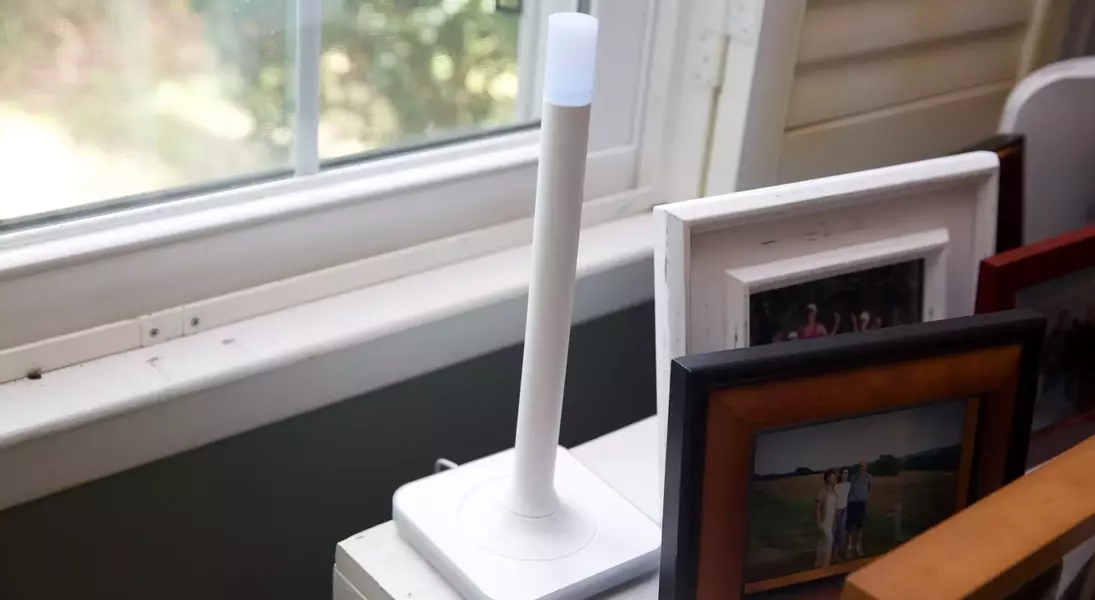
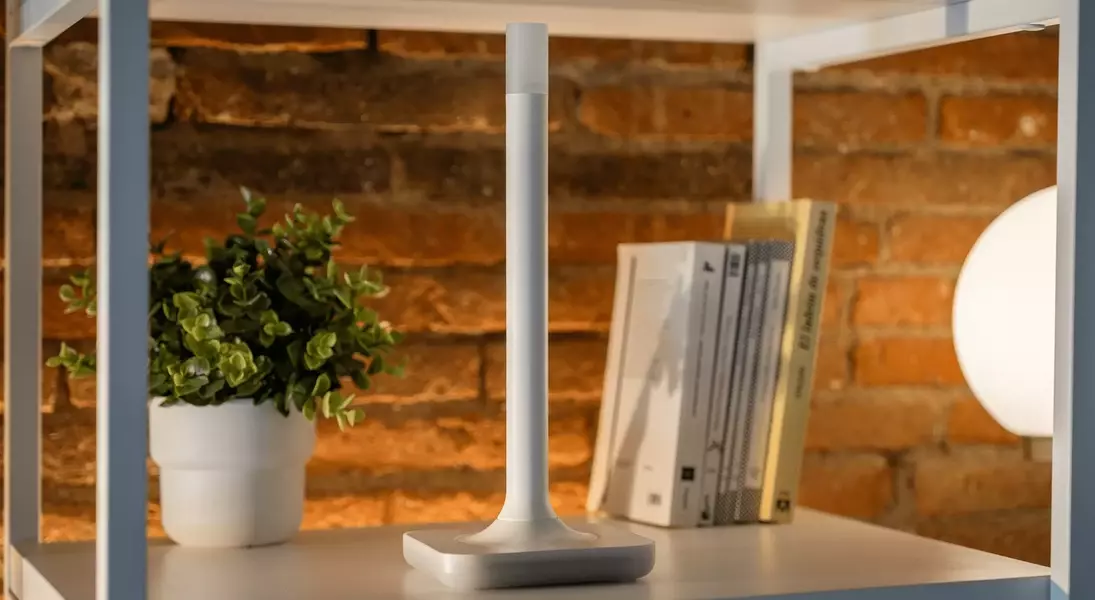
A recent technological advancement in smart home systems introduces an unexpectedly large, 12-inch antenna, poised to redefine connectivity. This device, known as the Home Assistant Connect ZWA-2 and priced at $69, integrates via USB with any Home Assistant setup. Its primary function is to establish connections with a wide array of Z-Wave devices, including those incorporating the cutting-edge Long Range (LR) specification, ensuring a robust and far-reaching smart home network.
Expanding the Horizon: Real-World Connectivity Triumphs
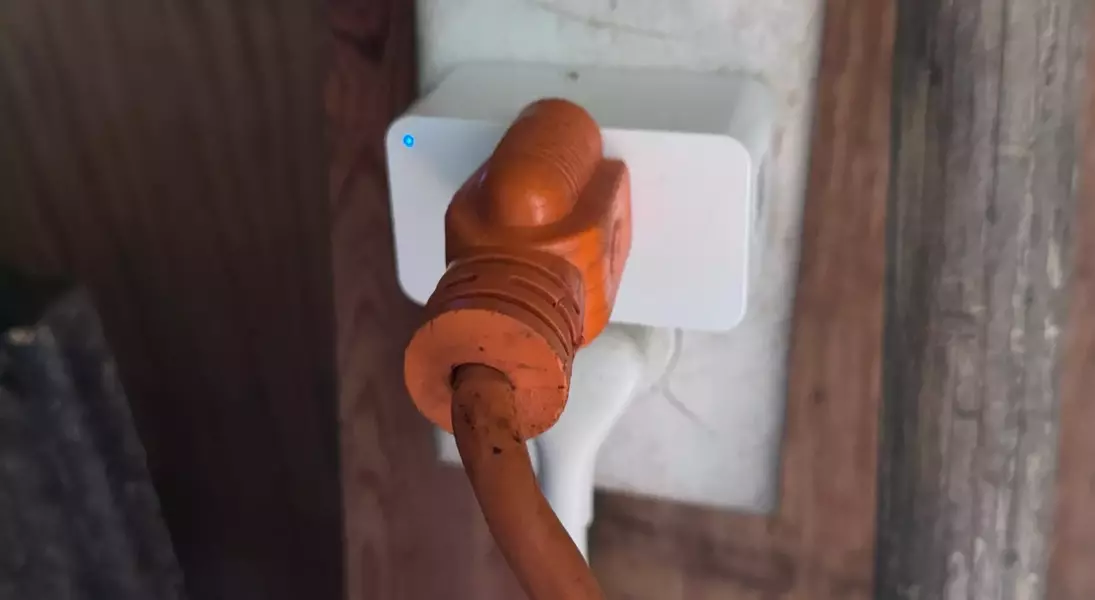
Upon integrating the ZWA-2 with my Home Assistant Yellow hub, the enhancement in network reach was immediately apparent. Within moments, I successfully controlled a smart plug located at the far end of my expansive garden, a zone previously plagued by inconsistent connectivity. While my Eero Outdoor 7 reliably manages Wi-Fi devices such as security cameras and robotic lawnmowers, the advent of Z-Wave LR, operating on the 900MHz band, unlocks new possibilities for deploying low-power sensors and locks in previously inaccessible outdoor areas, potentially spanning up to a mile and a half under optimal conditions.
The Form Factor Debate: Functionality Over Aesthetics
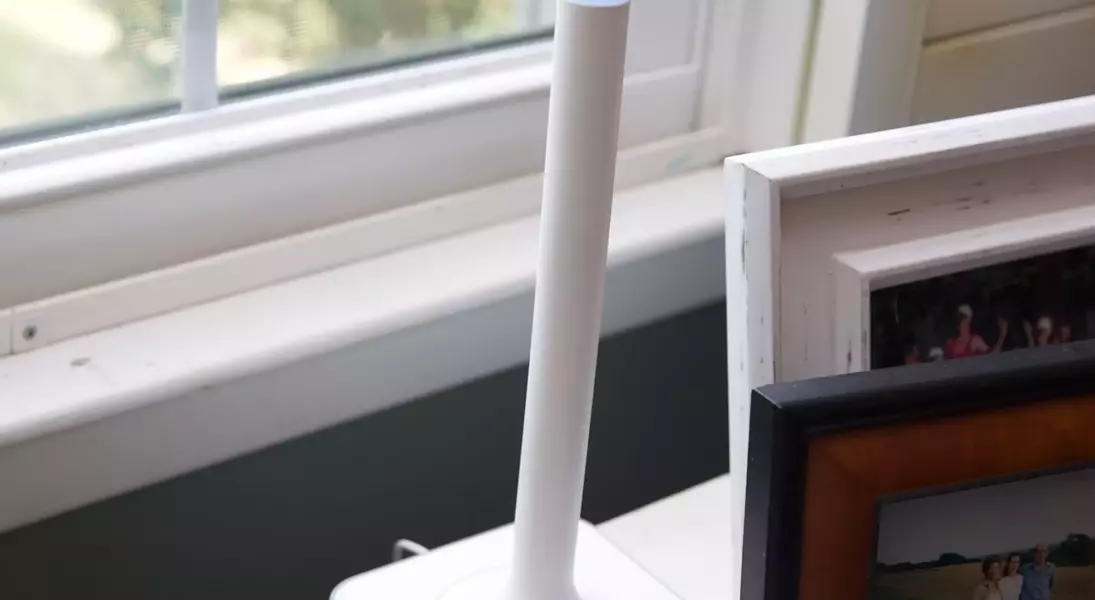
The antenna's considerable size presents a unique aesthetic challenge. To maximize its performance, the device must be conspicuously placed, currently residing on a cabinet in my living room. Despite the Home Assistant team's commendable efforts to design it to resemble a decorative candle that emits a soft glow, its prominent stature and illuminated presence undeniably make it stand out. However, this substantial design is a deliberate choice, enabling it to capture even the weakest Z-Wave signals, thereby boosting network responsiveness and stability, a significant leap from the more discreet, often hub-embedded, three-inch USB sticks that typically limit range.
Effortless Integration and Migratory Simplicity
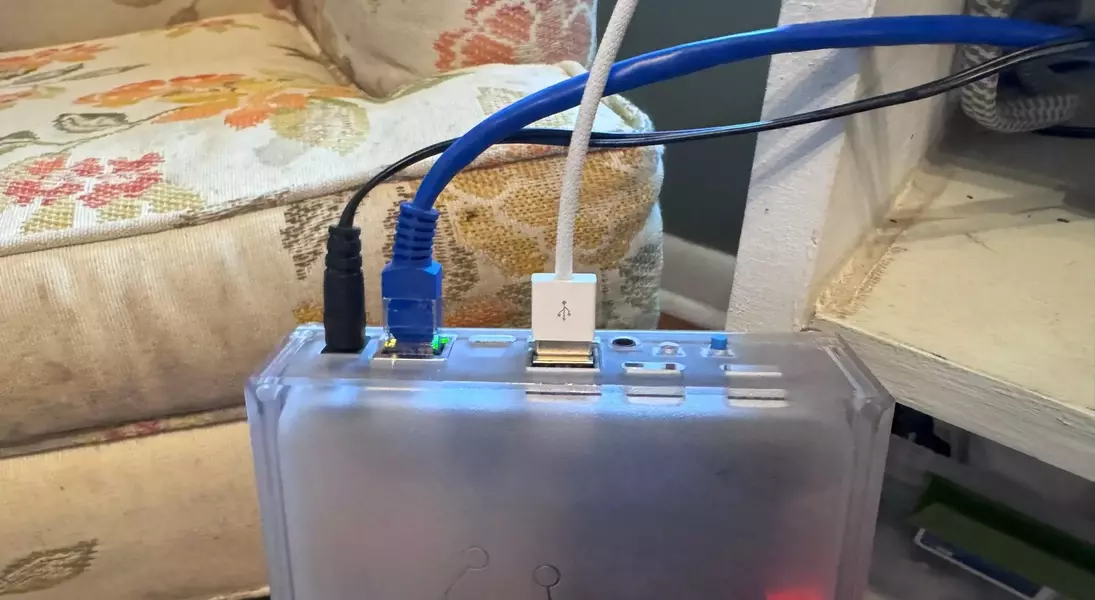
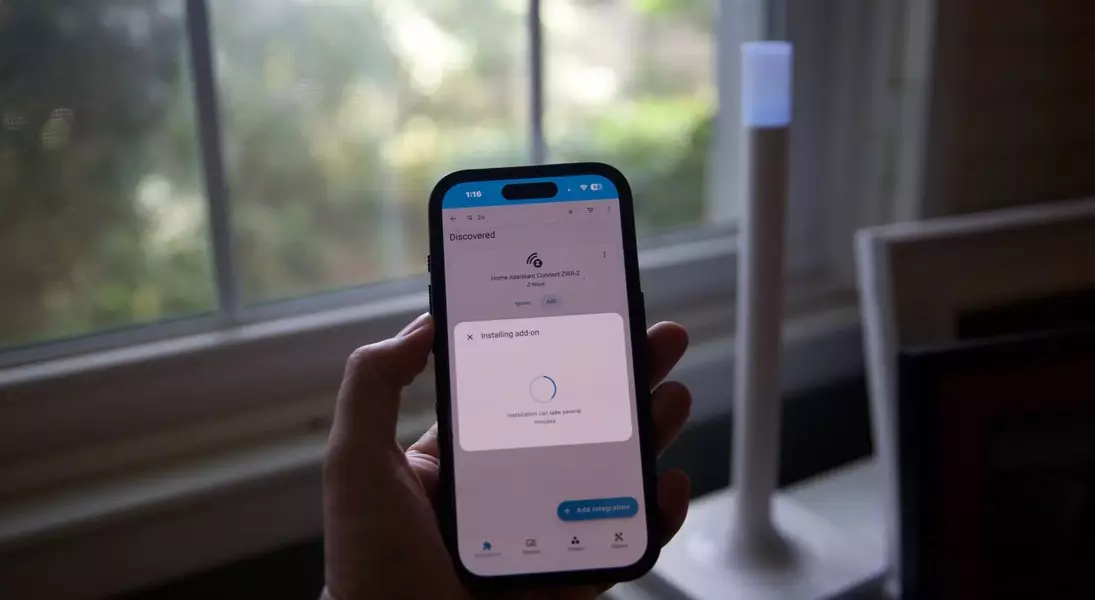
The installation of the ZWA-2 proved remarkably straightforward. After attaching the antenna to its base and connecting it to my Yellow hub with the provided USB-A to C cable, Home Assistant swiftly identified and configured a new network. For users with existing Z-Wave networks, a migration utility facilitates a rapid transition of devices, with demonstrations showcasing completion in under five minutes, underscoring its user-friendly design.
Demonstrated Efficacy in Diverse Environments
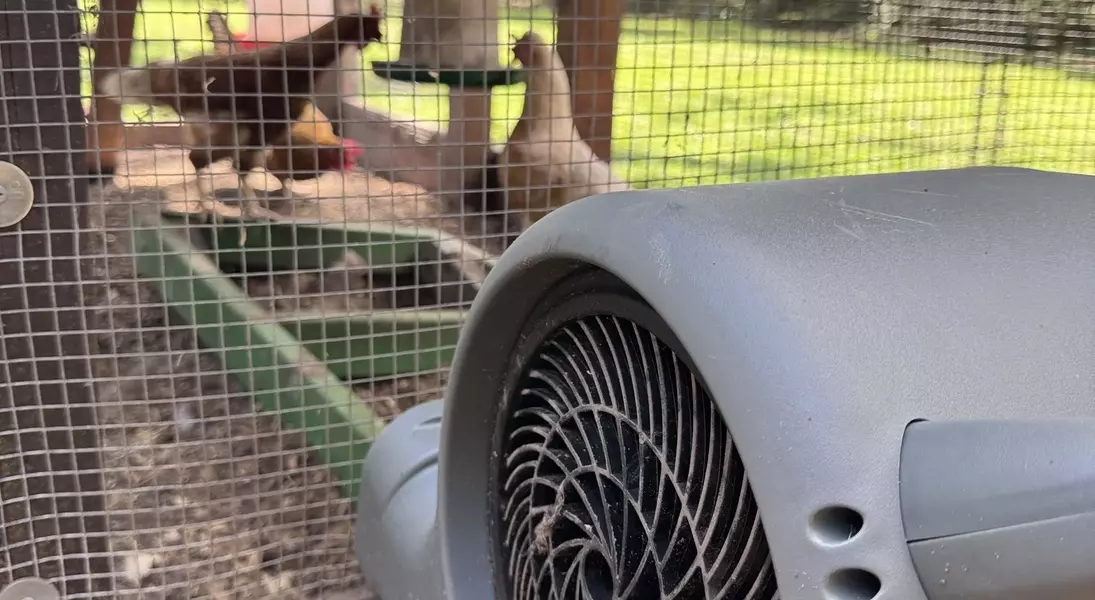
My initial testing involved a Zooz Z-Wave LR smart plug, valued at $35, which I deployed to manage fans within my chicken coop. Located approximately 50 yards (150 feet) away from the antenna and separated by two brick walls, the plug exhibited instant responsiveness. By utilizing the Z-Wave LR option (though traditional mesh is also supported), the device was quickly onboarded, extending smart control to the outermost reaches of my property. Subsequently, a $39 Zooz Z-Wave LR water leak sensor was installed in my attic, a critical application given a recent HVAC overflow incident. Z-Wave LR's low power consumption, characteristic of sub-GHz protocols, ensures extended battery life for such sensors, making it an ideal solution where direct power outlets are unavailable.
Reliability and Recommendation for Comprehensive Coverage
For individuals leveraging Z-Wave devices, particularly those deeply embedded within the Home Assistant ecosystem, and facing persistent connectivity challenges or aspiring to automate remote sections of their property—be it a mailbox sensor, a gate sensor, or basement leak detectors—the ZWA-2 emerges as a highly recommended solution. While my usage period has been relatively brief, limiting extensive commentary on long-term reliability, the immediate and seamless performance in previously problematic areas speaks volumes. Despite its unconventional presence in home decor, the substantial improvements in range and network integrity offered by the ZWA-2 undeniably justify its visual trade-off.
