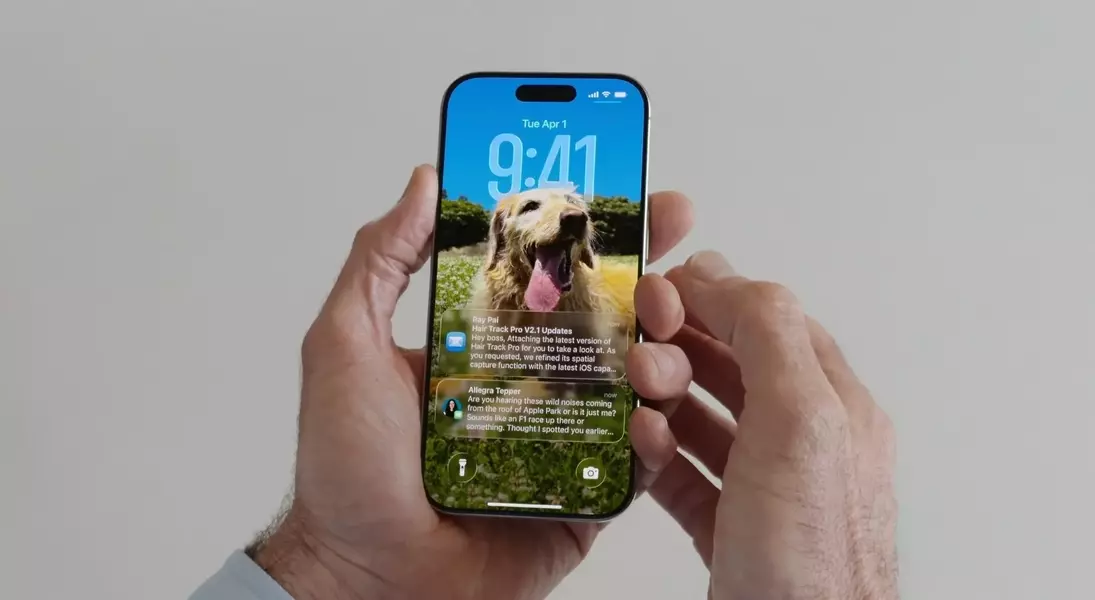

Apple has recently made the public beta of iOS 26 available, a significant update promising a fresh design aesthetic, improved user experience features, and sophisticated artificial intelligence integrations. While the full scope of changes is extensive, this preview focuses on several standout additions that users can immediately explore upon installation. The update introduces a cohesive new visual language, refined native applications, and intelligent functionalities aimed at streamlining daily interactions.
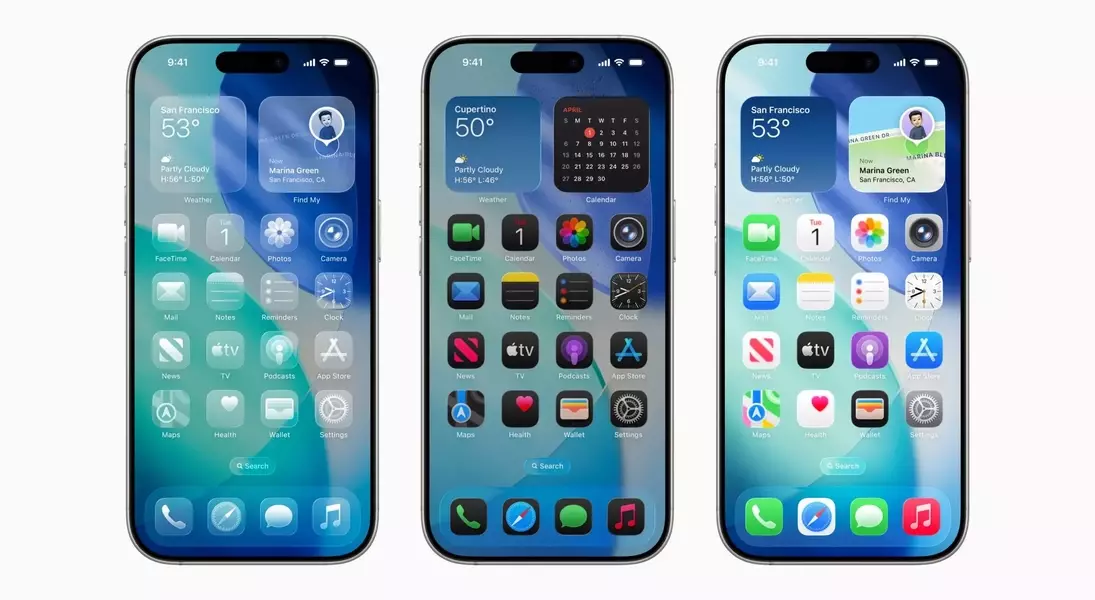
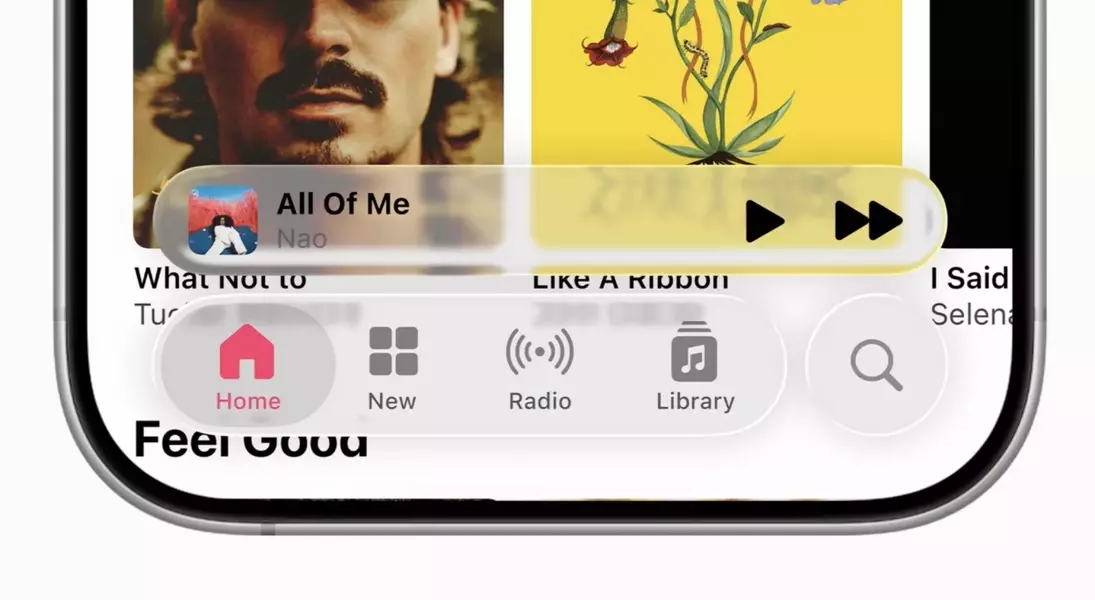
A prominent new visual element is \"Liquid Glass,\" a comprehensive design philosophy applied across the interface. This innovative approach imbues application icons and various user interface components with a fluid, translucent appearance, mimicking liquid and glass. Interactions such as dragging elements across the screen are met with smooth, liquid-like animations, contributing to a visually engaging experience. For those who prefer a less transparent aesthetic, iOS 26 offers customization options to adjust the intensity of the Liquid Glass effect, ensuring user comfort and preference are accommodated.
The Phone application has undergone a substantial transformation, consolidating functionalities like recent calls, voicemails, and favorite contacts into a unified screen, diverging from its previous multi-tab layout. A notable quality-of-life improvement is the new call screening feature, which automates the process of answering calls, prompting unknown callers for identification and purpose. This allows users to decide whether to engage with the call or dismiss it. Furthermore, the innovative Hold Assist function liberates users from enduring lengthy hold music during customer service calls by notifying them when a human representative becomes available.
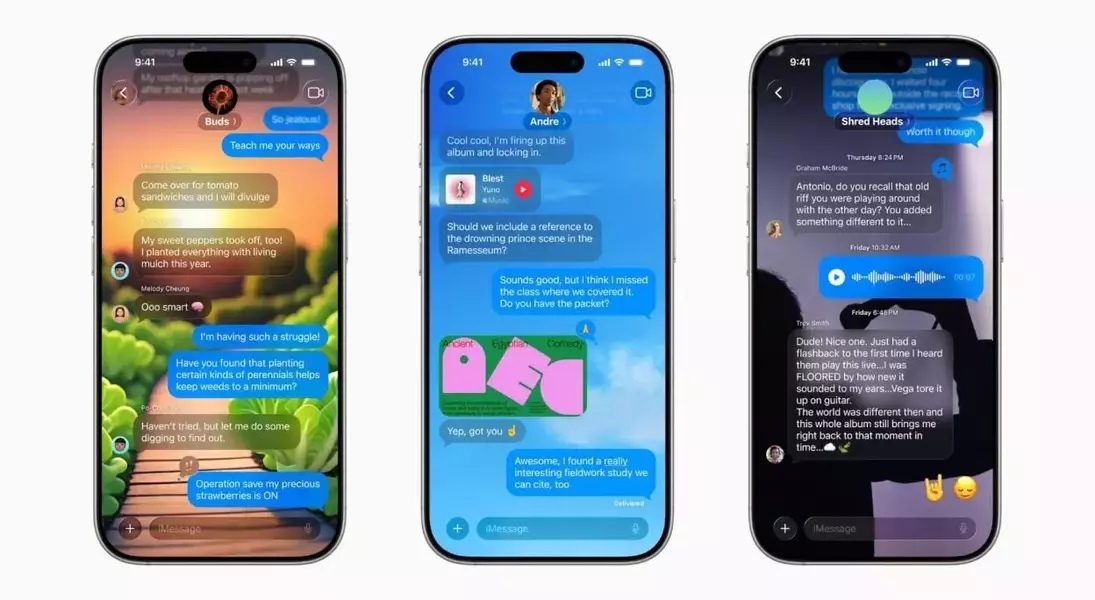
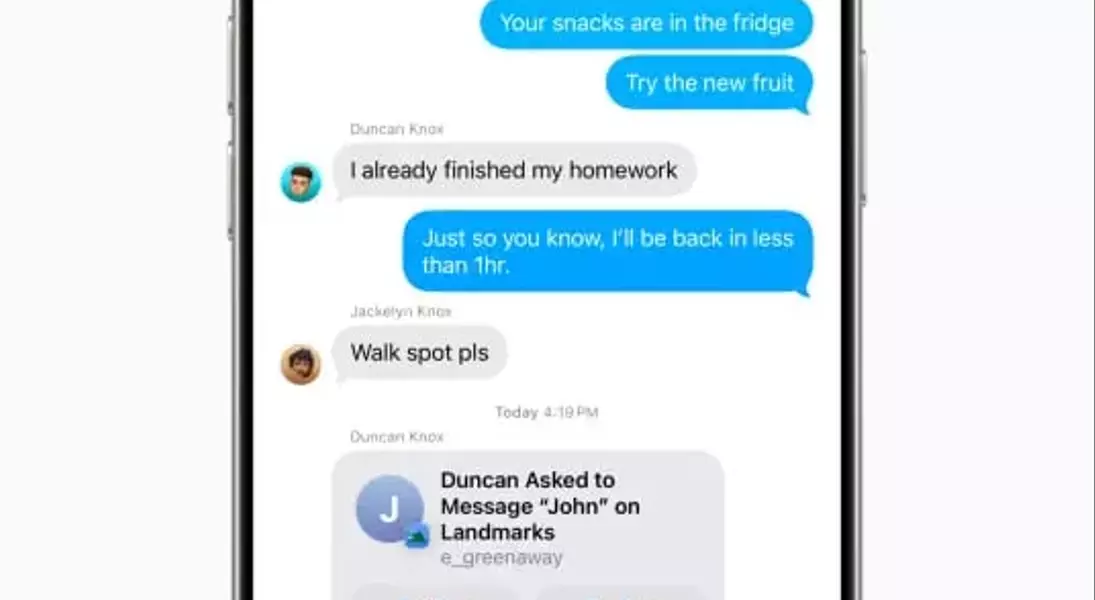
Messages, the primary communication hub, also receives several enhancements. A highly anticipated addition is the ability to create polls within group chats, facilitating collaborative decision-making for casual plans or even lighthearted debates. Group chats now display when other participants are actively typing, and users can customize chat backgrounds, adding a personal touch to their conversations. These updates aim to make group interactions more dynamic and engaging.
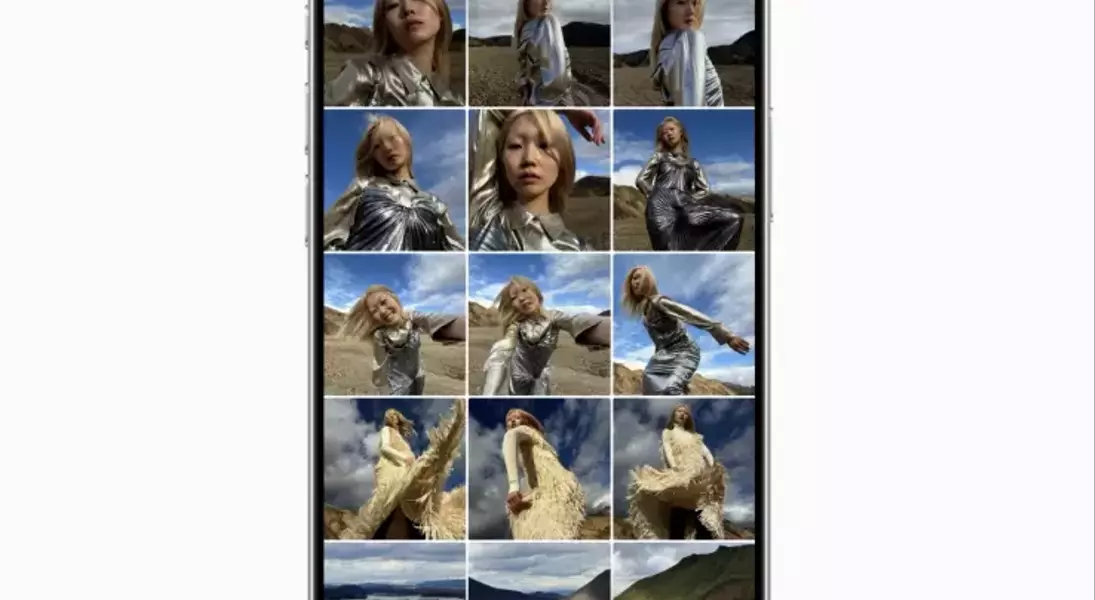
The Photos application, long overdue for refinement, has been meticulously revamped in iOS 26. The previous cluttered interface is replaced with a streamlined two-tab structure: \"Library,\" showcasing all media, and \"Collections,\" for organized folders. This simplification promises a significantly more intuitive and manageable photo browsing experience. The update addresses prior criticisms regarding the app's usability, making it a welcome change for many users.
Perhaps one of the most compelling features powered by Apple Intelligence is the enhanced Live Translation. While already present in the Messages app, its capabilities have been significantly augmented to include real-time translation during phone and FaceTime calls. This groundbreaking functionality theoretically allows individuals speaking different languages to communicate seamlessly. Remarkably, this feature is designed to operate even when the other party does not own an iPhone, showcasing Apple's commitment to broader accessibility.
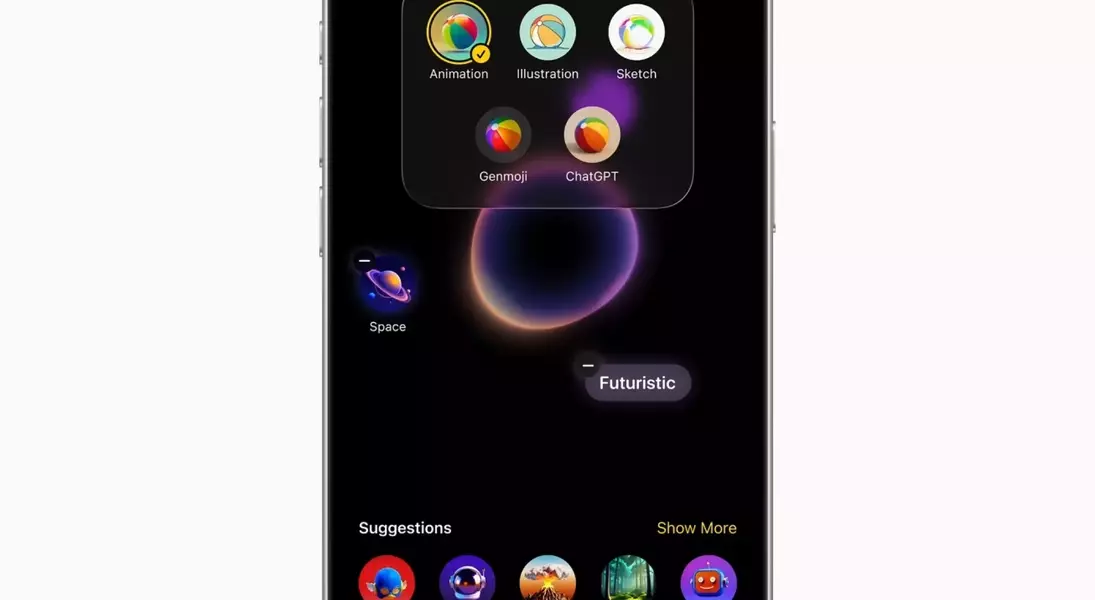
An honorable mention goes to the new Genmoji creation tools, which leverage the power of ChatGPT. This feature, available on newer iPhone models such as the iPhone 16 series and iPhone 15 Pro/Pro Max with Apple Intelligence activated, empowers users with unprecedented self-expression. By combining existing emojis, Genmoji, and textual descriptions, users can generate unique and personalized images. While yet to be fully explored, this generative AI capability opens up new avenues for creative communication.
The public beta of iOS 26 marks a pivotal step in the evolution of Apple's mobile operating system, focusing on a more intuitive and personalized user experience. The introduction of the Liquid Glass design, alongside comprehensive redesigns of fundamental applications like Phone, Messages, and Photos, indicates a clear direction towards enhanced visual appeal and streamlined functionality. The integration of advanced AI features, particularly the expanded Live Translation and Genmoji creation tools, showcases Apple's commitment to innovative solutions that enrich user interaction and communication. These initial improvements provide a compelling glimpse into the future of iOS, offering users a more fluid, intelligent, and customizable digital environment.
