
Meccha Chameleon stands out with its exceptional custom map feature, offering players an expanded and diverse prop hunt experience beyond the standard game. This article serves as a guide to navigating and utilizing these community-created environments, ensuring players can fully immerse themselves in the game's creative potential. From installation instructions to a selection of top-tier maps, it covers everything needed to enhance your gameplay.
Unleash Your Inner Chameleon: Master the Art of Disguise on Community-Crafted Maps!
Seamlessly Integrating Custom Maps into Your Meccha Chameleon Experience
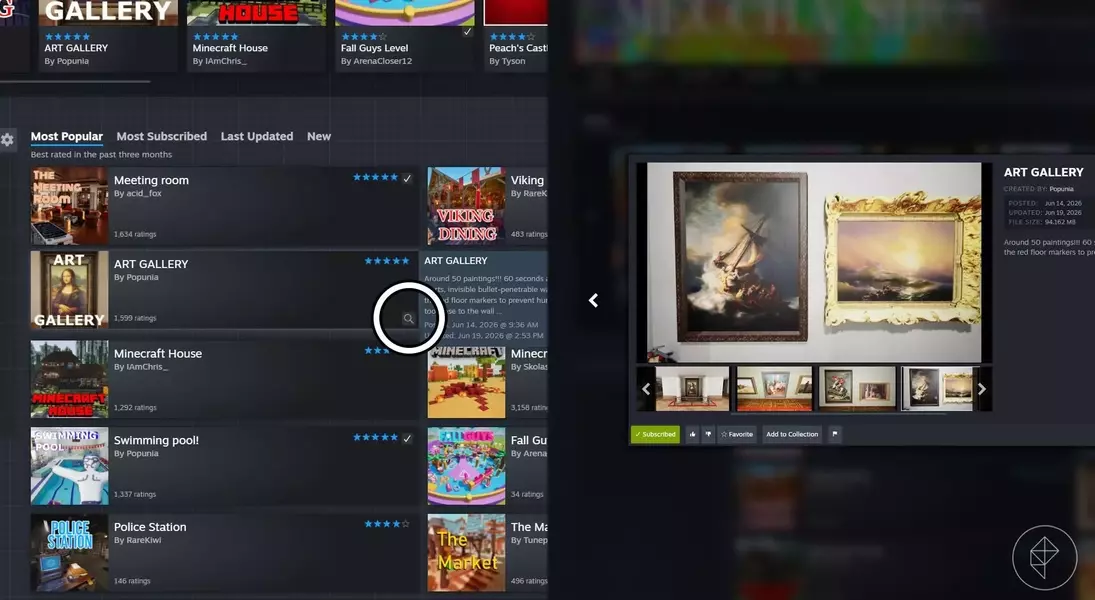
Engaging with custom maps in Meccha Chameleon can be achieved through two primary methods: direct downloads from the Steam Workshop or in-game acquisition via the host player. Before incorporating any new map, it is crucial to conduct a preliminary review of its Steam Workshop page. Evaluate aspects such as user ratings, subscriber counts, and comments to verify its integrity and ensure a safe, enjoyable gaming experience.
Hosting and Joining Games with Tailored Maps
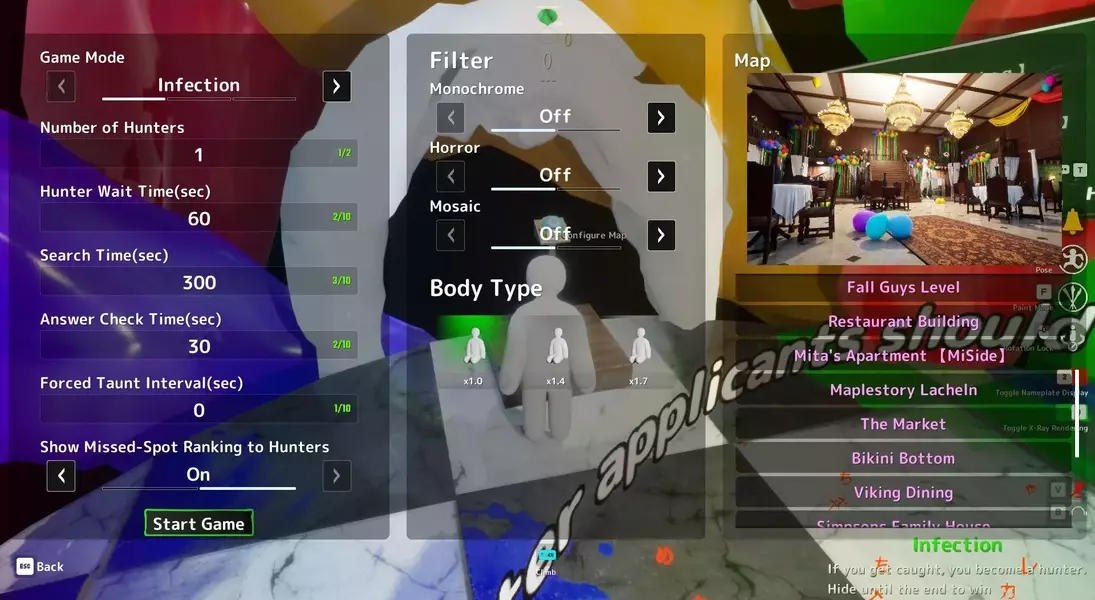
For individuals serving as the game's host, the process of installing custom maps begins by subscribing to desired selections directly from the Steam Workshop. Following a successful subscription, these maps become accessible within the game lobby. By interacting with the designated blue button, hosts can browse a comprehensive list of available maps, with custom installations distinctly highlighted in purple for easy identification. Conversely, players joining a lobby will encounter a prompt to download any uninstalled custom maps upon selection by the host. This prompt typically appears as a blue message, guiding players to the map's Steam Workshop page for a quick subscription and seamless integration. In cases of frequent download requests leading to an error, players can bypass the direct link by searching for the map within the Steam Workshop, hovering over its entry, and selecting the magnifying glass icon to reveal a pop-up window for subscription.
Elevate Your Gameplay: Handpicked Custom Maps for Meccha Chameleon
The Meccha Chameleon community boasts an extensive array of custom maps, each offering unique challenges and opportunities for creative hiding. To maximize the enjoyment of these diverse landscapes, particularly those featuring numerous concealment points, it is advisable to extend the "Hunter Wait Time" setting to at least two minutes. This adjustment provides hiders with ample time to strategize and execute their disguises effectively before the hunt commences. Here is a curated selection of some of the most engaging custom maps to enrich your gameplay rotation.
Art Gallery: A Canvas for Disguise and Deception
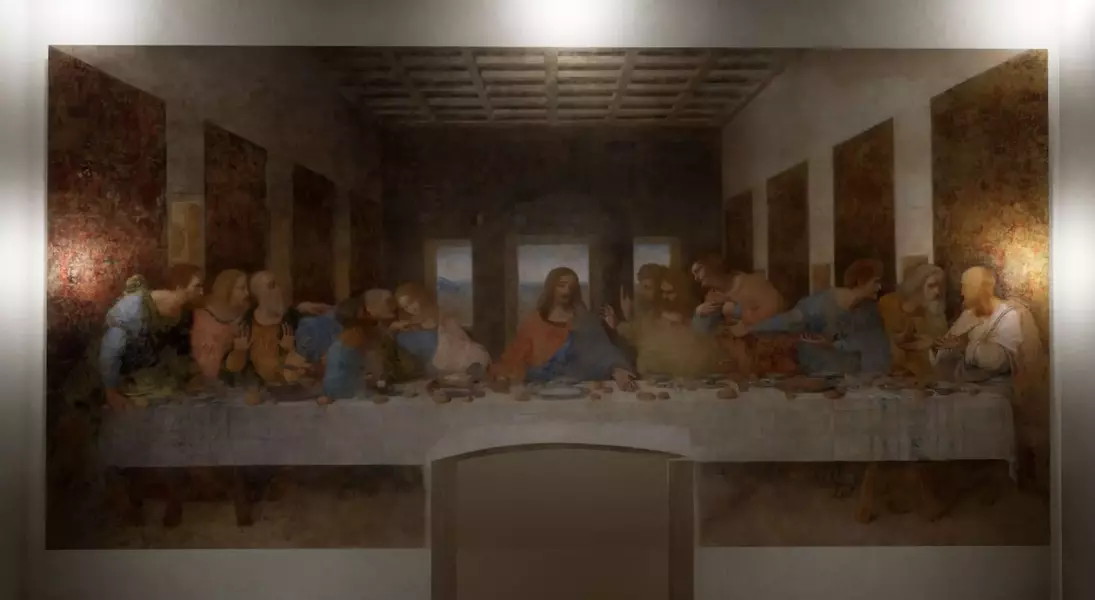
The Art Gallery map transforms the game into a cultural escapade, featuring iconic paintings and portraits adorning its walls. Players can blend in with masterpieces like the Mona Lisa or the Twelve Apostles, or ingeniously camouflage themselves as part of the museum's architecture. The intricate details of this map necessitate an increased Hunter Wait Time, allowing hiders to meticulously craft their artistic disguises.
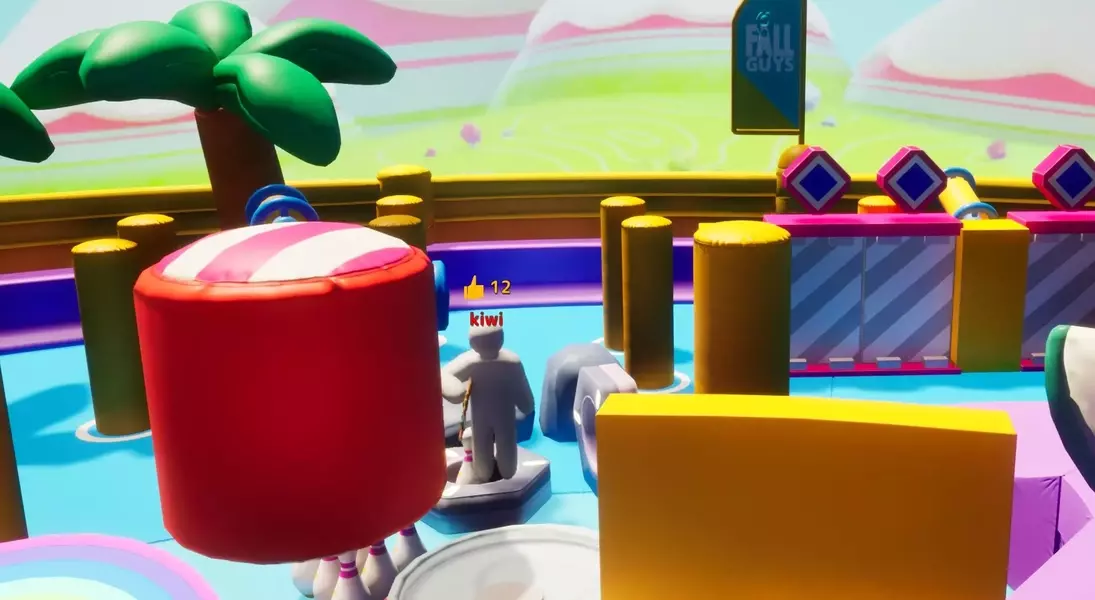
Fall Guys Level: Navigate a Vibrant World of Hidden Spots
True to its namesake, the Fall Guys Level map presents a vibrant and colorful environment reminiscent of the popular platformer. Its distinct, flat color palette facilitates effortless blending and concealment in plain sight. The map is generously populated with various objects and decorative elements, offering numerous unconventional hiding spots for those who prefer a more audacious approach to camouflage.
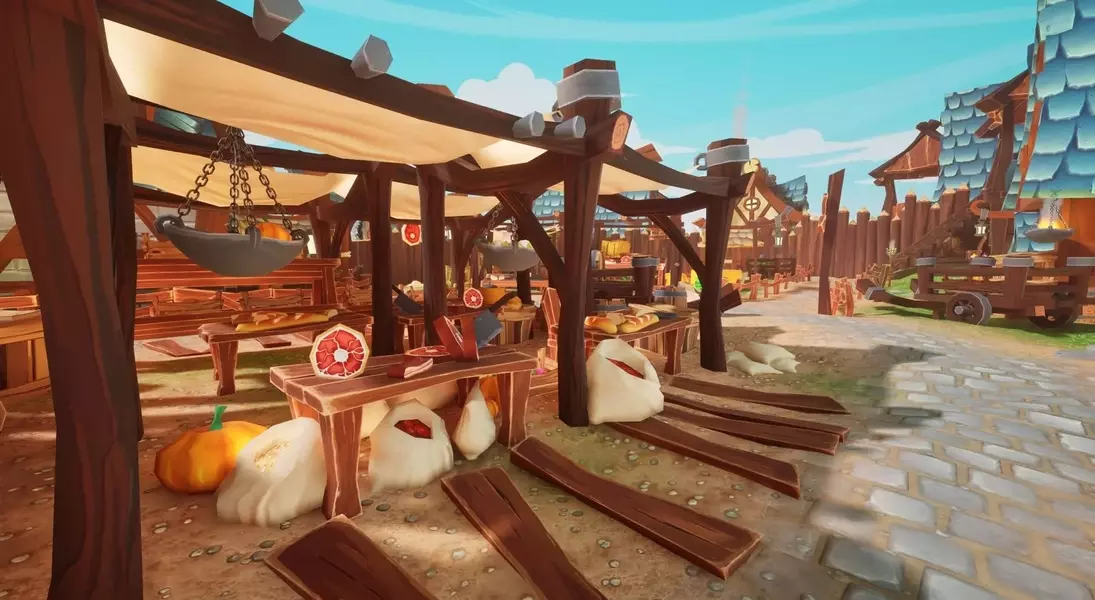
The Market: A Bountiful Harvest of Hiding Opportunities
Immerse yourself in The Market, a bustling environment overflowing with fresh produce like pumpkins, watermelons, and cabbage. While impersonating food items is a popular strategy, the map also provides a wealth of other objects and strategic locations for effective concealment. This map offers a rich tapestry of hiding possibilities for players of all preferences.
Maplestory Lacheln: An Architectural Wonderland for Camouflage
Maplestory Lacheln meticulously recreates the fantastical city of Lachelein from Maplestory in stunning 3D. While the elusive Lucid may not be found within its clocktower, players will discover a myriad of hiding spots amidst its complex architectural designs. The intricate structures of this map provide numerous opportunities for concealment, making it an excellent choice even for those less adept at detailed painting.
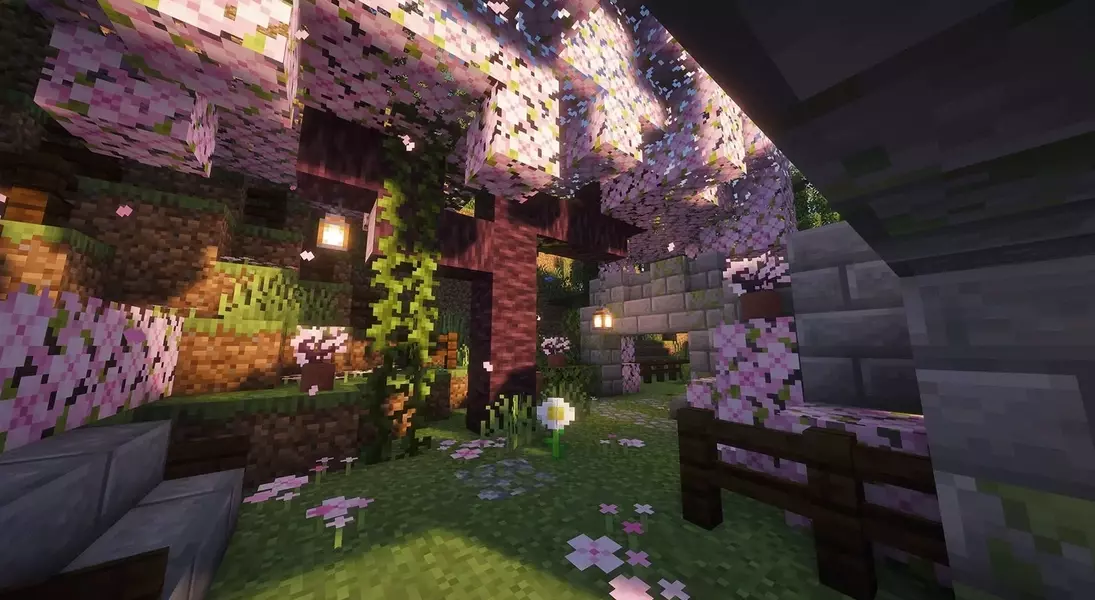
Minecraft House: Blocky Blending in a Familiar Setting
Among the many Minecraft-themed maps available on the Steam Workshop, the Minecraft House stands out as a prime choice for fans of the iconic game. Players can transform into everyday objects such as torches, flowers, or even blend with the outdoor grass for ultimate invisibility. Despite its modest size, the map is packed with an abundance of hiding spots, both within and around the house, ensuring a challenging yet rewarding experience.
Swimming Pool!: A Compact Challenge for Master Hiders
The Swimming Pool! map offers a more concise and smaller playing field, presenting a heightened challenge for hiders. Successfully navigating this map requires exceptional creativity and strategic thinking to achieve victory as a chameleon. For players who relish a formidable test of their hiding prowess, this map provides an exhilarating experience.
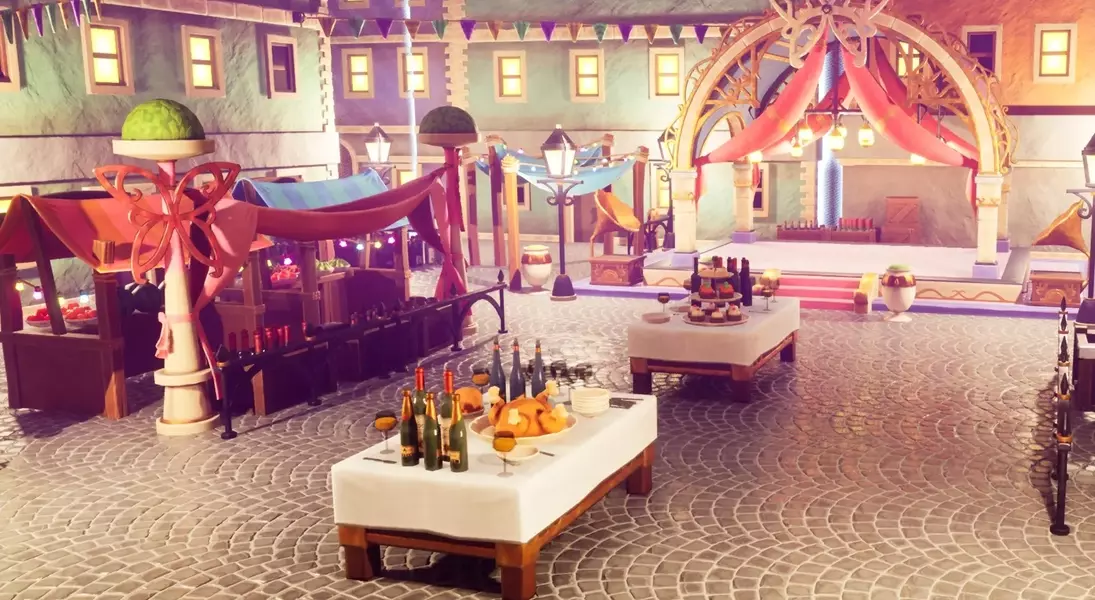
Viking Dining: Feasting on Fun in a Historical Setting
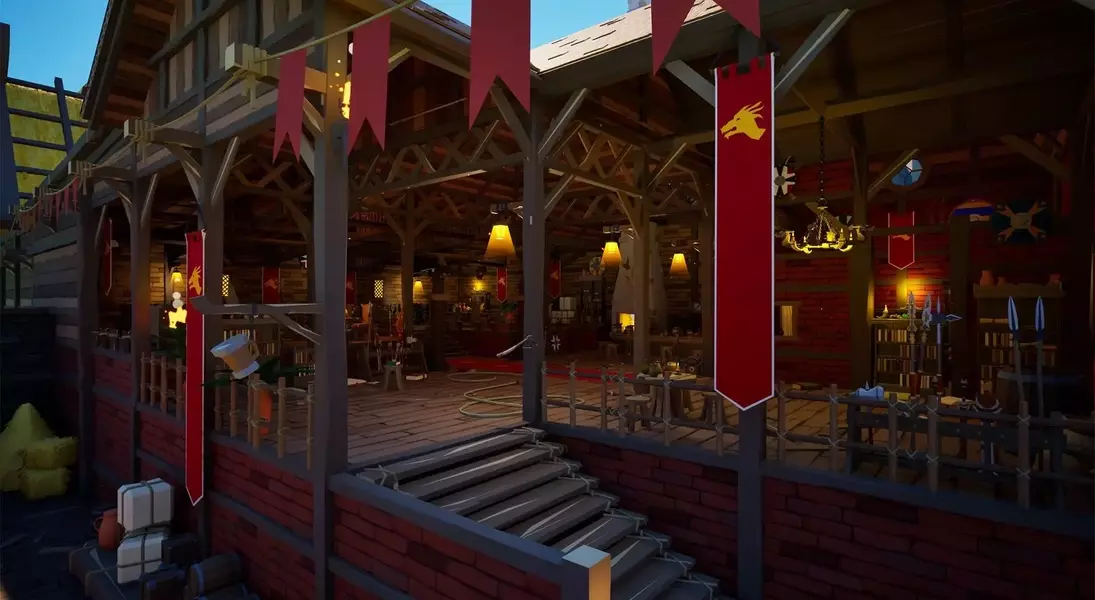
Step into the Viking Dining map, a lively tavern filled with an assortment of shields, swords, spears, and ale. The scattered items throughout the environment provide hiders with a plethora of props to impersonate. While rich in detail, the map avoids excessive clutter and maintains a relatively smaller size, striking a balance that keeps the hunt engaging without overwhelming the hunter.
