

The Dell Pro 5 Webcam aims to be a robust solution for office use, boasting a 1440p resolution and the convenient Windows Hello facial recognition feature. While it offers a generally strong image and simple setup, several design and performance shortcomings prevent it from being a top contender in its price category. Its fixed cable, unstable magnetic stand, and issues with color reproduction, coupled with limited software customization, make it a less appealing choice compared to alternatives that offer better value and greater control for users. Despite its strengths, particularly the integrated Windows Hello, the webcam’s overall package falls short, leaving room for improvement in both functionality and design.
Dell Pro 5 Webcam: In-Depth Analysis and Performance Review
In the competitive 1440p webcam market, Dell's Pro 5 attempts to carve out a niche, primarily targeting business users with its emphasis on strong image quality and the highly convenient Windows Hello feature. Priced at approximately $120, this webcam sits at the higher end of its resolution class, prompting a closer examination of whether its features justify the cost.
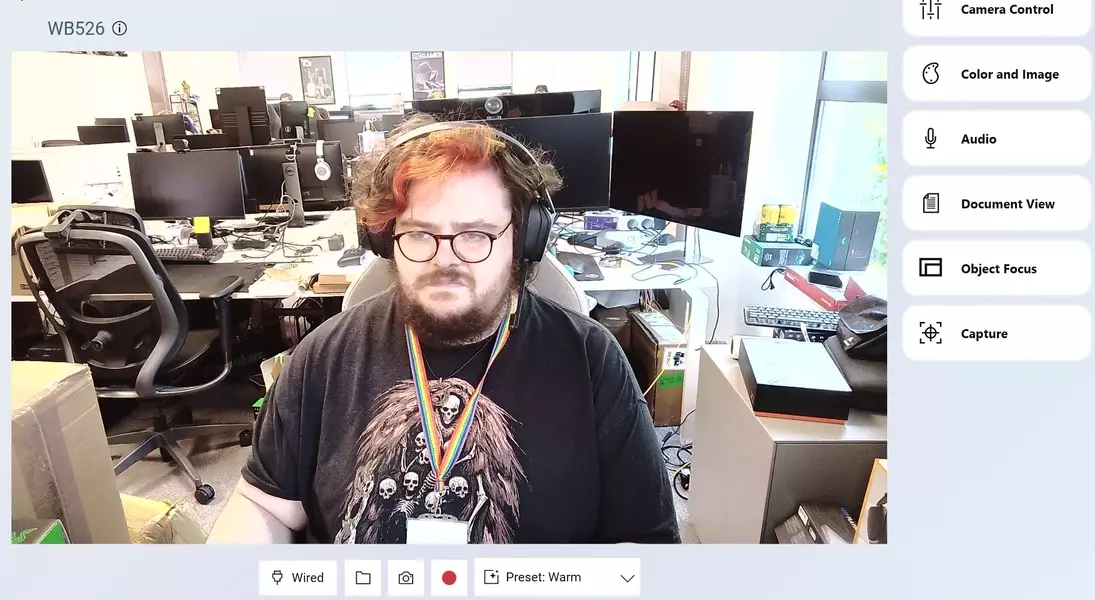
At the heart of the Dell Pro 5 lies a Sony sensor, which largely delivers on its promise of clear visuals. Textures, such as those in hair, are rendered with good detail, and the webcam manages moderate lighting conditions without significant blowouts. Its autofocus system, while not as rapid as some high-end competitors like the Obsbot Tiny 3 or Tiny 2 Lite, is sufficiently swift for typical video conferencing needs. This makes it adequate for quick demonstrations of objects to colleagues during Discord calls.
However, the webcam's performance is notably hampered by its color accuracy. Images and videos tend to appear brighter and less vibrant than real-life subjects. For example, a distinct red hue in the reviewer's hair was depicted as orange by the Dell Pro 5, a stark contrast to the more accurate representation by the Yolocam S3. Similar discrepancies were observed with other colors, suggesting a pervasive issue with color fidelity that may not suit all users' preferences.
Dell’s proprietary software, though user-friendly, offers limited capability to rectify these color imbalances. Adjustments to vibrance and contrast can enhance the image somewhat, but the underlying brightness filter remains, preventing a truly natural look. Furthermore, the pre-set modes—’smooth’, ‘vibrant’, and ‘warm’—are generally ineffective in well-lit environments. The ‘smooth’ setting sacrifices sharpness, resulting in an overly glossy appearance, while ‘vibrant’ and ‘warm’ modes amplify brightness excessively. The ‘default’ setting provides acceptable quality but heavily relies on software enhancements rather than raw sensor performance.
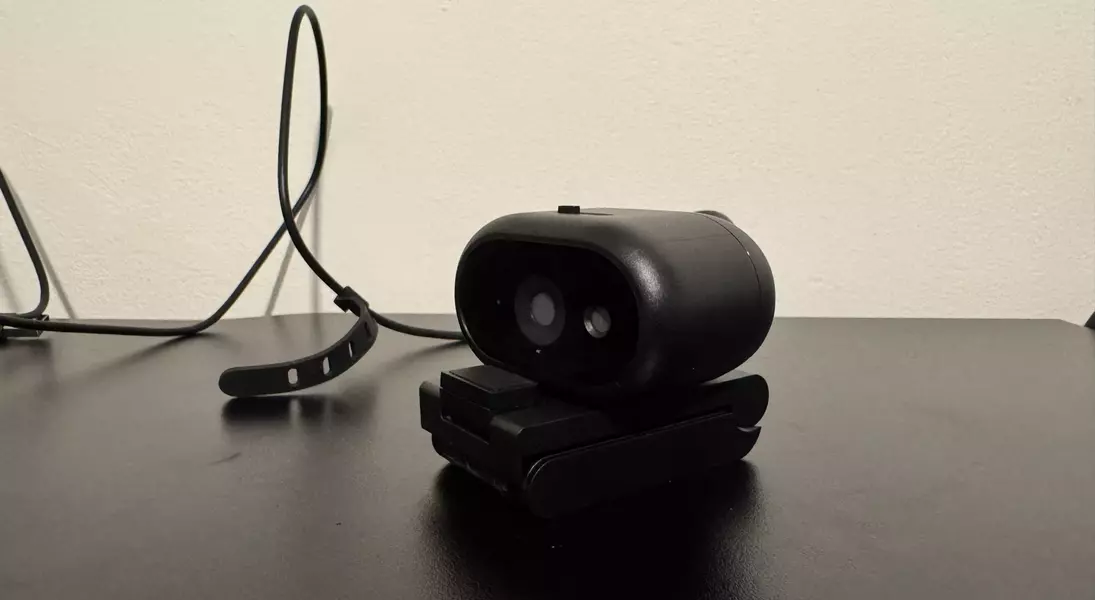
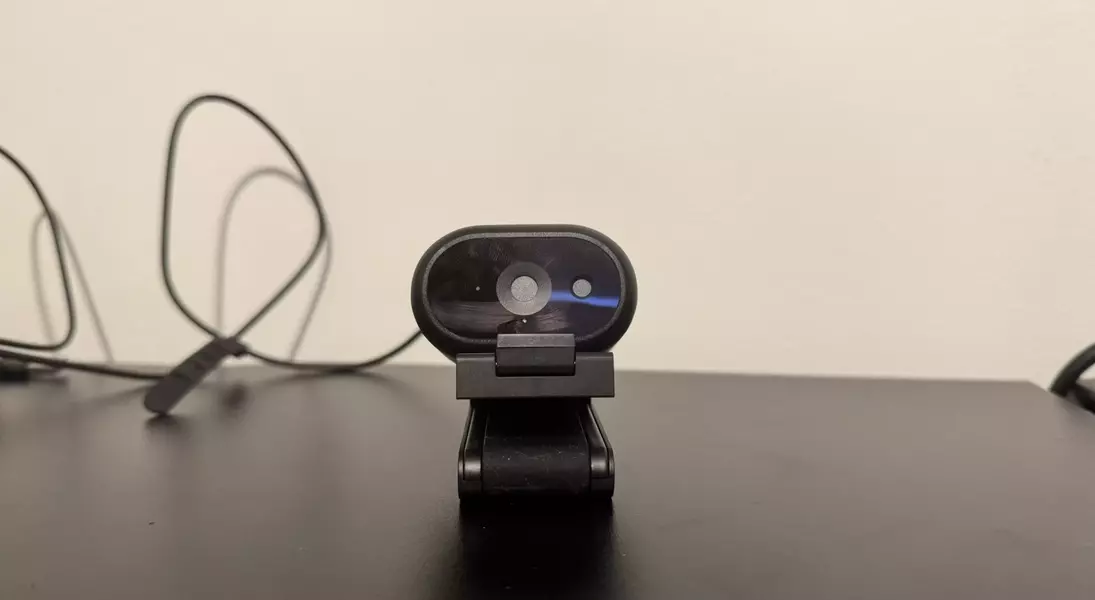
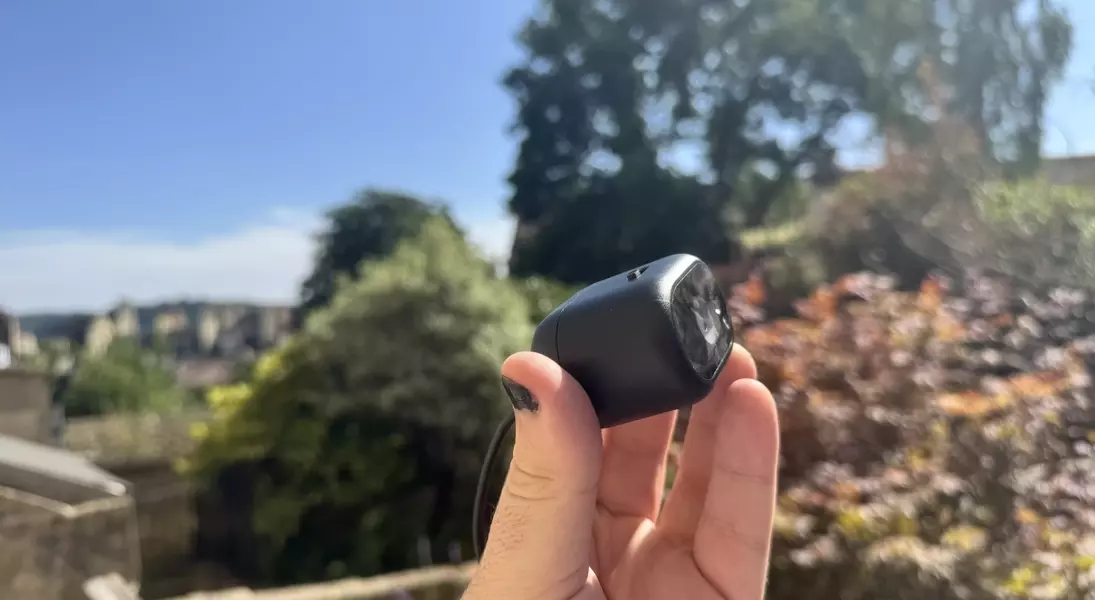
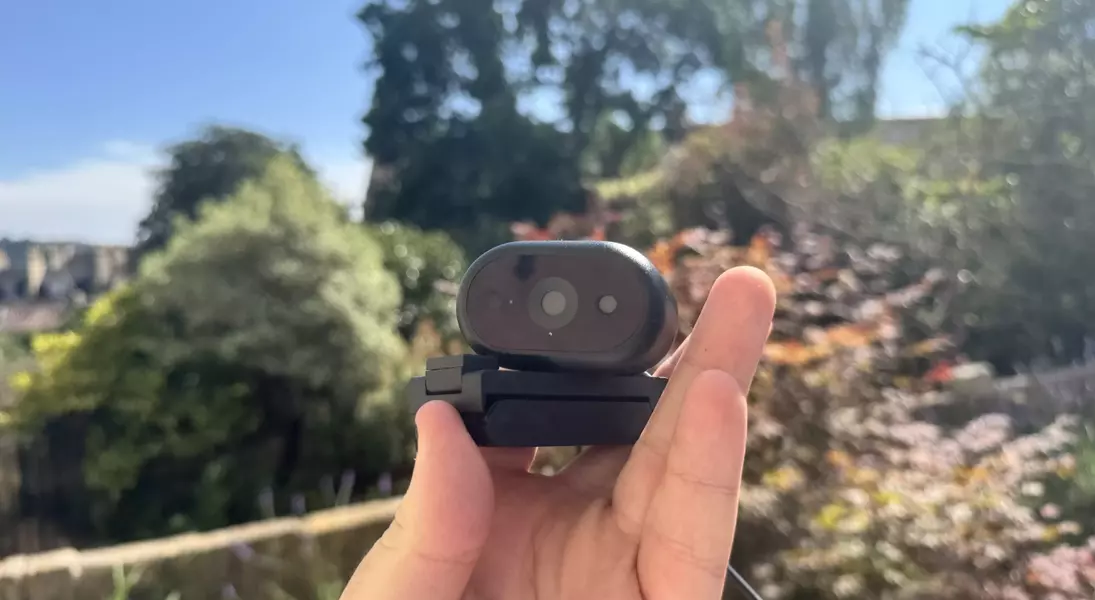
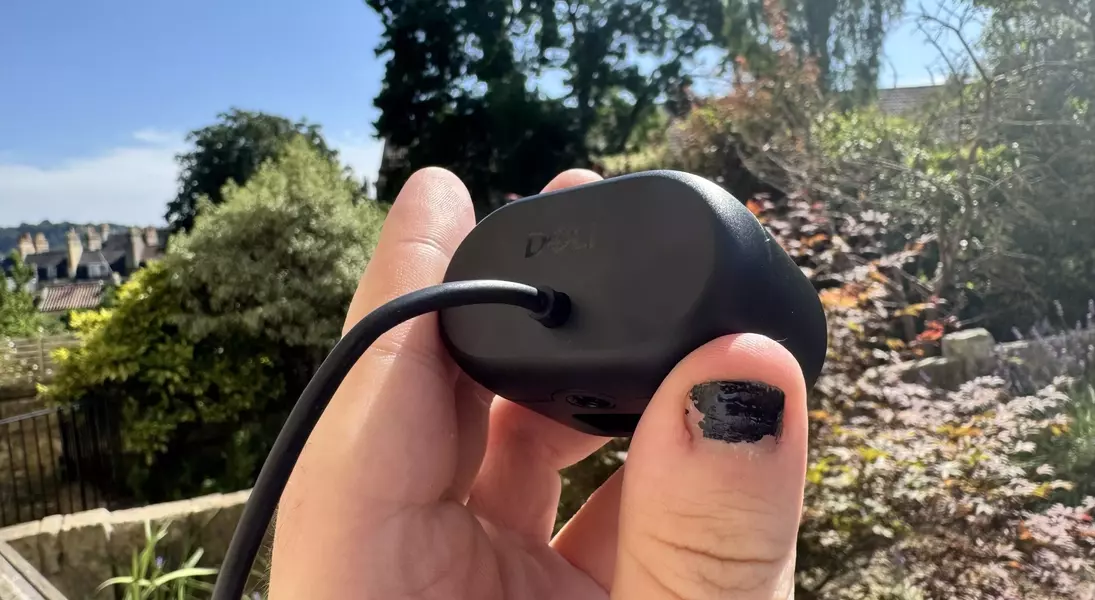
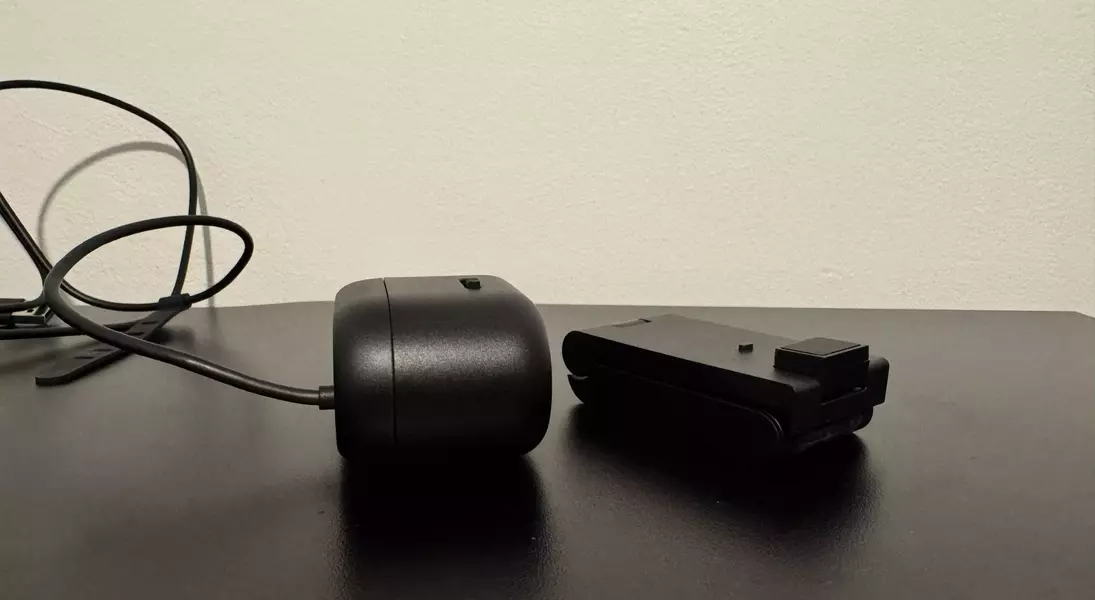
From a design perspective, the Dell Pro 5 presents inconsistencies. The camera unit itself feels substantial and durable, and its magnetic stand adds a reassuring weight. Yet, the magnetic connection between the webcam and its stand is surprisingly weak. Even a slight tug on the tethered cable can dislodge the camera, disrupting carefully set framing. This flimsiness is a significant drawback, particularly given the 1.5-meter cable length, which necessitates leaving ample slack to prevent accidental disconnections. The integrated, non-detachable cable also poses a long-term durability concern, as damage to the cable would render the entire unit unusable.
A positive design element is the integrated privacy filter, conveniently located at the top of the webcam. While easy to operate, its use can also cause the webcam to shift due to the weak magnetic attachment. The omni-directional microphone offers passable audio quality, suitable for casual calls and conferences, though recordings can sound somewhat hollow.
Ultimately, the Dell Pro 5 Webcam feels tailored for a specific office demographic that prioritizes ease of use and Windows Hello integration over granular control and superior image quality. Its seamless facial recognition, which allows for quick and secure logins, stands out as a genuinely valuable feature. However, this convenience might not outweigh the camera’s higher price, limited customization, and design flaws for users seeking a more versatile and high-fidelity imaging device. When more affordable 4K webcams with better performance and greater flexibility are available, the Dell Pro 5’s appeal is largely confined to those who specifically need its Windows Hello capability and are willing to overlook its other shortcomings.
The Dell Pro 5 Webcam embodies a paradoxical blend of advanced features and noticeable limitations. Its 1440p resolution paired with a Sony sensor promises quality, and indeed, it delivers a clear image that is more than sufficient for standard video calls. The standout feature, Windows Hello, works flawlessly, providing an effortless and secure login experience that truly enhances daily workflow for Windows users. However, the camera’s overall value is undermined by its inflexible design, particularly the integrated cable and the weak magnetic stand, which compromise usability and durability. More critically, its color accuracy issues and the restrictive nature of its software prevent users from achieving truly personalized or professional-grade visual output. This positions the Dell Pro 5 as a niche product, best suited for an office environment where Windows Hello is a priority and minor visual imperfections are acceptable. For users demanding precise control, superior image fidelity, or better value, exploring other options might yield more satisfying results.