
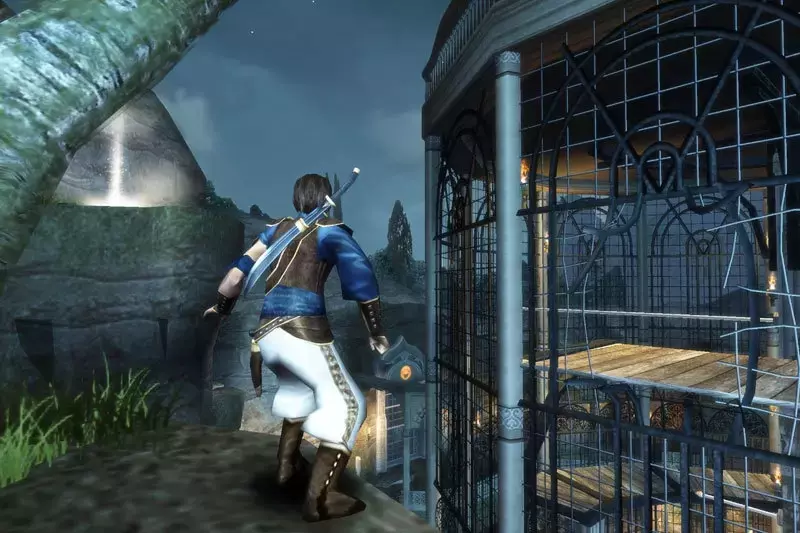

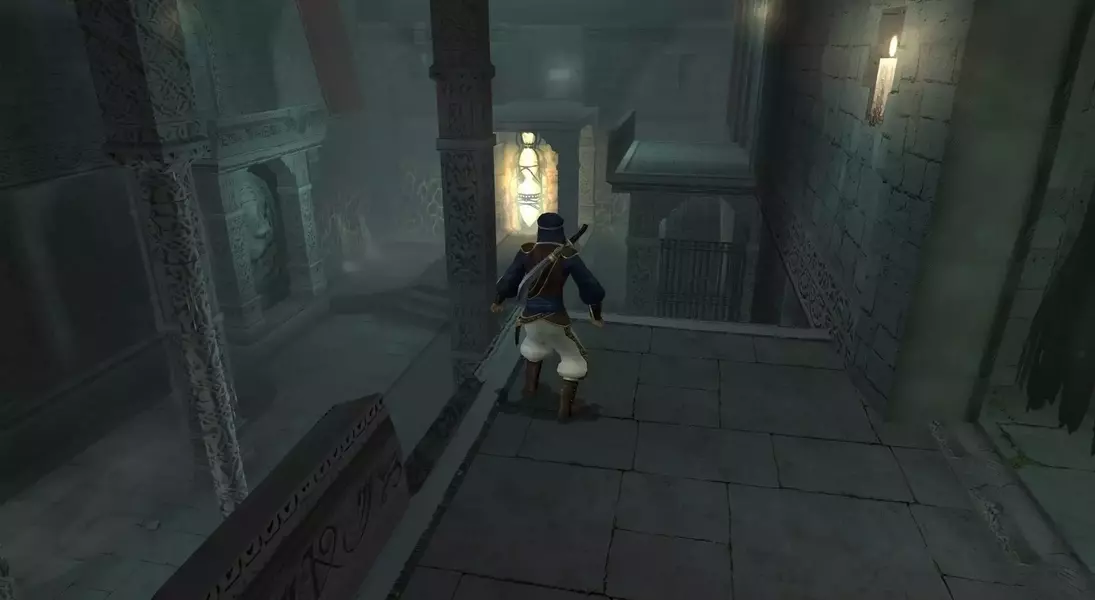
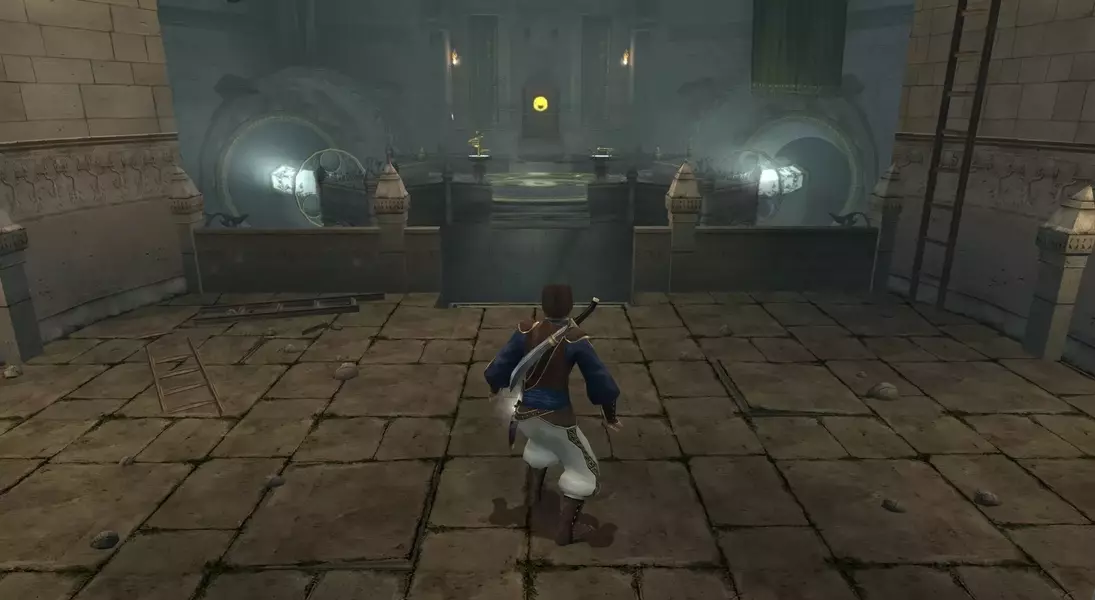
Given Ubisoft's decision to cancel the remake of 'Prince of Persia: The Sands of Time' amidst corporate restructuring and a shift towards live-service games, the future of this iconic adventure seems uncertain. However, dedicated PC gamers have found ways to enhance the original game, addressing its compatibility issues with modern systems. This article provides a comprehensive guide to revitalizing 'The Sands of Time' through community-driven modifications and practical tips for optimal gameplay on various platforms, including the Steam Deck.
Reclaim the Sands: Your Guide to a Modern Prince of Persia Experience
Acquiring Prince of Persia: The Sands of Time for Modern Play
For those looking to experience 'The Sands of Time' today, several digital storefronts offer the game. Steam provides a convenient option, while the Ubisoft Store occasionally features significant discounts. GOG.com is also a viable choice, with potential future enhancements through their Preservation Program aimed at improving compatibility with contemporary hardware. These platforms serve as gateways to re-engaging with this beloved title.
Simplifying Enhancements: The Easy Modding Approach
To effortlessly upgrade your 'Sands of Time' experience, the 'Fix Compilation' by Vinícius Medeiros offers a streamlined solution. This mod pack integrates essential improvements such as DirectX wrapper fixes, restored EAX audio, comprehensive widescreen support, and crucial modern controller compatibility. Furthermore, it removes legacy DRM from Steam and Ubisoft versions, facilitating easier transfers to portable gaming devices.
Installation is straightforward: extract the ZIP file into your game directory and allow it to overwrite existing files. Launch the game via 'PrinceOfPersia.EXE' and configure your controller settings manually. This compilation ensures a significantly smoother and more enjoyable classic gaming experience with minimal effort.
Elevating the Experience: Advanced Remastering with Mods
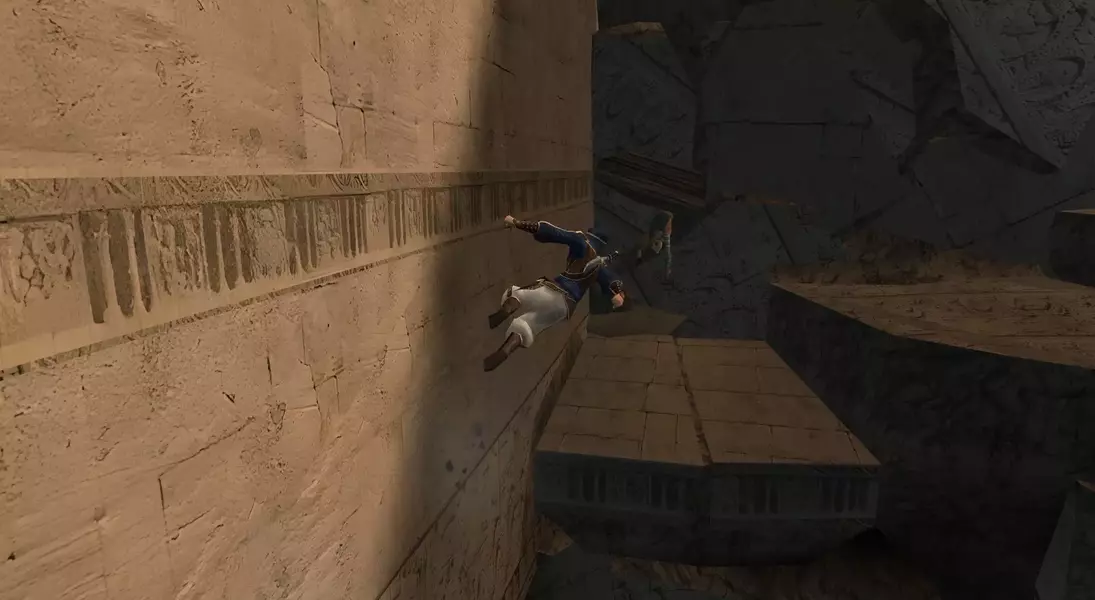
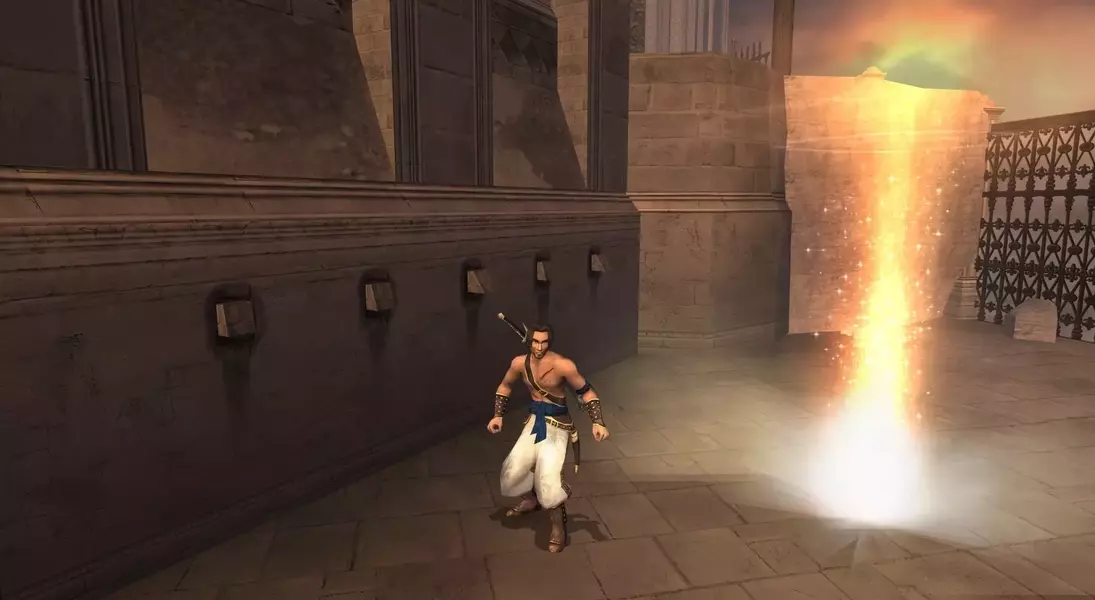
For players seeking a more profound transformation, the 'Sands of Time Remastered Mod' (developed by borisskyman, loloikabo, and vargatomi) released in August 2025 provides extensive visual and performance enhancements. This mod includes high-resolution textures, upscaled full-motion videos, refined graphical effects, and support for higher refresh rates.
To fully utilize this mod, you'll also need a separate widescreen patch from the PC Gaming Wiki. The installation involves extracting the mod and patch to your game directory, then using the 'Peixoto.bat' patcher app. Within the patcher, apply the 'Fog Fix' and transfer the new textures to the specified VOKSI folder. After configuring, launch the game through the Patcher to enjoy a visually stunning and modernized version of 'The Sands of Time'. Note that this advanced mod does not remove DRM and is less compatible with the Steam Deck due to its third-party launcher requirement.
Seamless Gaming on the Go: Prince of Persia on Steam Deck
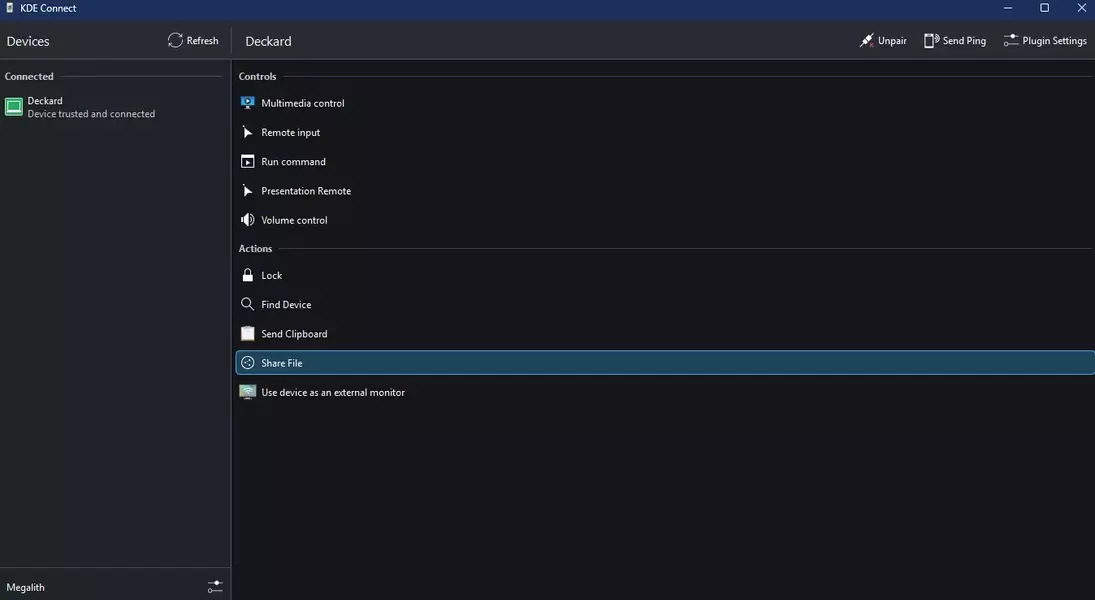
Playing 'Prince of Persia: The Sands of Time' on the Steam Deck is surprisingly accessible, particularly with the 'Fix Compilation'. First, download the game to your PC and apply the 'Fix Compilation'. Compress your game directory into a ZIP file. Utilize a tool like KDE Connect to wirelessly transfer this ZIP file to your Steam Deck while in Desktop mode.
Once transferred, extract the game files on your Deck, locate 'PrinceOfPersia.EXE', and add it to Steam as a non-Steam game. In Steam's properties for the game, force compatibility with 'Proton Experimental'. This setup allows you to launch and enjoy the enhanced 'Sands of Time' directly from your Steam Deck's native interface, offering a portable and polished classic gaming experience.
