This article explores a prevalent technical issue affecting Apex Legends players who utilize AMD Radeon RX 9070 XT graphics cards, specifically focusing on persistent 'fatal error' crashes. It details the game developer's acknowledgment of the problem, a suggested but often ineffective initial fix, and a more promising temporary solution discovered by the community. The piece delves into the technical aspects of the workaround, including its potential impact on game performance, and highlights the ongoing need for a permanent resolution from either AMD or Respawn Entertainment.
Gaming Glitches: Navigating the RX 9070 XT's Unexpected Challenges in Apex Legends
Game-Breaking Glitch: Apex Legends Encounters 'Fatal Error' with AMD Radeon RX 9070 XT GPUs
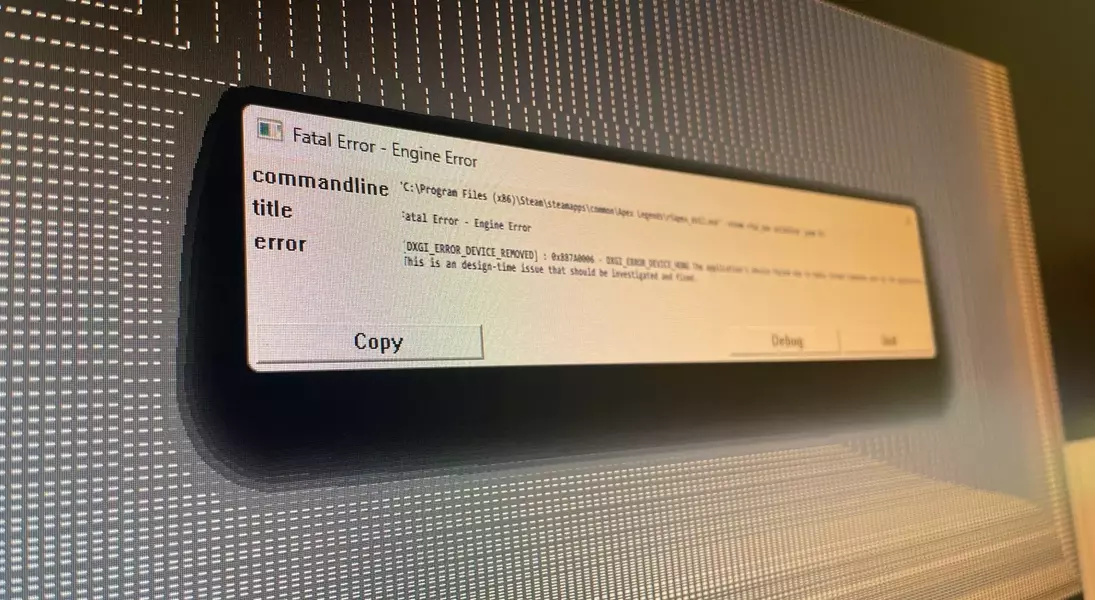
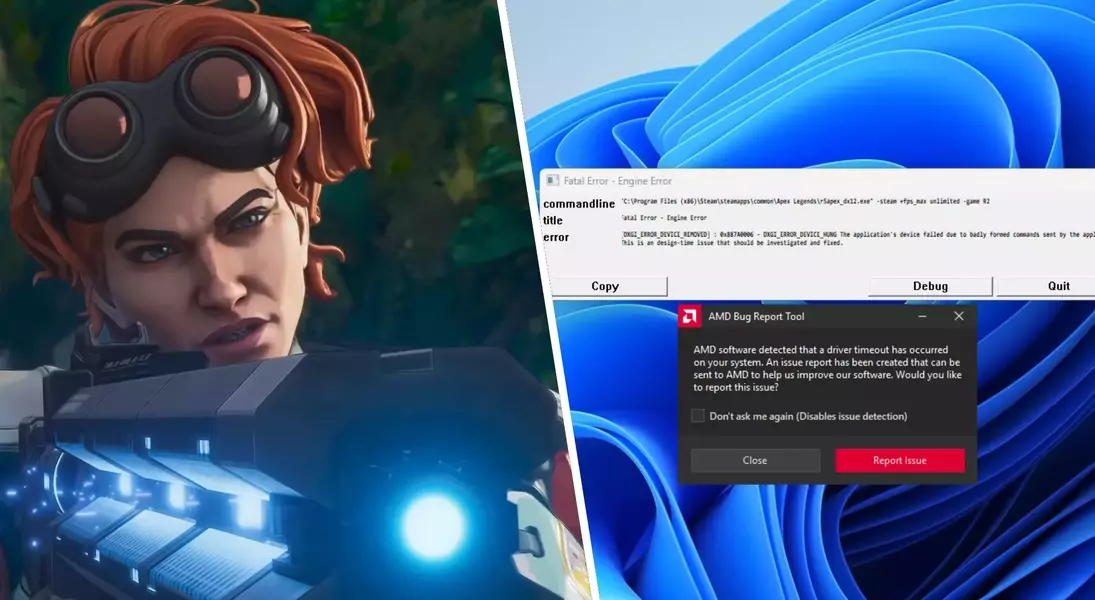
Reports indicate that Apex Legends is currently experiencing significant compatibility issues with the AMD Radeon RX 9070 XT graphics card. Users are encountering a 'fatal error' upon attempting to launch the game, preventing them from playing. This problem has been officially acknowledged by the Apex Legends development team.
The Technical Root of the Problem: A 'Badly Formed Commands' Error
The specific error message displayed during these crashes points to a fundamental issue: "The application's device failed due to badly formed commands sent by the application. This is a design-time issue that should be investigated and fixed." This suggests a disconnect in how Apex Legends is communicating with the RX 9070 XT GPU, leading to system instability.
Initial Recommendations and Their Limitations
Initially, the Apex Legends community on X (formerly Twitter) suggested rolling back AMD graphics drivers to an older version (26.7.1) as a potential fix. However, many players have reported that this solution does not consistently resolve the crashing issues, indicating a deeper problem beyond simple driver incompatibility.
A Community-Driven Temporary Solution: Adjusting Steam Launch Options
A more effective, albeit temporary, workaround discovered by the community involves modifying the game's launch options within Steam. By adding the command string "+staticprop_color_use_bindless 0 +staticprop_depth_use_bindless 0 +r_drawworld_depth_bindless 0" to the game's properties, players can bypass the fatal error and successfully launch Apex Legends. This adjustment targets bindless rendering, a modern graphics technique.
Understanding the Workaround: Impact on Performance and Future Prospects
This command line adjustment essentially disables bindless rendering, a technique where the GPU directly accesses shaders without CPU mediation. While it successfully allows the game to run, disabling this feature might result in a slight performance decrease. Players are advised that this is a stopgap measure, and a more robust and permanent solution is anticipated from either AMD or Respawn Entertainment to fully address the underlying compatibility issues without compromising game performance.