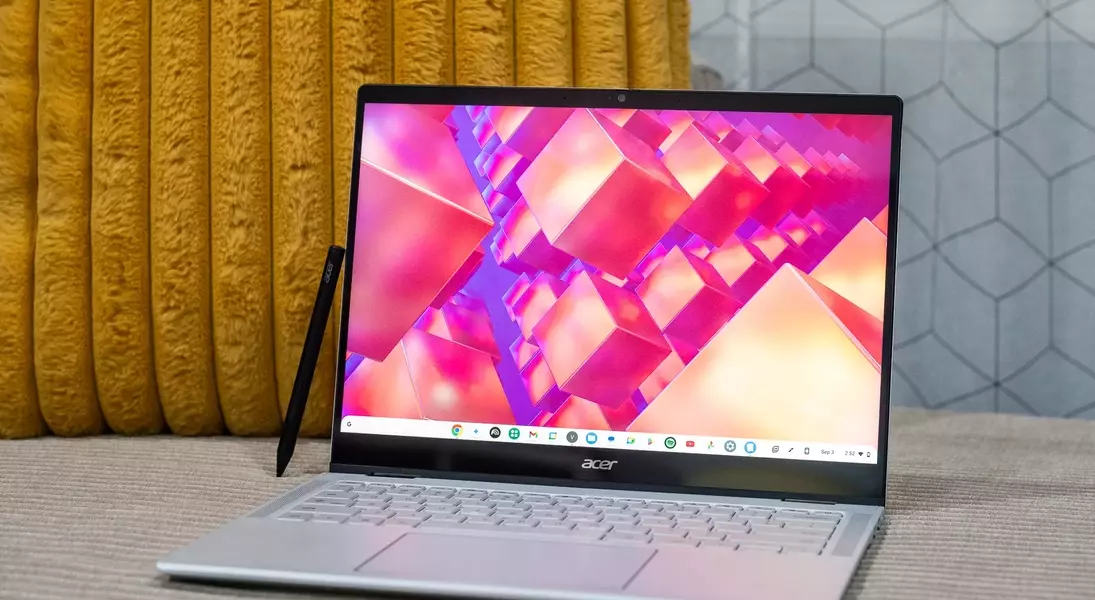
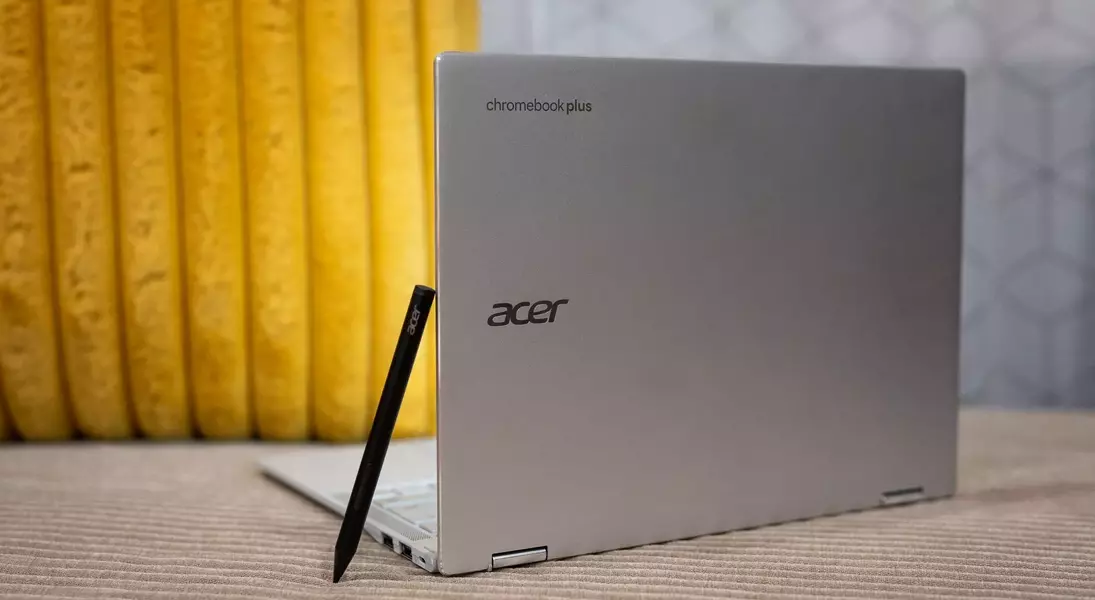

Acer's latest innovation, the Chromebook Plus Spin 514, has been unveiled at IFA 2025 in Berlin. This convertible laptop marks Acer's initial foray into integrating the Arm-based MediaTek Kompanio Ultra 910 processor, a chip renowned for its efficiency. With a starting price of $699.99 and a release scheduled for this month, the Spin 514 emerges as a compelling alternative to existing market leaders. Early assessments highlight its exceptional battery life, a direct benefit of the efficient MediaTek chip. Furthermore, the device offers diverse display resolutions, a responsive touchscreen with USI 2.0 stylus compatibility, and an extensive array of connectivity options. Despite these advancements, certain design aspects, such as the power button's position and the speakers' placement, warrant further consideration.
Enhanced Performance and Enduring Power
The Chromebook Plus Spin 514 by Acer represents a notable advancement in the Chromebook segment, primarily due to its integration of the MediaTek Kompanio Ultra 910 processor. This powerful yet energy-efficient Arm-based chip is poised to deliver a smooth and responsive user experience, while also ensuring an extended battery life that stands out in its category. Initial evaluations of the device underscore the processor's capability to manage demanding tasks with ease, mirroring the impressive performance seen in other devices utilizing the same chip. Users can anticipate prolonged productivity and entertainment without the constant need for recharging, making it an ideal companion for both work and leisure.
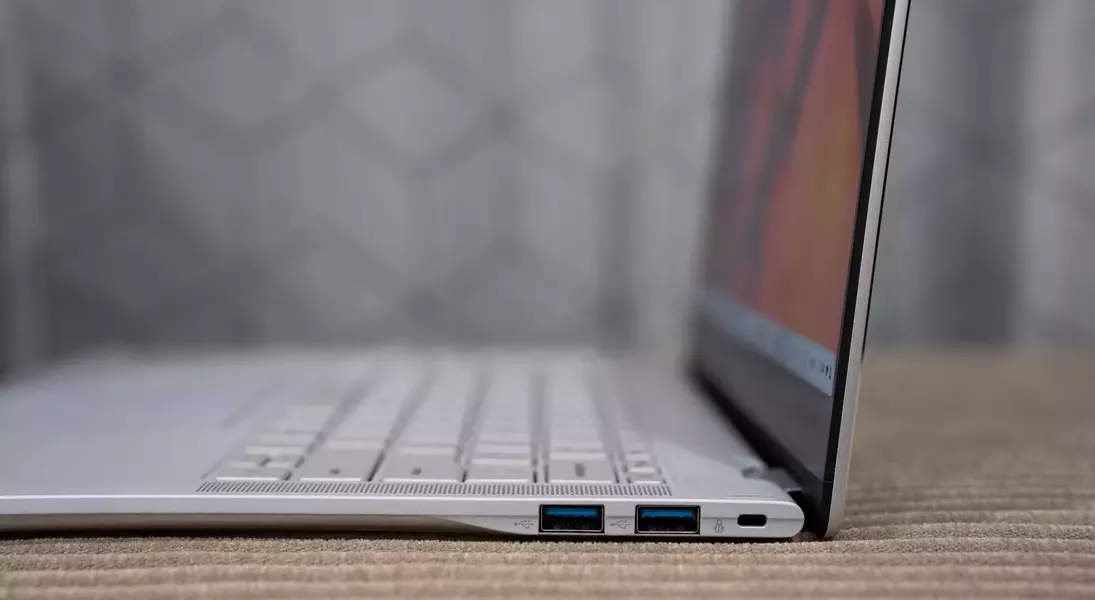
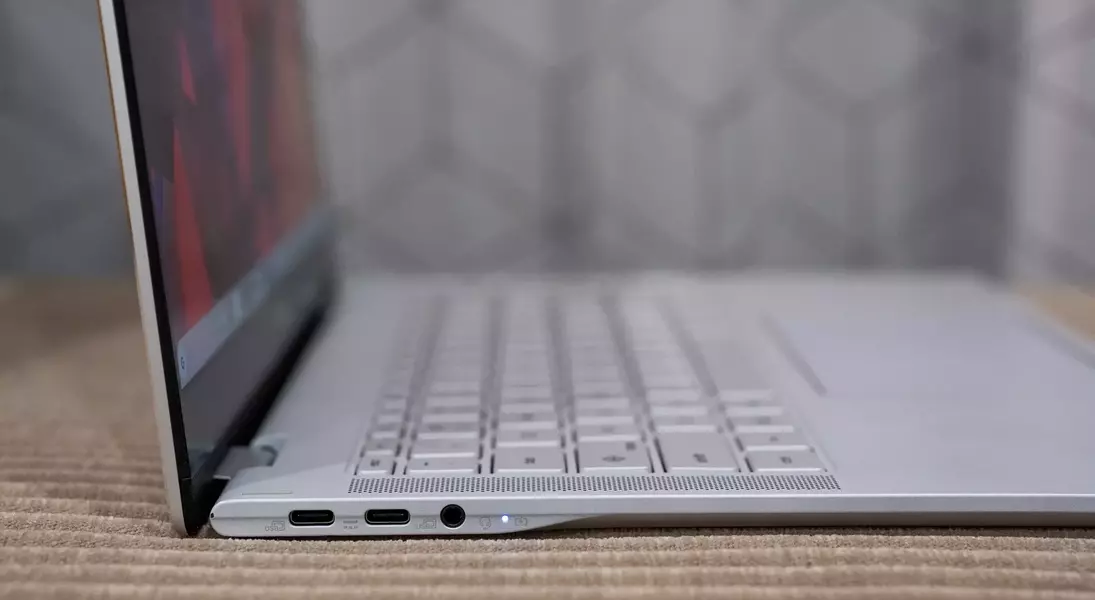
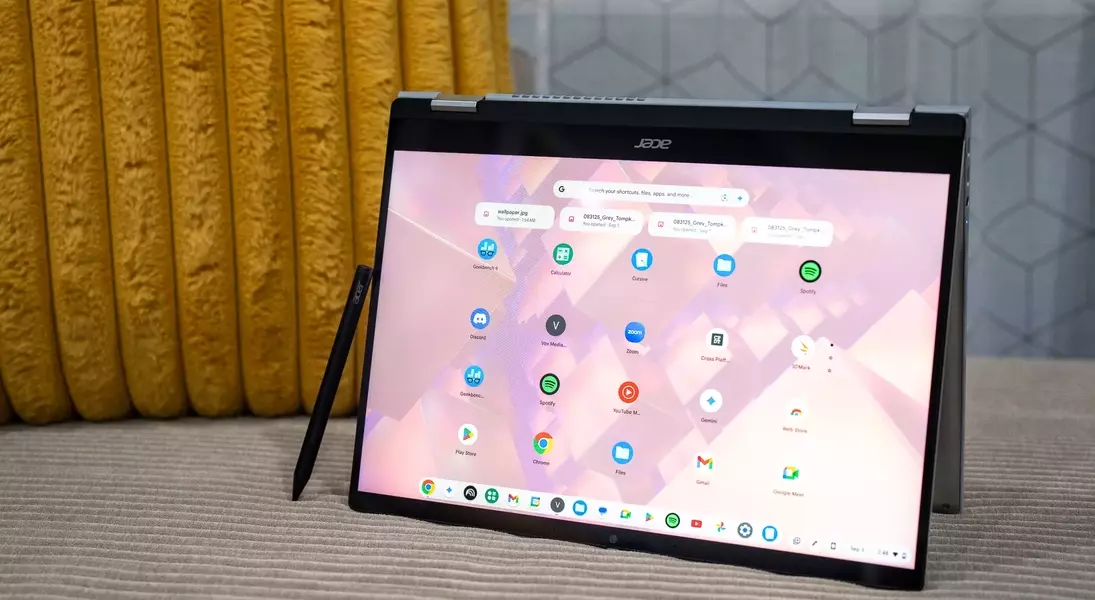
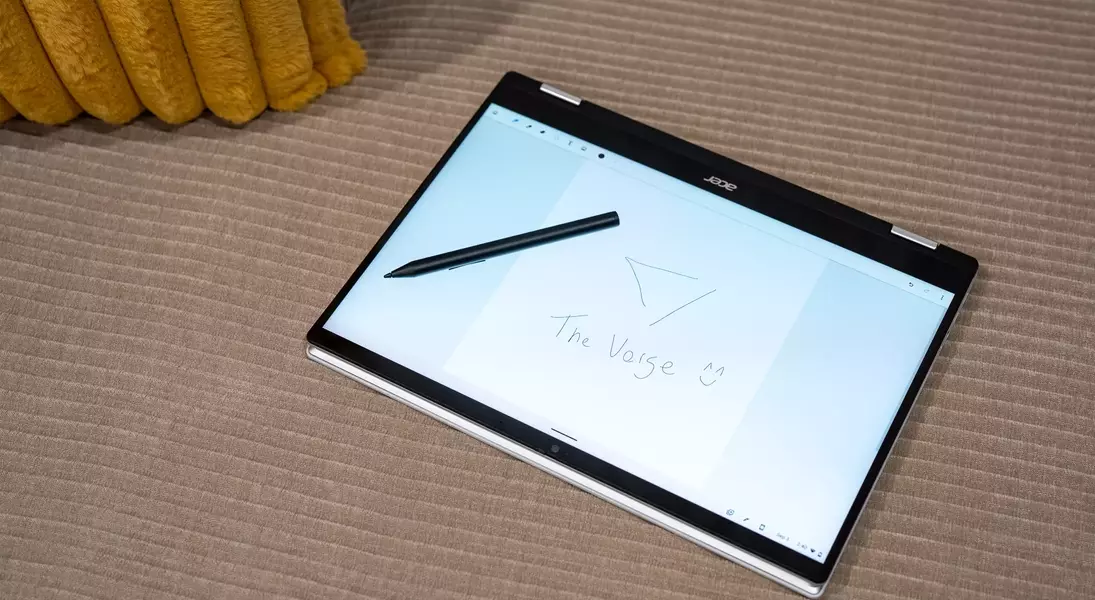
Beyond its processing capabilities, the Spin 514 offers a range of features designed to enhance user interaction. The choice of IPS display panels, available in 1920 x 1200 or 2880 x 1800 resolutions, provides vibrant visuals and crisp details. The Gorilla Glass-protected 14-inch touchscreen not only adds durability but also supports USI 2.0 styluses, opening up possibilities for creative expression and note-taking. Furthermore, the laptop is equipped with a robust selection of ports, including two 10Gbps USB-C ports with DisplayPort and Power Delivery, two USB-A 3.2 Gen 2 ports, and a 3.5mm audio jack, ensuring seamless connectivity with various peripherals. Complementing these features are Wi-Fi 7, Bluetooth 5.4, up to 16GB of RAM, and up to 256GB of UFS 4.0 storage, providing a comprehensive and high-performing package for diverse computing needs. The inclusion of either a 1080p or 5-megapixel webcam further enhances its utility for communication and remote work.
Design Considerations and User Experience
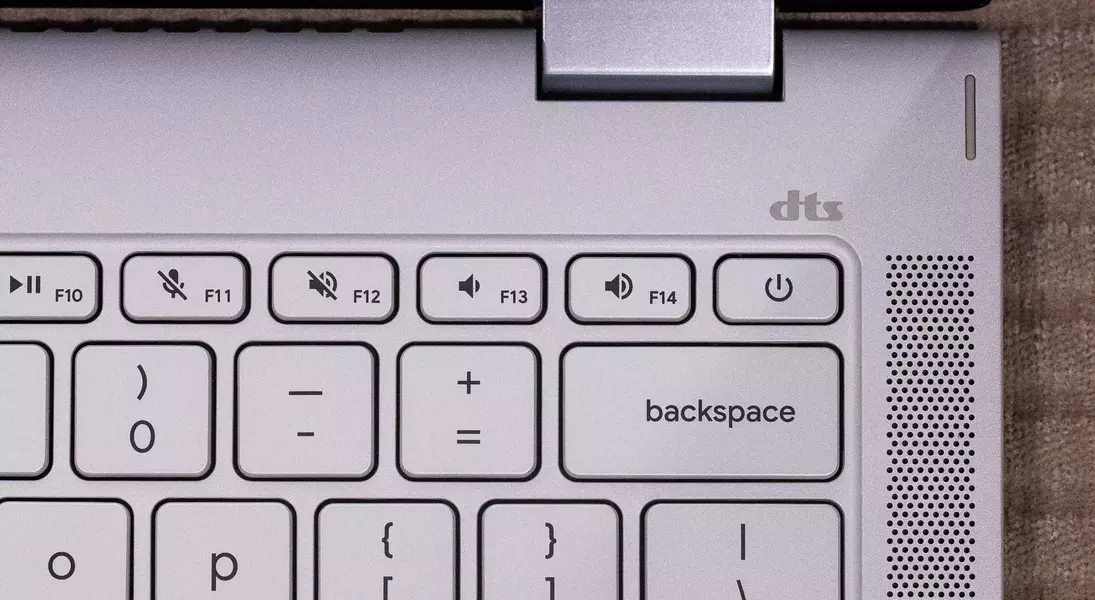
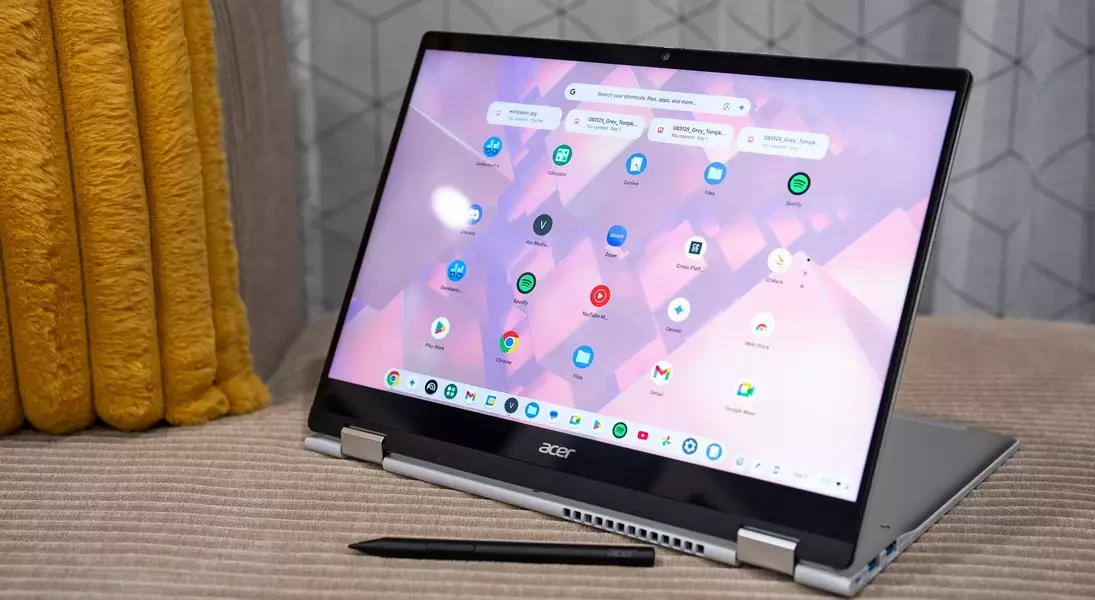
While the Acer Chromebook Plus Spin 514 shines in performance and versatility, certain design choices might affect its overall user experience, particularly in its convertible modes. The absence of a side-mounted power button, for instance, could pose a minor inconvenience when the device is used in tablet mode. Users might find themselves reaching for the keyboard deck to power on the device, disrupting the flow of interaction. Similarly, the placement of the up-firing speakers on the keyboard deck, while seemingly conventional, results in diminished audio quality when the laptop is configured in tent or tablet modes, as the sound is directed away from the user.
These design aspects, though seemingly minor, highlight areas where user comfort and functionality could be further optimized. The tactile feedback of the keyboard and trackpad, while adequate for initial impressions, could also be refined to match the premium experience offered by competitors. The anti-fingerprint coating on the touchscreen, while effective at resisting smudges, still requires occasional wiping, which may detract from the pristine visual experience. Overall, the physical construction and material choices align with other Acer devices in this price bracket, offering a satisfactory but not groundbreaking feel. Future iterations could benefit from a more intuitive power button placement and an improved audio system to provide a truly immersive and convenient experience across all usage modes.
